

Why Do My Roborock Q Revo Pro Mop Pads Smell Bad and Stay Wet?
- Drying time set too short for the humidity
- Dock air vents blocked, reducing airflow
- Too much cleaning solution leaving soap residue
Problem Description
Your Roborock Q Revo Pro has auto mop washing and drying but the mop pads come out smelling mildewy and still damp. The dock is supposed to wash and dry the pads but they grow mold and smell terrible. Your floors end up smelling bad too. The auto-drying feature does not seem to work properly.
Why This Happens in Real Homes
The Q Revo Pro washes and hot-air dries its pads at the dock, so mildewy, still-wet pads mean the drying isn't keeping up with moisture. The biggest lever is drying time: set it toward the 3-4 hour maximum, especially in a humid home, because a short cycle leaves enough dampness for mold to take hold overnight. Airflow matters just as much - clean the dock's air vents and drying channel, and pull the dock away from walls and furniture so humid air can escape rather than recirculate.
Two habits prevent the smell at the source. First, don't overdo cleaning solution: too much leaves a soap residue on the pads that holds moisture and odor, so reduce the concentration. Second, empty the dirty water tank after every use - stagnant dirty water is a major odor source that also transfers back to the pads and floors. Replace pads every few months, since old fibers stay damp and smell no matter how long they dry, and use genuine pads designed to dry properly. In genuinely humid climates, run an extra drying cycle. Done together - long drying, clear airflow, less solution, fresh water, and fresh pads - the mildew smell clears up.
Symptoms
- Mop pads smell mildewy or moldy
- Pads still wet after the drying cycle
- Floors smell bad after mopping
- Visible mold growth on the pads
- Dock area smells musty
- Hot-air drying runs but pads aren't dry
- Odor even with fresh pads
- Pads never fully dry in humid weather
Recognize these? Here's what usually causes it.
Common Causes
- Drying time set too short for the humidity
- Dock air vents blocked, reducing airflow
- Too much cleaning solution leaving soap residue
- Dirty water tank not emptied frequently
- Humid environment without adequate dry time
- Mop pads too old, fibers holding water
- Dock drying channel clogged
- Pads left sitting in residue between cleans
Most fixes happen in the first 3 steps.
Never use bleach or harsh chemicals in the dock water tank. These can damage the pump and seals. Use only recommended cleaners.
Tools & Requirements
These tools will help you complete this fix.
As an Amazon Associate we earn from qualifying purchases.
Step-by-Step Solution
Extend Drying Time
Open the Roborock app and go to dock settings. Find mop drying time and set it to maximum which is usually 3-4 hours. The default may be too short for your climate. In humid areas or during summer extend drying time further. You can also enable hot air drying if not already on.
Clean Dock Air Pathway
The dock blows hot air through channels to dry the pads. Hair and debris can block these channels. Remove the dirty water tank and look into the dock base. Use compressed air or a thin brush to clear any debris from air vents and channels. Blocked airflow prevents drying.

Needed for this step
Compressed Air Duster,130000RPM Electric Air Du...
This helps complete the fix you are currently reading.
$20.99Reduce Cleaning Solution
Too much floor cleaner leaves residue in mop pads that soap retains moisture and promotes bacteria growth. Use only the recommended amount of Roborock cleaner or less. Some users have better results using just water. Reduce solution concentration and see if smell improves.
Empty Dirty Water Daily
The dirty water tank holds grimy water from mop washing. If left sitting this water grows bacteria that smell. Empty the dirty water tank after every cleaning or at least daily. Rinse the tank with clean water before replacing. Standing dirty water is a major source of odor.
Replace Mop Pads
Mop pad fibers break down over time and hold more water and bacteria. Even with proper drying old pads smell bad. Replace mop pads every 3-6 months depending on usage. Keep backup pads so you can rotate while washing one set thoroughly by hand with bleach.
Quick Solutions
Still having issues? This is usually the deeper cause below.
If the robot returns to the dock mid-clean, moved furniture may have invalidated its map — a fresh floor scan resolves the majority of navigation failures.
Remove mop pads after final clean of the day and hang them separately to ensure complete drying if built-in drying is insufficient.
New filter smell is nearly universal with activated carbon — most people assume the unit is faulty when it just needs 24–48 hours at high speed to off-gas.
- Drying time set too short for the humidity
- Dock air vents blocked, reducing airflow
- Too much cleaning solution leaving soap residue
- Dirty water tank not emptied frequently
- Humid environment without adequate dry time
Before you go — try one of these (they fix most cases).
Most popular upgrades chosen by Roborock Q Revo Pro owners.

roborock 2 Pack Microfiber Mop Cloths for Q7 M5, Q7 M5+, ...
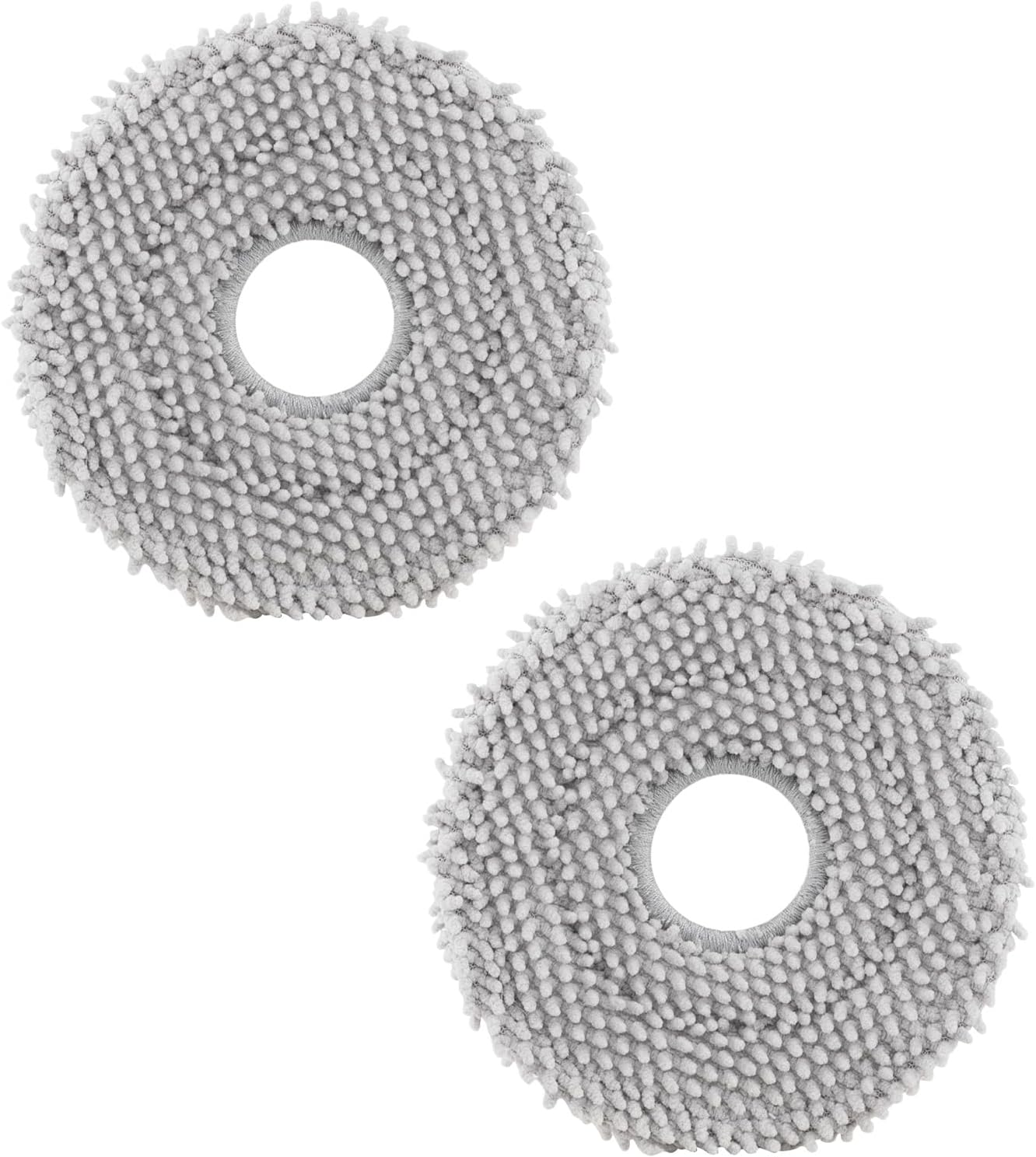
roborock 4 Pack Microfiber Mop Cloths for Q Revo, Qrevo M...

roborock 4 Pack Microfiber Mop Cloths for QV 35A/QV 35S/Q...
As an Amazon Associate we earn from qualifying purchases.
Official Manufacturer Manual
Roborock provides official product documentation through their online manual rather than downloadable PDF. Access setup guides, troubleshooting steps, and product specifications for your Roborock Q Revo Pro.
Source: roborock.com
Need More Help? Roborock Support
Note: The contact information below connects you directly to Roborock's official customer support team, not Trunetto. They can help with warranty claims, device replacements, and advanced technical issues.
How Does Roborock Compare?
Before replacing your Roborock device, see how it stacks up against alternatives in our full comparison guides.


