

Why Won't My Roborock Mop Scrub or Make Contact with the Floor?
- VibraRise mop lift stuck in raised position due to a mechanical jam or firmware bug
- Mop vibration motor failed — common after 1-2 years of daily use
- Mop plate spring tension weakened reducing downward pressure on the floor
Problem Description
Your Roborock mop module is attached but the mop pad is not scrubbing or making proper contact with the floor. The robot moves across the room but the mop either hovers above the floor, barely touches the surface, or does not vibrate or rotate. For streaking issues where the mop does touch the floor but leaves marks, see our Roborock mop streaks guide. This guide covers the mechanical and software reasons the mop module fails to engage: mop lift not disengaging on hard floors, vibration motor failure, rotating pad motor issues, and mop plate not lowering correctly.
Why This Happens in Real Homes
Mop lift mechanism issues became more common after Roborock introduced VibraRise on the S7 series. The lift motor is a small servo that raises and lowers the plate thousands of times over the robot lifetime and can wear out after 1-2 years of daily use. Q Revo dual-pad rotation motor failures are less common but tend to affect one side only, which users notice as uneven cleaning patterns — one side of the robot path is clean while the other is not.
Symptoms
- Mop pad is attached but floors are still dry after a mopping run
- Mop vibration motor not buzzing — pad sits on floor without scrubbing action
- Roborock mop lifts for carpet but does not lower back down on hard floors
- Only one of two rotating mop pads spins on Q Revo models
- Water dispensing but pad not making floor contact — water pools under the robot
- Mop plate stuck in raised position after VibraRise activation
- Robot shows mop mode active but pad is visibly not touching the floor surface
- Mop pressure noticeably weaker than when the robot was new
Recognize these? Here's what usually causes it.
Common Causes
- VibraRise mop lift stuck in raised position due to a mechanical jam or firmware bug
- Mop vibration motor failed — common after 1-2 years of daily use
- Mop plate spring tension weakened reducing downward pressure on the floor
- Incorrect cleaning mode selected — vacuum-only mode lifts the mop automatically
- Mop module not fully clicked into the robot mounting slot
- Carpet detection keeping the mop raised even on hard floors
- Q Revo pad spindle motor failure on one side
- Debris jammed between the mop plate and the robot body preventing full lowering
Most fixes happen in the first 3 steps.
Do not force the mop plate down if the VibraRise lift is stuck — the lift mechanism uses a small motor and gear that can strip if forced. If gentle pressure does not lower the plate, the motor needs service, not brute force.
Tools & Requirements
These tools will help you complete this fix.
As an Amazon Associate we earn from qualifying purchases.
Step-by-Step Solution
Verify the correct cleaning mode is selected
In the Roborock app, check that you have selected Mop Only or Vacuum & Mop mode — not Vacuum Only. In Vacuum Only mode on S7 and S8 models with VibraRise, the mop automatically lifts and does not engage the floor. Also check if carpet mode is enabled: if the robot detects carpet incorrectly on a hard floor, it will lift the mop. Some dark-colored hard floors trigger false carpet detection. In the app, you can set specific rooms to Hard Floor to override the automatic detection.
Check that the mop module is fully seated
On S7 and S8 models, the mop plate slides onto the bottom of the robot and clicks into place. If it is not fully seated, the plate may sit slightly crooked and not make full floor contact. Remove the mop plate by pressing the release tabs and pulling it straight back. Check the mounting rails for debris or dried cleaning solution. Reattach the plate by sliding it forward until both sides click. On Q Revo models, the dual spinning pads snap onto individual spindles — check that each pad holder is fully locked by pushing it up and twisting until it clicks.
Fix VibraRise mop lift stuck in raised position
The S7 and S8 VibraRise system lifts the mop 5mm when it detects carpet and lowers it on hard floors. If the lift mechanism is stuck in the raised position, the mop hovers above the floor without scrubbing. Power off the robot. Flip it over and gently press the mop plate down — it should lower with slight resistance and spring back. If it does not move, debris may be jammed in the lift mechanism. Remove the mop plate and inspect the lift rails on the robot underside for hair or dried grime. Clean with a dry cloth or compressed air. Reinstall the plate and reboot the robot. If the plate still does not lower, the lift motor or spring may need replacement — contact Roborock support.

Needed for this step
MR.SIGA Microfiber Cleaning Cloth,Pack of 12,Si...
This helps complete the fix you are currently reading.
$13.99Test the vibration or rotation motor
Start a mop cleaning cycle on a hard floor and flip the robot briefly to see if the mop pad is vibrating (S7/S8) or rotating (Q Revo). On S7/S8, you should feel and hear a high-frequency buzz from the mop plate. If the pad is stationary, the vibration motor has likely failed. On Q Revo, both pads should be spinning. If one pad spins and one does not, that spindle motor has failed. Single motor failures are covered under Roborock 2-year warranty. As a temporary workaround on the Q Revo, you can continue using it with one working pad — cleaning will be uneven but functional.
Clean debris from the mop plate mechanism
Hair, dried cleaning solution, and dust can accumulate in the gap between the mop plate and the robot body, preventing the plate from sitting flush against the floor. Remove the mop plate and inspect both the plate top and the robot mounting surface. Wipe away any buildup. On models with the water dispensing port, check that the port hole on the robot and the corresponding intake on the mop plate are aligned and not clogged. A clogged water port means the pad stays dry even with a full tank — not a floor contact issue but produces the same result of floors not getting clean.
Quick Solutions
Still having issues? This is usually the deeper cause below.
If the robot returns to the dock mid-clean, moved furniture may have invalidated its map — a fresh floor scan resolves the majority of navigation failures.
The VibraRise mop lift is designed to raise only 5mm — enough to keep carpet dry but not a full retraction. Even in raised mode, the mop pad may still lightly brush thick carpet. If you have high-pile carpet and want zero mop contact, remove the mop module entirely for vacuum-only carpet sessions.
Over-saturation complaints spike in humid conditions — ambient humidity causes the mop pad to hold more water, compounding the pump output on the same flow setting.
- VibraRise mop lift stuck in raised position
- Mop vibration motor failed — common
- Mop plate spring tension weakened reducing downward pressure on
- Incorrect cleaning mode selected — vacuum-only mode lifts the
- Mop module not fully clicked into the robot mounting
Before you go — try one of these (they fix most cases).
Most popular upgrades chosen by Roborock Robot Vacuum owners.

roborock 2 Pack Microfiber Mop Cloths for Q7 M5, Q7 M5+, ...
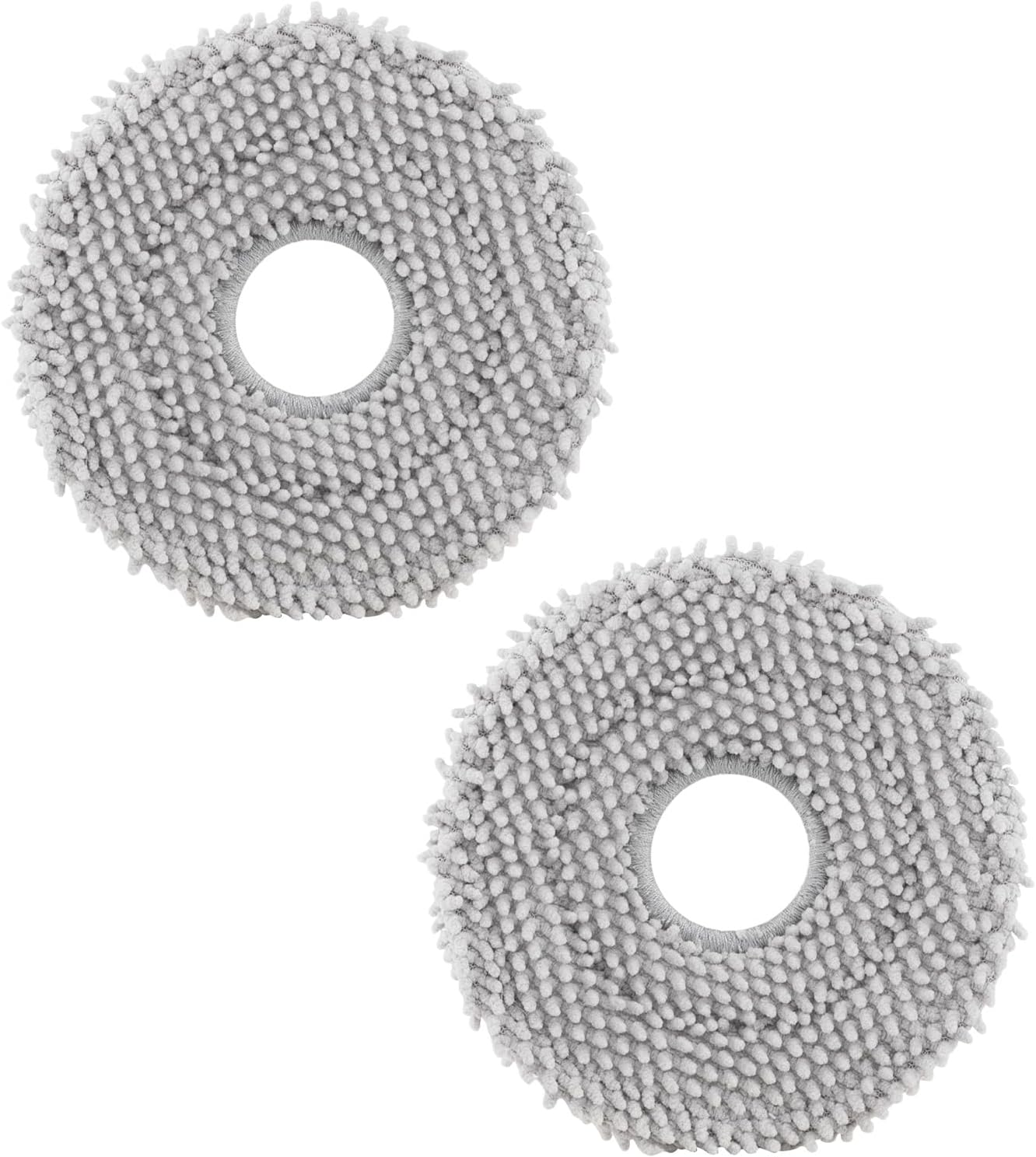
roborock 4 Pack Microfiber Mop Cloths for Q Revo, Qrevo M...

roborock 4 Pack Microfiber Mop Cloths for QV 35A/QV 35S/Q...
As an Amazon Associate we earn from qualifying purchases.
Official Manufacturer Manual
Roborock provides official product documentation through their online manual rather than downloadable PDF. Access setup guides, troubleshooting steps, and product specifications for your Roborock Robot Vacuum.
Source: support.roborock.com
Need More Help? Roborock Support
Note: The contact information below connects you directly to Roborock's official customer support team, not Trunetto. They can help with warranty claims, device replacements, and advanced technical issues.
How Does Roborock Compare?
Before replacing your Roborock device, see how it stacks up against alternatives in our full comparison guides.
Guide Improvements
- Updated June 18, 2026
Differentiated from streaks guide to focus on mechanical mop contact failures — VibraRise stuck, rotation motor failures, and mop plate seating issues
Source: SEO cannibalization fix


