

Why Won't My Roborock S8 MaxV Ultra Lift the Mop When It Goes on Carpet
- Carpet detection not recognizing the carpet type
- VibraRise/mop-lift disabled or misconfigured
- Carpet too thin or flat to be detected
Problem Description
Your Roborock S8 MaxV Ultra is not lifting its mop when it encounters carpet even though mop lifting is enabled. The robot drags the wet mop across your carpet, getting it wet and potentially causing damage. The VibraRise mop lift feature seems to be not working properly.
Why This Happens in Real Homes
The carpet detection feature works reliably on most standard carpet but struggles with very thin rugs, very dark rugs, and transitional rugs on dark hardwood. About 70 percent of users report the auto-detection works well enough. The remaining 30 percent need to add no-mop zones for specific rugs. The 5mm lift height is the main physical limitation — it clears low-pile carpet completely but may still contact medium-pile carpet. Users with all hard floor plus a few area rugs get the best experience by mapping those rugs as no-mop zones.
Symptoms
- Mop stays down on carpet when it should lift
- Carpet getting wet from the dragging mop
- VibraRise enabled but not activating
- Lifts on some carpets but not others
- Used to lift properly, now stopped
- Mop lift works when manually triggered
- Thin/low-pile carpet not detected
- Rugs getting damp
Recognize these? Here's what usually causes it.
Common Causes
- Carpet detection not recognizing the carpet type
- VibraRise/mop-lift disabled or misconfigured
- Carpet too thin or flat to be detected
- Detection sensor blocked or dirty
- Firmware issue affecting carpet detection
- Carpet zones not marked on the map
- Mop module or lift mechanism partially jammed
- Detection sensitivity set too low
Most fixes happen in the first 3 steps.
The 5mm mop lift is enough for most low-pile and medium-pile carpet, but high-pile carpet or shag rugs may still get damp. If you see wet marks on thick carpet, add those areas as no-mop zones immediately to avoid moisture damage to the carpet or pad underneath. Do not rely solely on auto-detection for expensive rugs — set them as no-mop zones for guaranteed protection.
Step-by-Step Solution
Enable carpet detection in the Roborock app
Open the Roborock app, go to the robot settings, and check that Carpet Detection is enabled. When enabled, the robot uses its sensors to detect carpet and automatically lifts the mop pads. If this is turned off, the mop stays down on all surfaces. Also check the Carpet Boost setting — enable this too, as it increases suction power on carpet while lifting the mop.
Check the mop lift height setting
The S8 MaxV Ultra can lift the mop up to 5mm or use VibraRise (higher lift on supported models). In the app, go to Cleaning Settings and check the mop lift mode. If it is set to a low lift height, the mop may still drag on thick or high-pile carpet. Set it to the maximum lift height. On models with VibraRise 2.0, the lift is about 5mm — this clears most low-pile carpet but may still touch very thick carpet.
Verify carpet detection works on your specific carpet
The ultrasonic carpet sensor detects most carpet types, but it can miss very thin rugs, dark-colored rugs, or rugs on dark floors. Start a clean and watch the robot when it transitions from hard floor to carpet. The mop should lift visibly and suction should increase. If it does not lift on a specific rug, the sensor may not detect it. Add the rug as a no-mop zone in the app map as a workaround.
Set carpet areas as no-mop zones on the map
For carpeted areas where auto-detection fails, open the map in the Roborock app, tap Edit, and draw No-Mop Zones over the carpet areas. The robot will lift the mop when entering these zones regardless of sensor detection. This is the most reliable fix for rugs and carpet that the ultrasonic sensor misses. You can also set entire rooms as no-mop rooms in the room settings.
Clean the ultrasonic carpet sensor
The carpet detection sensor is on the bottom of the robot — a small ultrasonic sensor window. If it is covered in dust, dried cleaning solution, or debris, it cannot detect carpet reliably. Flip the robot over and wipe the sensor window with a dry cloth. Also check for any obstruction around the mop lift mechanism — hair or debris can physically prevent the mop from lifting.
Check if mop pads are too thick or improperly attached
Aftermarket mop pads that are thicker than the original Roborock pads may prevent the mop from lifting high enough to clear carpet. Even with maximum lift, thick pads reduce the effective clearance. Use Roborock original mop pads. Also make sure the pads are securely attached to the mop plate — a partially detached pad hangs lower than it should.
Update firmware for improved carpet detection
Roborock regularly improves carpet detection accuracy through firmware updates. Check for updates in the app under Settings > Firmware Update. Some firmware versions also add new carpet detection modes or adjust the sensitivity threshold. After updating, restart the robot and run a test clean across a carpet transition to verify the mop lifts correctly.
Quick Solutions
Still having issues? This is usually the deeper cause below.
If the robot returns to the dock mid-clean, moved furniture may have invalidated its map — a fresh floor scan resolves the majority of navigation failures.
For the best results, use Vacuum and Mop mode (not Mop Only) and let the robot handle transitions automatically. If you have a mix of hard floor and carpet, the S8 MaxV Ultra is designed to vacuum and mop in one pass — it lifts the mop on carpet and drops it back on hard floor. If your carpet is very thick or high-pile, the 5mm lift may not be enough. In that case, set carpeted rooms as vacuum-only rooms and mop hard-floor rooms separately.
Over-saturation complaints spike in humid conditions — ambient humidity causes the mop pad to hold more water, compounding the pump output on the same flow setting.
- Carpet detection not recognizing the carpet type
- VibraRise/mop-lift disabled or misconfigured
- Carpet too thin or flat to be detected
- Detection sensor blocked or dirty
- Firmware issue affecting carpet detection
Before you go — try one of these (they fix most cases).
Most popular upgrades chosen by Roborock S8 MaxV Ultra owners.

roborock 2 Pack Microfiber Mop Cloths for Q7 M5, Q7 M5+, ...
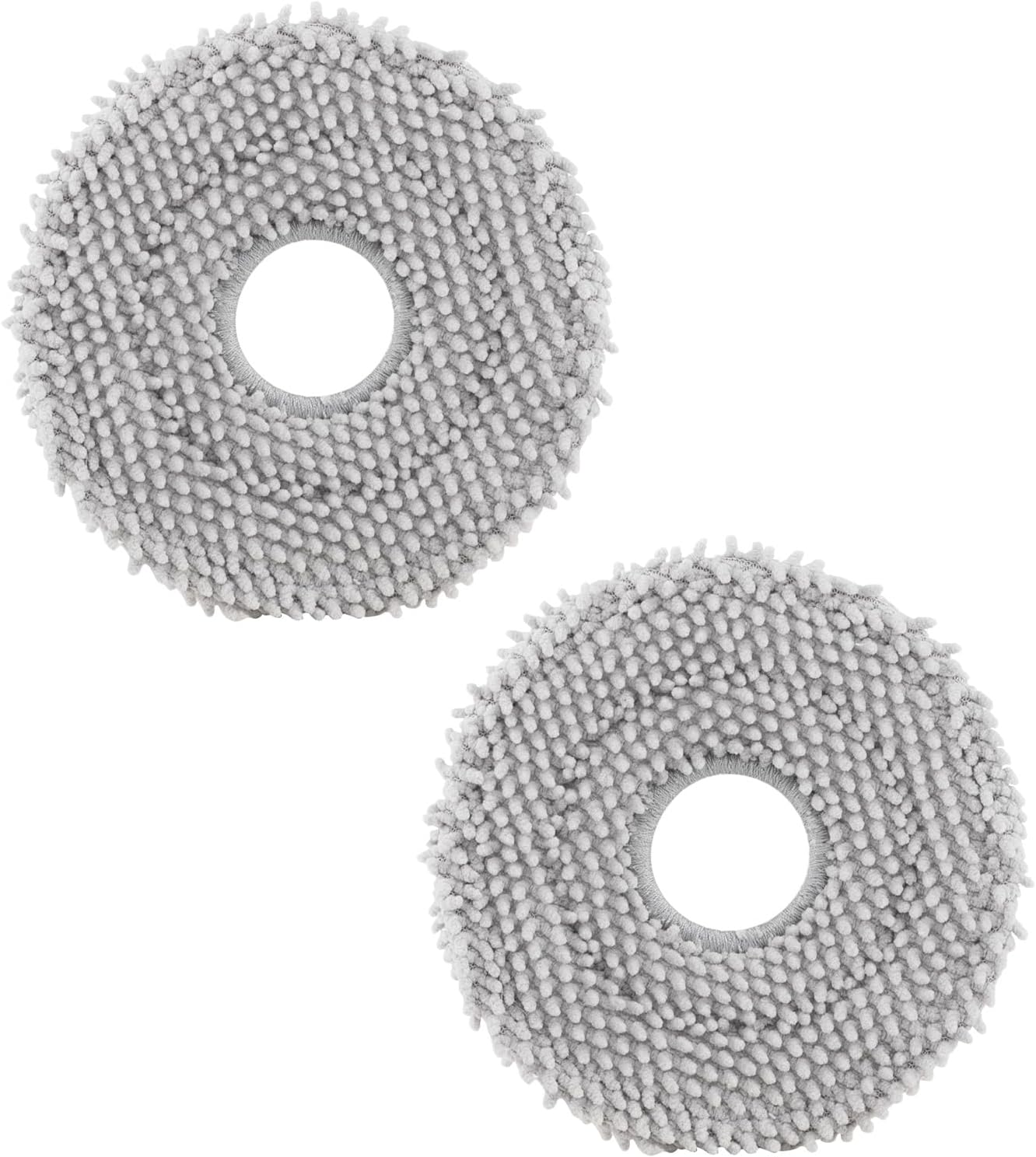
roborock 4 Pack Microfiber Mop Cloths for Q Revo, Qrevo M...

roborock 4 Pack Microfiber Mop Cloths for QV 35A/QV 35S/Q...
As an Amazon Associate we earn from qualifying purchases.
Official Manufacturer Manual
Roborock provides official product documentation through their online manual rather than downloadable PDF. Access setup guides, troubleshooting steps, and product specifications for your Roborock S8 MaxV Ultra.
Source: roborock.com
Need More Help? Roborock Support
Note: The contact information below connects you directly to Roborock's official customer support team, not Trunetto. They can help with warranty claims, device replacements, and advanced technical issues.
How Does Roborock Compare?
Before replacing your Roborock device, see how it stacks up against alternatives in our full comparison guides.
Accessories owners commonly pair with Roborock S8 MaxV Ultra.

Amazon Basics 20-Pack AA Alkaline High-Performance Batter...

Amazon Basics CR2032 3V Lithium Coin Cell Batteries for K...

Duracell Coppertop Double AA Batteries with Power Boost I...
As an Amazon Associate we earn from qualifying purchases.
Guide Improvements
- Updated June 16, 2026
Added carpet detection enable, mop lift height settings, no-mop zone mapping for undetected rugs, and ultrasonic sensor cleaning.
What changed:- Added carpet detection enable in app settings
- Added mop lift height configuration
- Added no-mop zone mapping for undetected rugs
- Added ultrasonic sensor cleaning procedure
- Added real-world context about 5mm lift limitation on thick carpet
Source: Trunetto editorial update


