

Roborock Dock Station Leaking Water on Floor
- Dirty water tank full and overflowing
- Tank seals or gaskets damaged or dirty
- Water inlet/outlet hoses kinked or clogged
Problem Description
Your Roborock docking station with auto-mop washing and filling capabilities is leaking water onto the floor. You may find puddles around the dock, the dirty water tank overflowing, or water dripping from the clean water tank area. This can damage your flooring and indicates a problem with the dock's water management.
Why This Happens in Real Homes
The most common cause is a full dirty water tank — the dock has nowhere to send the used water, so it backs up and leaks onto the floor. Second most common is clogged drain channels in the base plate, especially if the robot picks up a lot of hair. Users who empty the dirty tank daily and clean the base plate weekly almost never have leaking issues. Aftermarket mop pads also cause problems because they absorb differently than OEM pads.
Symptoms
- Puddles of water around the dock
- Dirty water tank overflowing though not full
- Water dripping from under the dock
- Clean water tank empties too quickly
- Water stains/damage on nearby flooring
- Water-related error messages in the app
- Wet dock base after cycles
- Leak worsens over repeated washes
Recognize these? Here's what usually causes it.
Common Causes
- Dirty water tank full and overflowing
- Tank seals or gaskets damaged or dirty
- Water inlet/outlet hoses kinked or clogged
- Mop washing tray not seated correctly
- Dock not level, causing water to spill
- Cracked water tank or dock component
- Tank not fully seated, so it drips
- Overfilled clean water tank
Most fixes happen in the first 3 steps.
Never use third-party cleaning solutions in the clean water tank unless Roborock explicitly supports them. Many cleaning solutions create foam that overflows the drainage system and causes leaks that look like a hardware problem. Use only water or Roborock-approved floor cleaner.
Tools & Requirements
These tools will help you complete this fix.

Clean cloths
Eye Glass Clean Cloths 6*7in 6 Pcs, Individually Wra...

Level
9 Inch Torpedo Level Magnetic, Shock-Proof Small Lev...
As an Amazon Associate we earn from qualifying purchases.
Step-by-Step Solution
Check the clean water tank seal and seating
Remove the clean water tank from the dock. Look at the rubber seal around the bottom connection point — if it is cracked, warped, or has debris stuck to it, water will leak when the dock tries to fill the mop. Clean the seal with a damp cloth, make sure it is fully seated in its groove, and reinsert the tank firmly until it clicks. A loose or misaligned tank is the most common cause of dock leaks.
Needed for this step
Eye Glass Clean Cloths 6*7in 6 Pcs, Individuall...
This helps complete the fix you are currently reading.
$5.99Inspect the dirty water tank for overflow
Pull out the dirty water tank and check the water level. If it is full or near-full, the dock has nowhere to pump used water and it backs up onto the base plate. Empty the dirty water tank after every 2-3 cleaning cycles. Also check the float valve inside the dirty water tank — if the small white float is stuck or missing, the dock cannot detect that the tank is full and will keep pumping.
Needed for this step
9 Inch Torpedo Level Magnetic, Shock-Proof Smal...
This helps complete the fix you are currently reading.
$6.99Clean the dock base plate and drain channels
Lift the dock cover and look at the base plate where the robot parks. There are small drain channels and holes that route water from the mop washing area into the dirty water tank. If these are clogged with hair, lint, or dried cleaning solution, water pools on the base plate and leaks out the front or sides. Use a small brush or toothpick to clear the drain holes, then wipe the base plate clean.
Check mop pads for over-saturation
If the mop pads are too thick, aftermarket, or improperly attached, the dock may dispense too much water trying to clean them, or the pads may not wring properly. Use only Roborock original mop pads. Make sure they are firmly attached to the mop plate — a loose pad catches extra water and drips it across the base plate.
Reduce water flow in the app settings
Open the Roborock app, go to the dock settings, and reduce the mop washing water level. If it is set to High or Max, the dock uses more water per wash cycle, which increases the chance of overflow and splashing. Set it to Medium and test for a few cycles. Also check if Back-Wash Frequency is set too high — more washes means more water throughput.
Level the dock on the floor
If the dock is not sitting flat, water pools on one side instead of draining evenly into the dirty water tank. Place a level on the dock or look at standing water on the base plate — if it all collects on one side, the dock is tilted. Move it to a level surface or shim the low side. Avoid placing the dock on carpet or uneven tile.
Check for internal pump or hose leak
If nothing above worked fixes work, the internal water pump or connecting hoses may have a crack or loose connection. Unplug the dock, remove both tanks, and tilt it gently to see if water drips from inside the dock body. If you see water inside the housing, contact Roborock support for warranty service — do not try to open the dock yourself as it voids the warranty.
Quick Solutions
Still having issues? This is usually the deeper cause below.
If this comes back after following these steps, check whether a recent app or firmware update reset a default setting — the fix works, but the setting gets reverted silently.
Use a tray or mat under the dock to protect your floor while troubleshooting. Roborock docks leak most often when the dirty water tank is full or when the base plate drains are clogged — checking these two things first solves most cases in under 5 minutes.
Robot vacuums that 'stop working' are usually fighting a corrupted map from moved furniture — a fresh floor scan fixes the majority of reported failures.
- Dirty water tank full and overflowing
- Tank seals or gaskets damaged or dirty
- Water inlet/outlet hoses kinked or clogged
- Mop washing tray not seated correctly
- Dock not level, causing water to spill
Before you go — try one of these (they fix most cases).
Most popular upgrades chosen by Roborock Auto-Empty Dock / Dock Ultra owners.

roborock 2 Pack Microfiber Mop Cloths for Q7 M5, Q7 M5+, ...
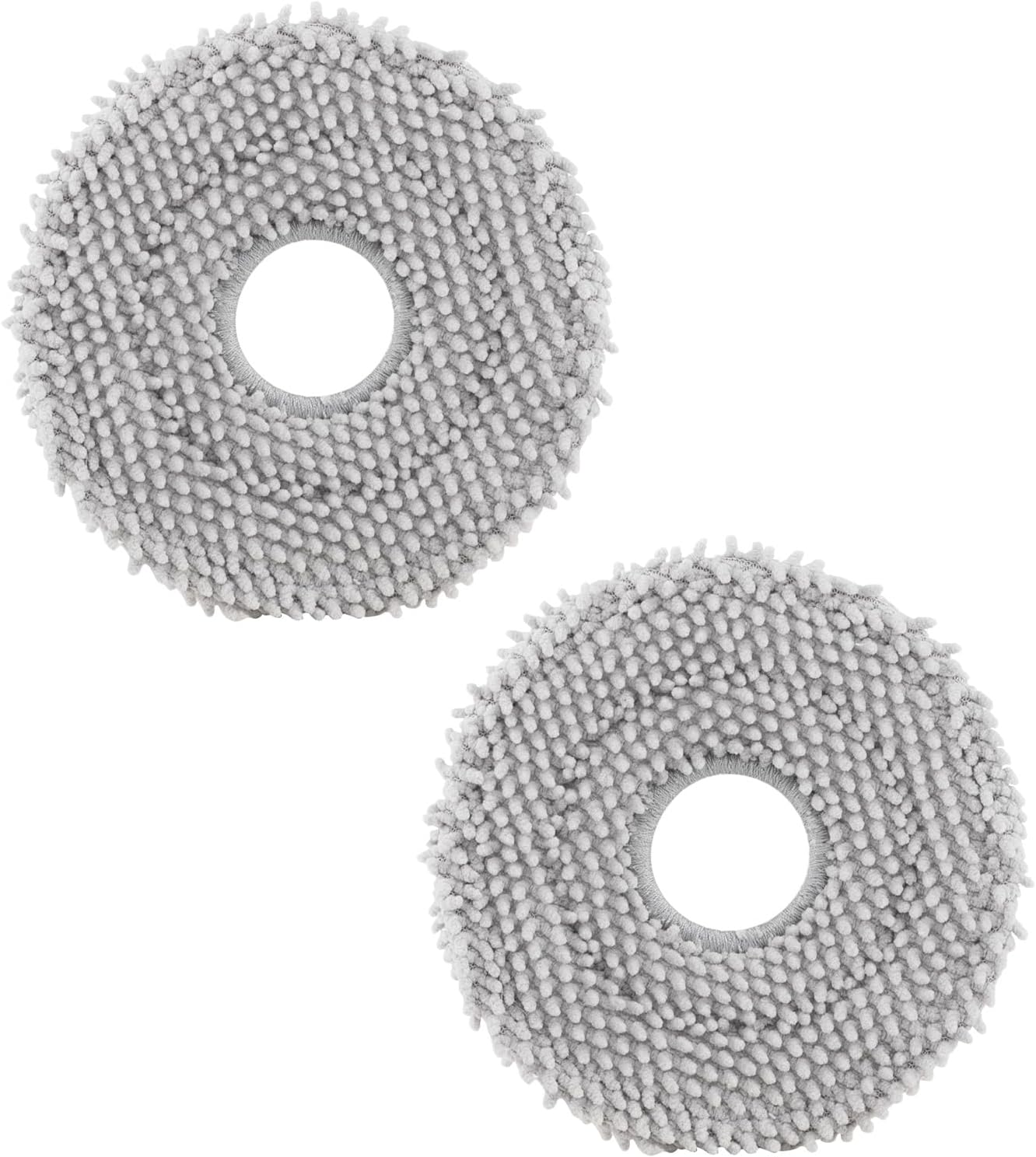
roborock 4 Pack Microfiber Mop Cloths for Q Revo, Qrevo M...

roborock 4 Pack Microfiber Mop Cloths for QV 35A/QV 35S/Q...
As an Amazon Associate we earn from qualifying purchases.
Official Manufacturer Manual
Roborock provides official product documentation through their online manual rather than downloadable PDF. Access setup guides, troubleshooting steps, and product specifications for your Roborock Auto-Empty Dock / Dock Ultra.
Source: support.roborock.com
Need More Help? Roborock Support
Note: The contact information below connects you directly to Roborock's official customer support team, not Trunetto. They can help with warranty claims, device replacements, and advanced technical issues.
How Does Roborock Compare?
Before replacing your Roborock device, see how it stacks up against alternatives in our full comparison guides.
Accessories owners commonly pair with Roborock Auto-Empty Dock / Dock Ultra.

Amazon Basics 20-Pack AA Alkaline High-Performance Batter...

Amazon Basics CR2032 3V Lithium Coin Cell Batteries for K...

Duracell Coppertop Double AA Batteries with Power Boost I...
As an Amazon Associate we earn from qualifying purchases.
Guide Improvements
- Updated June 16, 2026
Added dirty water tank overflow fix, drain channel cleaning, dock leveling, and internal pump leak diagnostics.
What changed:- Added dirty water tank overflow as primary cause
- Added drain channel and base plate cleaning steps
- Added dock leveling check
- Added internal pump leak diagnostics
- Added real-world context about maintenance frequency
Source: Trunetto editorial update


