

How to Install Amcrest ASH21-B SmartHome AI Camera
- AI Camera Preparation
- Smart Home Integration Planning
- Network Setup for AI
- Amcrest SmartHome Setup
- Human Detection Configuration
- Smart Home Device Linking
Most users complete this in under 45 minutes
Overview
Amcrest Amcrest ASH21-B SmartHome AI Camera setup takes under 15 minutes for most users — if you're stuck, the steps below target the specific points where installs stall.
This guide covers the installation and configuration of the Amcrest ASH21-B SmartHome AI Camera, an indoor 1080p camera with person detection, activity zones, and two-way audio. Setup requires the Amcrest Smart Home app and a 2.4GHz WiFi connection. The ASH21-B integrates with Alexa for live view on Echo Show devices.
Why This Happens in Real Homes
The Amcrest ASH21-B is an indoor SmartHome AI camera that connects over 2.4GHz WiFi and is set up through the Amcrest Smart Home app (distinct from Amcrest View Pro), with AI features like person and pet detection and local microSD recording. The usual setup snags are a 5GHz-only network and using the wrong app.
Put the camera in pairing mode, open the Amcrest Smart Home app, and connect it to a 2.4GHz network with the correct password, scanning the QR code when prompted. Insert a compatible, formatted microSD for local recording, ensure the mounting spot has decent 2.4GHz coverage, and install any firmware. Then enable the AI detection features you want in the app.
What's Included
- Installing the ASH21-B
- Won't connect to WiFi
- App can't find the camera
- QR/pairing questions
- Not in setup mode
- microSD questions
- Offline after setup
- AI features setup
Got your materials ready? Here's what to check first.
Before You Start
- Connecting to 5GHz not 2.4GHz
- Camera not in pairing mode
- Weak 2.4GHz at the location
- Wrong WiFi password
- Using the wrong app
- QR not scanned
- Firmware update pending
- microSD incompatible
Don't skip this step — it breaks everything if you do
AI features require stable internet. Human detection accuracy improves over time. Smart home integration varies by platform compatibility.
Tools & Requirements
These tools will help you complete this fix.

Drill optional
DEWALT 20V MAX Cordless Drill and Impact Driver, Pow...

Level
9 Inch Torpedo Level Magnetic, Shock-Proof Small Lev...

Screwdriver
STREBITO 155 in 1 Electric Screwdriver Set, Small El...
As an Amazon Associate we earn from qualifying purchases.
Installation Steps
AI Camera Preparation
Unbox ASH21-B and note AI processing capabilities. Review human detection features and smart home compatibility.
Smart Home Integration Planning
Plan integration with smart home systems like Alexa, Google Assistant, or home automation platforms before installation.
Network Setup for AI
Connect to Wi-Fi network with adequate bandwidth for AI processing. AI features require stable internet connection for cloud processing.
Amcrest SmartHome Setup
Download Amcrest SmartHome app (different from standard Amcrest View) for AI features and smart home integration.
Human Detection Configuration
Configure AI human detection sensitivity and zones. Set up notifications specifically for human presence detection.
Smart Home Device Linking
Link ASH21-B to smart home devices and automation routines. Configure voice control and integration with other smart devices.
AI Learning Period
Allow AI system to learn environment patterns over first few days. Human detection accuracy improves with usage.
Smart Feature Testing
Test all AI features including human detection, smart notifications, and integration with home automation systems.
Installation Tips
Still stuck? This is usually the deeper cause below.
ASH21-B features AI human detection and smart home integration. Requires internet connection for cloud AI processing. Budget-friendly AI camera option.
Before you go — these Amcrest guides fix most remaining issues.
Most popular upgrades chosen by Amcrest ASH21-B SmartHome AI Camera owners.
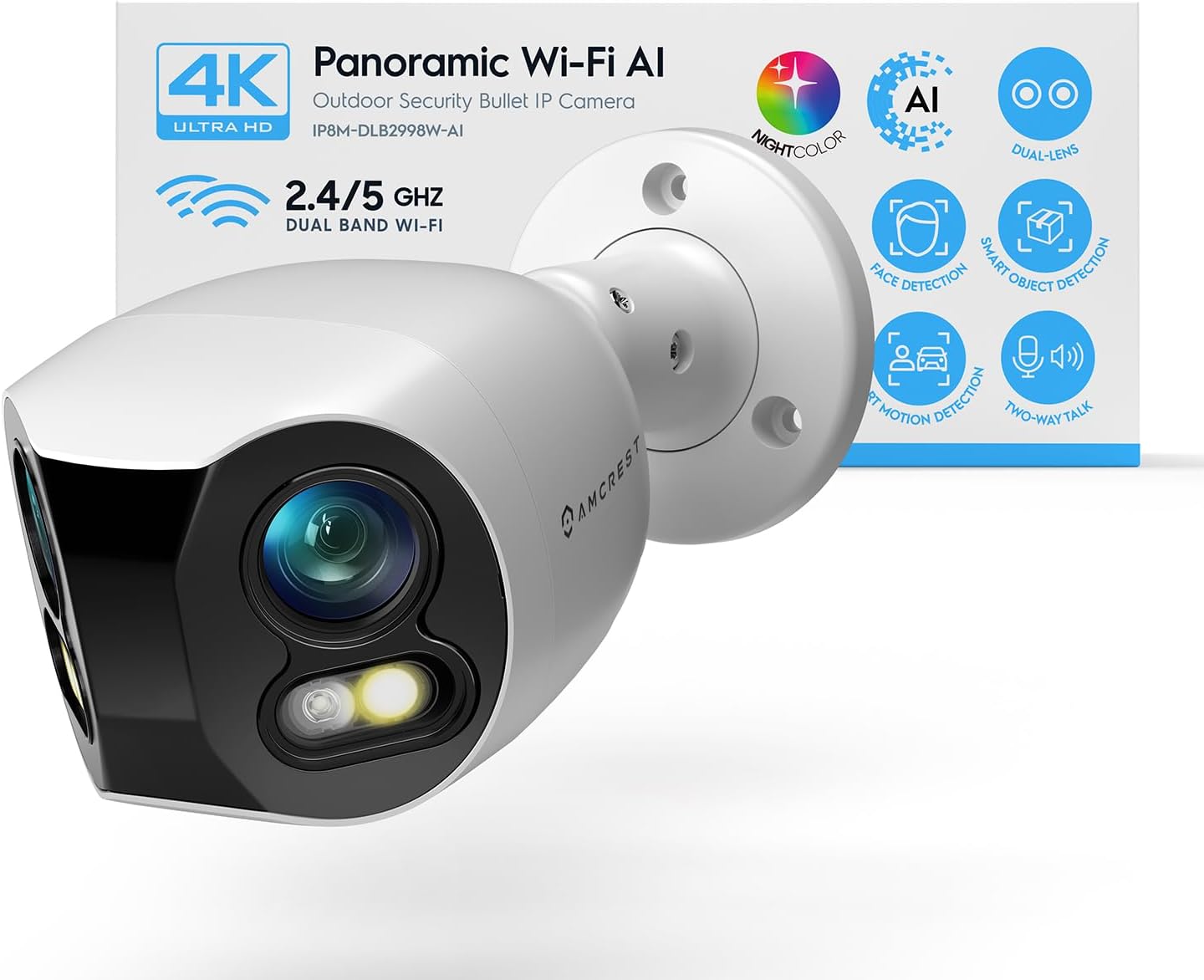
Amcrest Dual-Lens 4K (8MP) Outdoor Security WiFi Camera, ...

Amcrest 2-Pack 1080p WiFi Camera Indoor, 2MP Pan/Tilt Hom...

Amcrest 4MP ProHD Indoor WiFi Camera, Security IP Camera ...
As an Amazon Associate we earn from qualifying purchases.
Official Manufacturer Manual
If you need the complete manufacturer documentation for advanced setup, wiring diagrams, or detailed specifications, you can download the official manual below. The manual includes full technical instructions directly from the manufacturer and may help if your issue requires deeper troubleshooting.
Download the Official Amcrest ASH21-B SmartHome AI Camera ManualSource: amcrest.com
Need More Help? Amcrest Support
Note: The contact information below connects you directly to Amcrest's official customer support team, not Trunetto. They can help with warranty claims, device replacements, and advanced technical issues.


