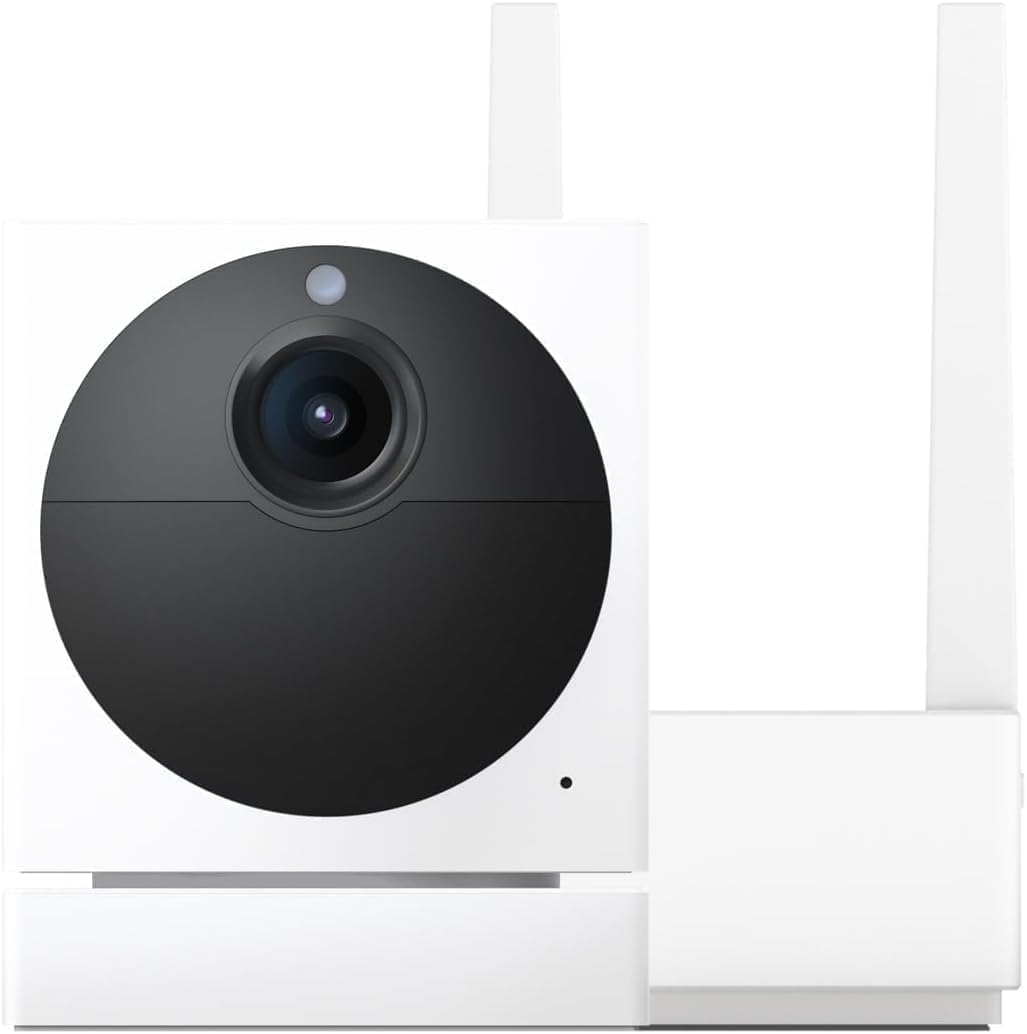
Why Does My Wyze Cam Pan v3 Lose Tracking After Motion Detection and Not Return to Position
- Motor calibration lost or drifted
- Motion detection zone extends beyond physical range
- Multiple motion events confusing tracking logic
Problem Description
Your Wyze Cam Pan v3 motion tracking moves to follow detected motion but then gets stuck or fails to return to its home position. The camera may end up pointing at a wall, ceiling, or completely wrong direction after tracking completes. You have to manually reset its position through the app repeatedly.
Why This Happens in Real Homes
When a Pan v3 tracks a subject and then loses it, the usual causes are calibration drift and a detection zone that reaches past where the camera can physically point. Once the head's position reference drifts, its idea of where the motion went stops matching reality, and it settles on the wrong spot.
Start by recalibrating the pan/tilt (Reset Position) and narrowing the detection zone to the area the camera can actually cover. Turning off overlapping Pan Scan waypoints while tracking, and keeping just one main subject in view, keeps it from handing off to a second motion event mid-track.
Symptoms
- Camera tracks motion but does not return home
- Pan position stuck after tracking sequence
- Camera ends up pointing at wall or ceiling
- Motion tracking works but leaves camera misaligned
- Pan scan and tracking interfere with each other
- Camera does not know where home position is
Recognize these? Here's what usually causes it.
Common Causes
- Motor calibration lost or drifted
- Motion detection zone extends beyond physical range
- Multiple motion events confusing tracking logic
- Pan scan conflicting with motion tracking
- Firmware bug in tracking algorithm
- Physical obstruction preventing full rotation
Most fixes happen in the first 3 steps.
Do not physically force the camera to rotate when it is stuck. This can damage the gears. Use the app reset function instead, or power cycle the camera to return motor control to a known state.
Step-by-Step Solution
Reset Motor Calibration
Open the Wyze app and go to your Pan v3 camera settings. Find Motor Controls or Pan & Tilt settings. Look for Reset Position or Calibrate option. The camera will cycle through its full range of motion to recalibrate where it thinks center and limits are. This fixes drift issues.
Set a Home Position
After calibration, manually position the camera to your preferred default view using the directional controls. Then save this as the Home Position. When tracking ends, the camera should return here. If no home position is set, the camera may stay wherever tracking left it.
Adjust Motion Tracking Settings
If tracking sensitivity is too high, the camera constantly moves to follow any motion and never settles. In camera settings, reduce Motion Tracking Sensitivity. You can also enable Return to Home After to automatically move back to home position after a set time.
Disable Pan Scan If Not Needed
Pan Scan makes the camera sweep across waypoints on a schedule. If both Pan Scan and Motion Tracking are enabled, they can conflict. The camera may be trying to follow motion while also trying to reach the next pan scan waypoint. Disable Pan Scan if you primarily want motion tracking.
Check for Physical Obstructions
If cables or nearby objects prevent the camera from completing its full pan or tilt range, it may get stuck. Make sure the camera has clear rotation space. Cable management should allow the camera to rotate fully without tangling. Test manual pan control to verify full range of motion works.
Quick Solutions
Still having issues? This is usually the deeper cause below.
If the sensor still misses events after repositioning, check whether a scheduled 'home' or 'away' mode is overriding the sensitivity setting silently.
Enable the feature to return to home position after a set period of inactivity. This ensures even if tracking gets confused, the camera will eventually reset itself to your preferred viewing angle.
This issue almost always looks more complex than it is — the majority of cases trace back to a single setting, a stale credential, or a default that shipped wrong.
- Motor calibration lost or drifted
- Motion detection zone extends beyond physical range
- Multiple motion events confusing tracking logic
- Pan scan conflicting with motion tracking
- Firmware bug in tracking algorithm
Before you go — try one of these (they fix most cases).
Most popular upgrades chosen by Wyze Cam Pan v3 owners.

WYZE Cam Pan v3 Indoor/Outdoor IP65 1080P 360° Pan/Tilt/Z...

WYZE Cam Pan v3 Indoor/Outdoor IP65 1080P 360° Pan/Tilt/Z...

WYZE Cam Pan v3 Indoor/Outdoor IP65-Rated 1080p Pan/Tilt/...
As an Amazon Associate we earn from qualifying purchases.
Official Manufacturer Manual
Wyze provides official product documentation through their online manual rather than downloadable PDF. Access setup guides, troubleshooting steps, and product specifications for your Wyze Cam Pan v3.
Source: support.wyze.com
Need More Help? Wyze Support
Note: The contact information below connects you directly to Wyze's official customer support team, not Trunetto. They can help with warranty claims, device replacements, and advanced technical issues.
How Does Wyze Compare?
Before replacing your Wyze device, see how it stacks up against alternatives in our full comparison guides.