Why Are My Lutron Serena Smart Shades Not Responding to the Pico Remote or App
- Shade battery pack depleted and needs recharging or replacement
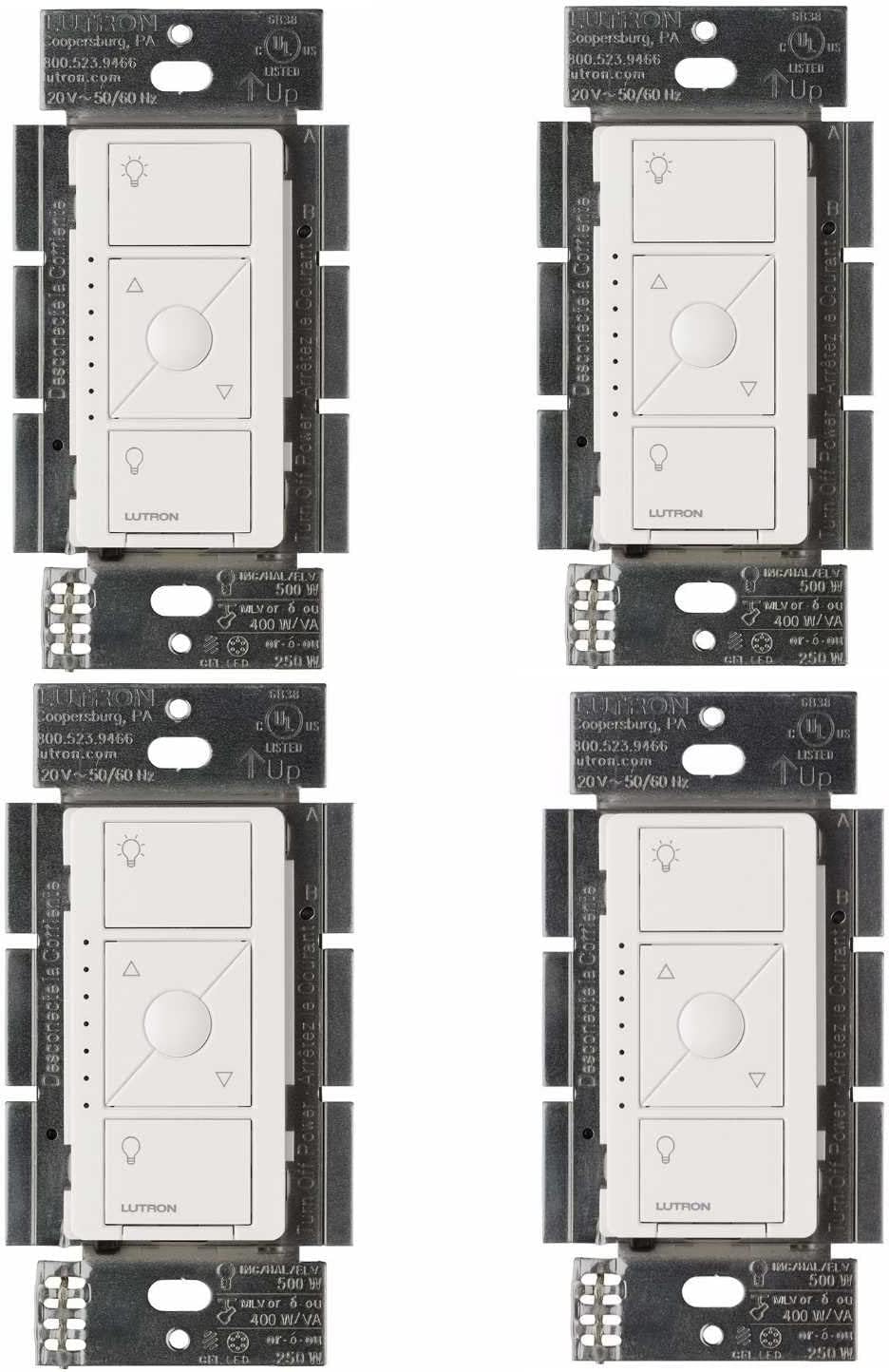
- Pico remote battery dead and needs CR2032 replacement
- Clear Connect radio link lost between shade and Caseta bridge
Problem Description
Your Lutron Serena motorized shades have stopped responding to the Pico remote control, the Lutron app, or voice commands. The shades remain stuck in their current position and do not move when you press buttons on the remote or tap controls in the app. Other Lutron devices in your home may still work normally.
Why This Happens in Real Homes
A Serena shade not responding to the Pico OR the app usually has a depleted battery pack — both control paths ultimately move the same motor, so no power means no movement. If only the app fails, the Bridge is offline while the Pico (RF-direct) still works.
Start by charging or replacing the shade's battery pack, since a dead motor won't respond to anything. If the Pico works but the app doesn't, the Smart Bridge is offline (check its Ethernet/power). If neither works but other shades do, the battery or the shade's pairing is the issue.
Symptoms
- Pressing Pico remote buttons produces no shade movement
- Lutron app shows shades as unresponsive or not connected
- Shades make a brief clicking sound but do not move
- Some shades respond while others on the same remote do not
- Voice commands through Alexa or Google fail to control shades
- Shades stopped working after a Caseta bridge firmware update
Recognize these? Here's what usually causes it.
Common Causes
- Shade battery pack depleted and needs recharging or replacement
- Pico remote battery dead and needs CR2032 replacement
- Clear Connect radio link lost between shade and Caseta bridge
- Shade motor reached its travel limit and needs recalibration
- Caseta Smart Bridge offline or disconnected from network
- Shade was removed from the bridge during a system configuration change
Most fixes happen in the first 3 steps.
Do not manually pull Serena shades up or down while the motor is powered. This can damage the clutch mechanism. Use the app or remote to move shades, or disconnect the battery pack before manual adjustment.
Tools & Requirements
These tools will help you complete this fix.

cr2032 battery
Duracell 2032 Lithium Battery, 6 Count (Pack of 1), ...

Shade charging cable
MSTJRY Charging Station for Multiple Devices : 5 Por...
As an Amazon Associate we earn from qualifying purchases.
Step-by-Step Solution
Check Shade Battery Level
Lutron Serena shades use a rechargeable battery pack. Open the Lutron app and go to the shade device to check the battery level. If below 10 percent, the shade will not have enough power to operate. Locate the battery pack behind the headrail and connect the charging cable. A full charge takes approximately 6 to 8 hours. The shade should begin responding once the battery reaches approximately 20 percent charge.
Needed for this step
Duracell 2032 Lithium Battery, 6 Count (Pack of...
This helps complete the fix you are currently reading.
$6.59Test and Replace Pico Remote Battery
The Pico remote uses a CR2032 coin cell battery that typically lasts 5 to 10 years. To test, press any button and look for the small LED indicator on the remote. If no LED lights up, the battery is dead. Open the battery compartment on the back of the remote and replace with a fresh CR2032. After inserting the new battery, test by pressing the center button to see if the shade responds.
Needed for this step
MSTJRY Charging Station for Multiple Devices : ...
This helps complete the fix you are currently reading.
$29.99Power Cycle the Caseta Bridge
Unplug the Caseta Smart Bridge from power and disconnect the Ethernet cable from your router. Wait 30 seconds. Reconnect the Ethernet cable first, then plug the bridge back in. Wait 2 minutes for the bridge to fully boot and reconnect to the Lutron cloud. The LED on the bridge should show a steady green light when fully connected. Open the Lutron app and verify all devices show as available.
Re-pair the Shade to the Bridge
If the shade still does not respond, it may need to be re-paired. In the Lutron app, go to Settings, then Devices. Find the unresponsive shade and remove it. Then tap Add Device, select Serena Shades, and follow the pairing wizard. Press the pairing button on the shade headrail when prompted. The shade will jog slightly to confirm pairing. Reassign it to the correct room and re-link it to the Pico remote.
Recalibrate Shade Limits
If the shade motor hums or clicks but does not move, the travel limits may need recalibration. In the Lutron app, go to the shade settings and select Adjust Limits. Use the up and down arrows to set the fully open and fully closed positions. Move the shade to each extreme and confirm the position. Save the settings. The shade should now travel the full range without stopping short or overextending.
Quick Solutions
Still having issues? This is usually the deeper cause below.
If this comes back after following these steps, check whether a recent app or firmware update reset a default setting — the fix works, but the setting gets reverted silently.
Lutron Clear Connect has a range of approximately 30 feet through walls. If your shades are far from the Caseta bridge, adding a Lutron in-wall dimmer or plug-in lamp dimmer between them acts as a range extender.
Battery-related failures are almost always flagged too late — the device degrades silently for days before the app catches up to what's actually happening.
- Shade battery pack depleted and needs recharging or replacement
- Pico remote battery dead and needs CR2032 replacement
- Clear Connect radio link lost between shade and Caseta
- Shade motor reached its travel limit and needs recalibration
- Caseta Smart Bridge offline or disconnected from network
Before you go — try one of these (they fix most cases).
Official Manufacturer Manual
Lutron provides official product documentation through their online manual rather than downloadable PDF. Access setup guides, troubleshooting steps, and product specifications for your Lutron Serena Smart Shades.
Source: support.lutron.com
Need More Help? Lutron Support
Note: The contact information below connects you directly to Lutron's official customer support team, not Trunetto. They can help with warranty claims, device replacements, and advanced technical issues.
Accessories owners commonly pair with Lutron Serena Smart Shades.

Sengled Alexa Light Bulb, S1 Auto Pairing with Alexa Devi...

Sengled Smart Light Bulbs, Color Changing Alexa/Bluetooth...

Ring Rechargeable Quick Release Battery Pack
As an Amazon Associate we earn from qualifying purchases.