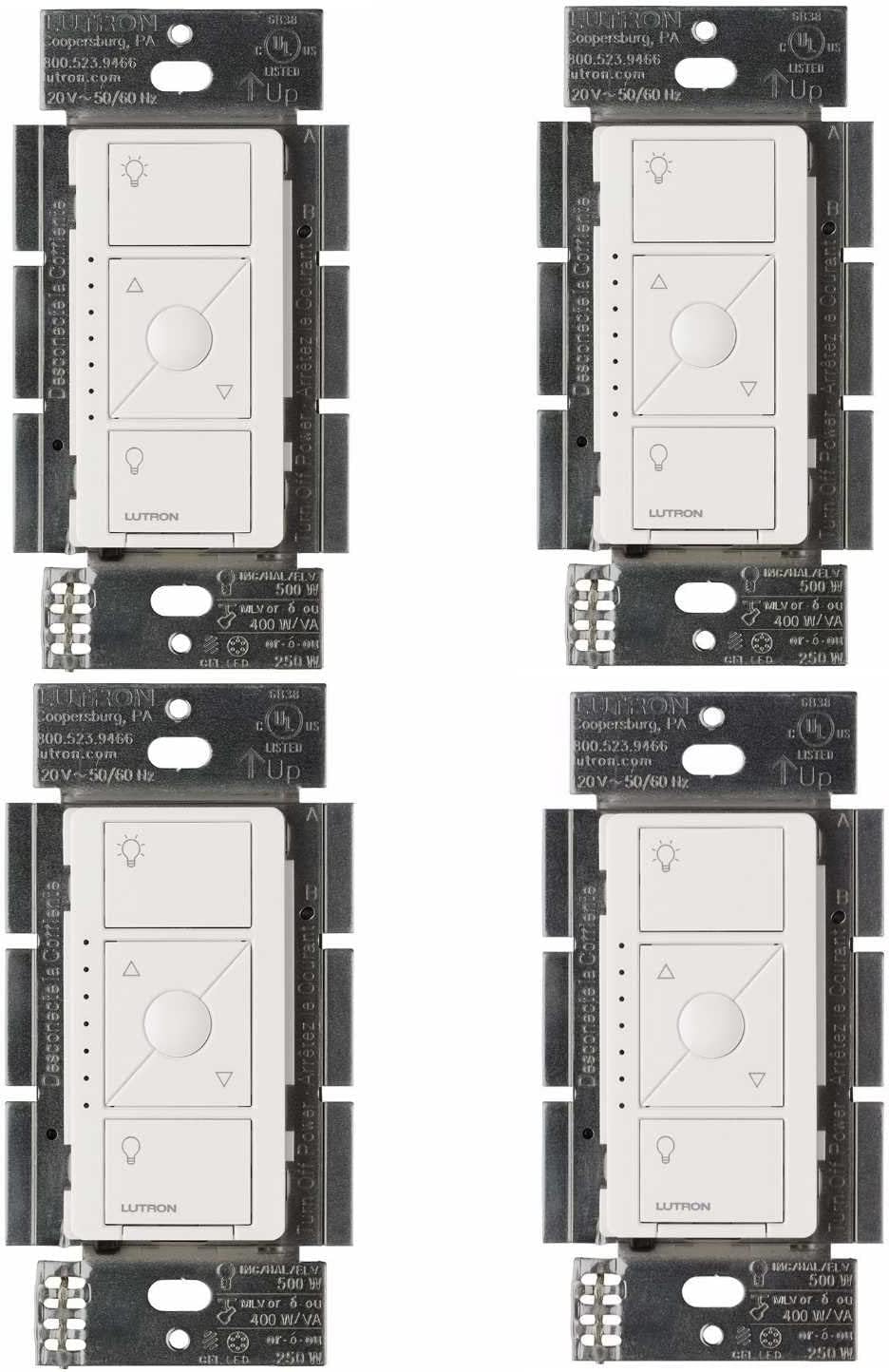
Why Does My Lutron Caseta Light Flicker When Dimmed?
- LED bulbs not on Lutron compatibility list
- Low-end trim set too low for the bulbs
- Too many bulbs on one dimmer exceeding wattage
Problem Description
Your lights flicker or flash when controlled by a Lutron Caseta dimmer. This can happen at any brightness level or only when dimmed low. Flickering is usually caused by incompatible LED bulbs, incorrect dimmer trim settings, or electrical wiring issues.
Why This Happens in Real Homes
Caseta light flicker comes down to bulbs not on Lutron's compatibility list, or a low load. It's a bulb-and-dimmer interaction, not a network issue.
Start by checking the bulbs against Lutron's LED compatibility list, replacing non-compatible ones, and setting the low-end trim so they're stable at minimum. Ensure the total load meets the dimmer's minimum (a load module helps a tiny LED load). Compatible bulbs plus a tuned low-end resolve almost all flicker.
Symptoms
- Lights flicker at low brightness
- Rapid flashing when turning on
- Lights pulse or breathe slowly
- Flickering only with certain bulbs
- Buzzing sound from the switch or bulbs
- Lights turn off randomly at low dim levels
Recognize these? Here's what usually causes it.
Common Causes
- LED bulbs not on Lutron compatibility list
- Low-end trim set too low for the bulbs
- Too many bulbs on one dimmer exceeding wattage
- Neutral wire not connected properly
- Old wiring with loose connections
- Bulb minimum load not met
Most fixes happen in the first 3 steps.
Always turn off the circuit breaker before inspecting wiring. Do not exceed the maximum wattage rating on your Lutron dimmer. The PD-6WCL supports up to 150W of LED load.
Tools & Requirements
These tools will help you complete this fix.

Level
9 Inch Torpedo Level Magnetic, Shock-Proof Small Lev...
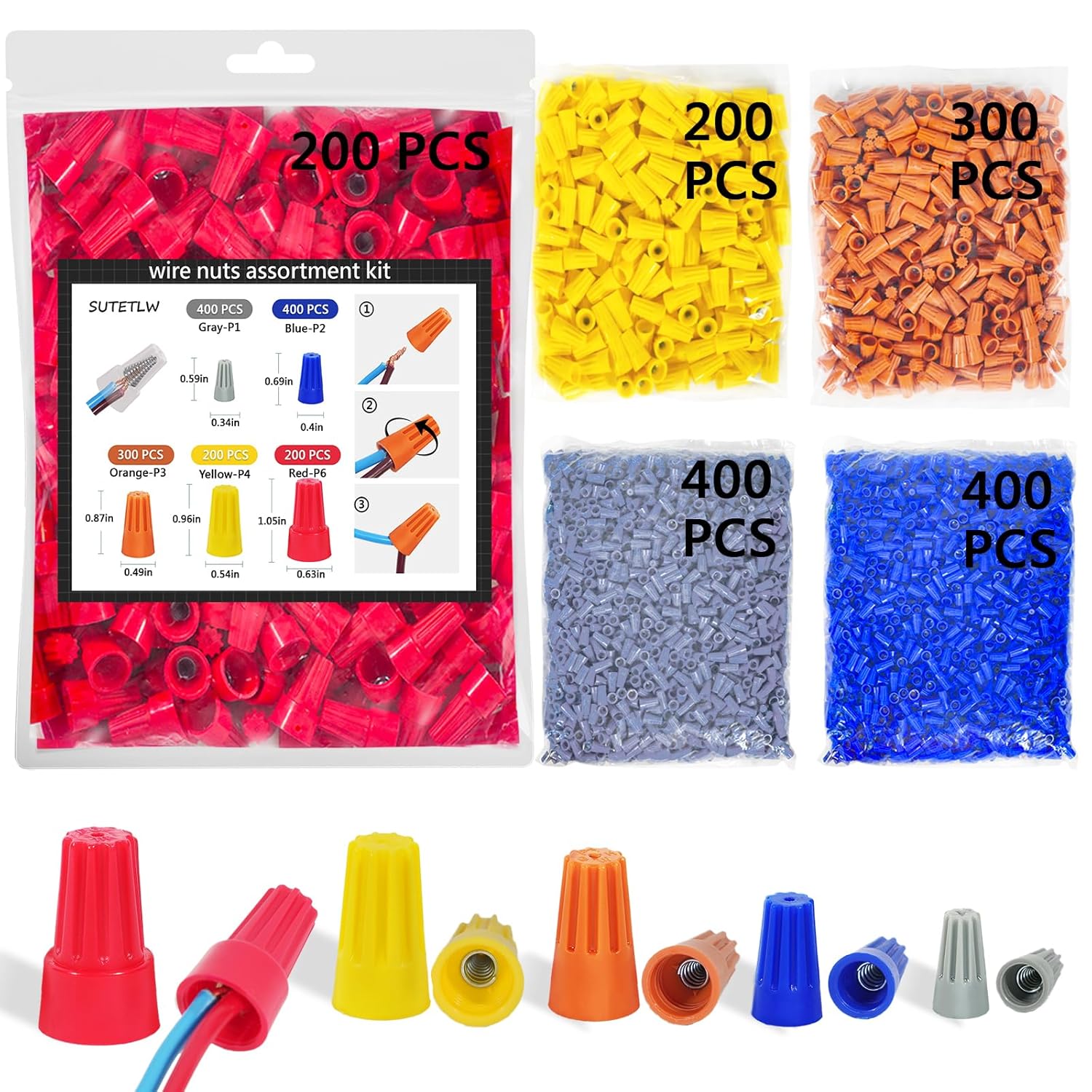
Wire nuts
Wire Nuts Assortment Kit 1500 PCS Insulating Insert ...
As an Amazon Associate we earn from qualifying purchases.
Step-by-Step Solution
Verify bulb compatibility with Caseta dimmer
Confirm installed bulbs are listed as compatible with your specific Caseta model. Incompatible LED drivers are the most common source of persistent flicker.
Adjust low-end trim settings
Use Caseta dimmer calibration/trim controls to raise minimum dim level above unstable flicker threshold. Many LEDs flicker only at very low output.
Needed for this step
9 Inch Torpedo Level Magnetic, Shock-Proof Smal...
This helps complete the fix you are currently reading.
$6.99Check neutral wiring and load limits
Inspect wiring quality and total connected load against dimmer specifications. Incorrect wiring or under/over-load conditions can destabilize dimming output.
Test with known-good bulb set
Swap to a small set of certified compatible bulbs and compare behavior. A controlled test confirms whether issue is bulb electronics or dimmer circuit.
Update hub firmware and replace failing hardware
Update Lutron hub/dimmer firmware and retest scenes/ramps. If flicker persists with compatible bulbs and proper trim, the dimmer unit may be faulty.
Quick Solutions
Still having issues? This is usually the deeper cause below.
If flickering only happens on dimming, the issue is almost always the dimmer's minimum-load setting, not the bulb — it's drawing less current than the dimmer expects.
When replacing bulbs try to use all the same brand and model on one dimmer circuit for consistent performance. **Product Intelligence:** - Requires Caseta Smart Bridge - Clear Connect RF (not WiFi) - HomeKit/Alexa/Google compatible
LED flicker with smart dimmers is the #1 unfixed complaint — most people swap the bulb when the dimmer's low-end trim is the actual problem.
- LED bulbs not on Lutron compatibility list
- Low-end trim set too low for the bulbs
- Too many bulbs on one dimmer exceeding wattage
- Neutral wire not connected properly
- Old wiring with loose connections
Before you go — try one of these (they fix most cases).
Most popular upgrades chosen by Lutron Caseta Dimmer owners.

Lutron Diva Smart Dimmer Switch with Wallplate and Pico S...

Lutron Caseta Deluxe Smart Dimmer Switch Kit, Compatible ...

Lutron Caséta Motion Sensor, Occupancy/Multi-Location, wi...
As an Amazon Associate we earn from qualifying purchases.
Official Manufacturer Manual
If you need the complete manufacturer documentation for advanced setup, wiring diagrams, or detailed specifications, you can download the official manual below. The manual includes full technical instructions directly from the manufacturer and may help if your issue requires deeper troubleshooting.
Download the Official Lutron Caseta Dimmer ManualSource: lutron.com
Need More Help? Lutron Support
Note: The contact information below connects you directly to Lutron's official customer support team, not Trunetto. They can help with warranty claims, device replacements, and advanced technical issues.
Accessories owners commonly pair with Lutron Caseta Dimmer.

Lutron Caseta Smart Lighting Smart Hub Repeater, Expands ...

Lutron Pico Remote for Audio, Works with Sonos (Caseta Sm...

LXLO Remote Wallplate Bracket, Perfectly Compatible with ...
As an Amazon Associate we earn from qualifying purchases.