

Why Does My Tapo Camera Keep Going Offline Every Few Hours?
- WiFi signal too weak where the camera is mounted
- Router assigns a different IP after the DHCP lease expires
- Router power-saving mode disconnecting idle WiFi clients
Problem Description
Your Tapo camera keeps disconnecting from WiFi. It works fine for a few hours then shows offline in the Tapo app. You get a notification that the camera disconnected, then another that it reconnected, sometimes multiple times per day. When it is offline you cannot view live video, motion alerts do not work, and recordings have gaps. You have restarted the camera, restarted your router, even factory reset and set up from scratch, but it keeps happening. This is the most common Tapo camera complaint and it is almost always caused by WiFi signal issues, router settings, or IP address conflicts.
Why This Happens in Real Homes
A Tapo camera that drops and returns every few hours is almost always living at the edge of its WiFi link rather than failing. Tapo cameras (the non-WS models) run on 2.4GHz only, which reaches far but is also the band every neighbor and appliance crowds into, so a marginal mounting spot behind a wall holds for a while then loses the router. Two router behaviors cause most of the rest: a short DHCP lease that hands the camera a new IP mid-session, and power-saving or band-steering features that drop or bounce idle clients. The fixes that stick are reserving a fixed IP for the camera, pinning the 2.4GHz channel, and giving cameras their own 2.4GHz SSID so band-steering cannot shove them toward a 5GHz radio they cannot use. If the drops cluster at the same time each night, look for a scheduled router reboot or ISP re-sync rather than blaming the camera, and update the camera firmware since TP-Link has shipped stability fixes.
Symptoms
- Camera shows offline in the Tapo app then comes back online later
- Live view fails with a connection error when the camera is offline
- Motion notifications stop for hours then suddenly resume
- Recorded video has gaps during the times the camera was disconnected
- Camera works fine for days then goes offline repeatedly
- Tapo app shows the camera last seen hours ago
- Offline drops cluster at the same time each day
- Camera drops when other devices join the WiFi
Recognize these? Here's what usually causes it.
Common Causes
- WiFi signal too weak where the camera is mounted
- Router assigns a different IP after the DHCP lease expires
- Router power-saving mode disconnecting idle WiFi clients
- Camera firmware bug causing random disconnections
- Too many devices on the network overwhelming the router
- 2.4GHz channel congested (common in apartments)
- Band-steering handing the camera between 2.4GHz and 5GHz under one SSID
- Scheduled nightly router reboot or ISP re-sync at a fixed time
Most fixes happen in the first 3 steps.
Do not place Tapo cameras near microwaves, cordless phones, or baby monitors. These devices use 2.4GHz and will cause interference that makes your camera disconnect randomly.
Tools & Requirements
Step-by-Step Solution
Measure WiFi quality at camera mount location
Check signal strength and packet stability where the camera is installed, because edge-of-range mounting is a common reason for periodic offline cycles.
Confirm router settings support stable IoT sessions
Review 2.4GHz channel, security, and isolation settings for compatibility, since aggressive roaming or isolation options can break persistent camera sessions.
Set DHCP reservation for camera IP address
Assign a fixed lease to reduce reconnect churn, because repeated IP changes can trigger cloud rebind delays that appear as offline events.
Reboot router and camera in controlled sequence
Restart network stack first and camera second to rebuild session state cleanly, because random reboot order often preserves stale transport issues.
Monitor uptime across day and night periods
Track online status through multiple cycles and motion events, so you can confirm the fix holds under varied load rather than one short test.
Quick Solutions
Still having issues? This is usually the deeper cause below.
This usually happens right after a router reboot or ISP change — the device rejoins the network but drops its cloud session silently.
If your Tapo camera is outdoors, rain or humidity can affect WiFi signal. The camera itself is weatherproof but WiFi signals weaken in wet air. Position outdoor cameras under eaves or use a model with an external antenna for better signal.
Most WiFi drop-offs happen right after a router reboot or ISP swap — the device reconnects to the network but silently loses its cloud registration.
- WiFi signal too weak where the camera is mounted
- Router assigns a different IP
- Router power-saving mode disconnecting idle WiFi clients
- Camera firmware bug causing random disconnections
- Too many devices on the network overwhelming the router
Before you go — try one of these (they fix most cases).
Most popular upgrades chosen by Tapo Camera owners.
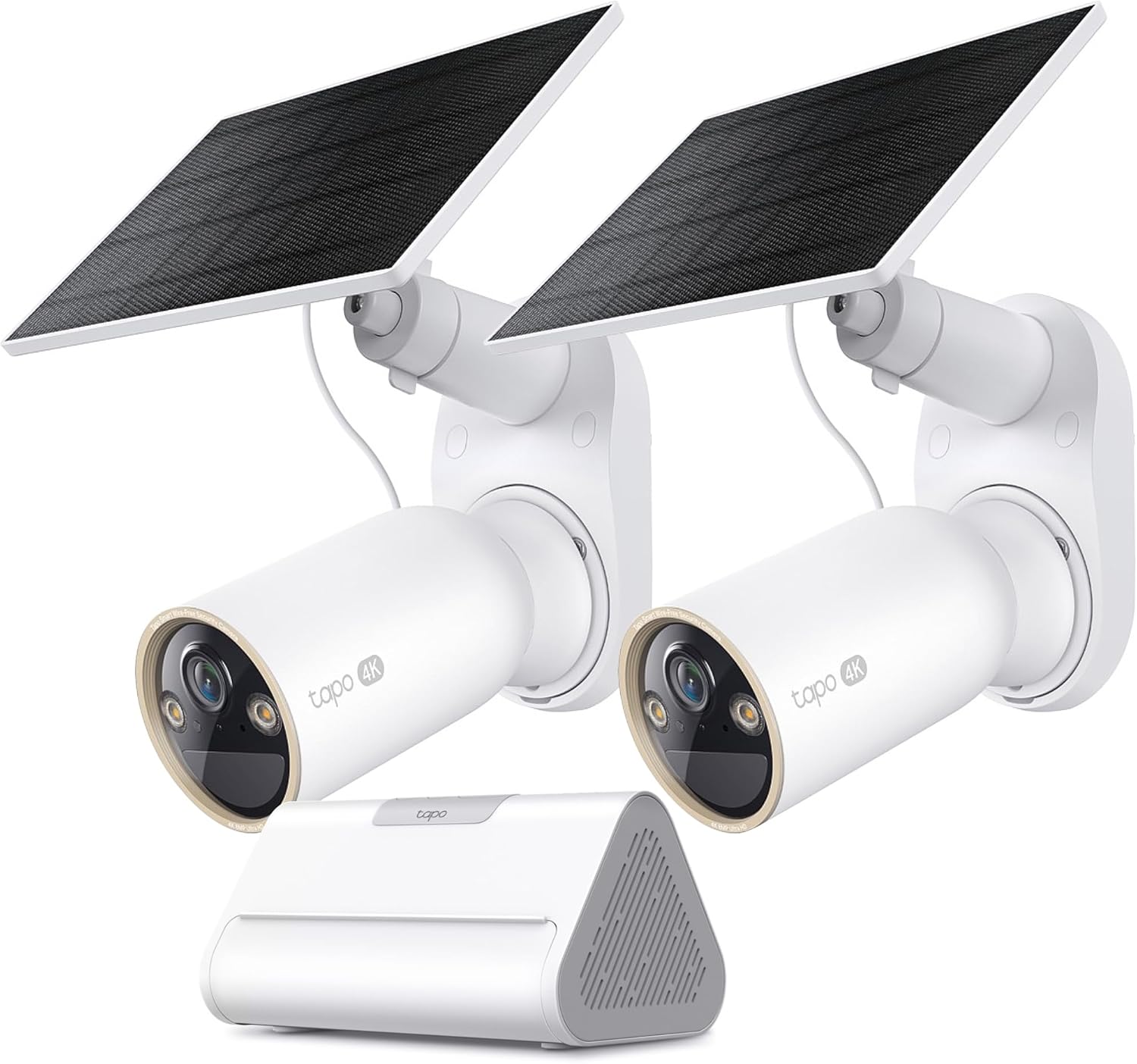
Tapo 4K Outdoor Solar-Powered Cameras C460 KIT x 2-Camera...

Tapo TP-Link 2K Pan/Tilt Security Camera for Baby Monitor...
As an Amazon Associate we earn from qualifying purchases.
Official Manufacturer Manual
Tapo provides official product documentation through their online manual rather than downloadable PDF. Access setup guides, troubleshooting steps, and product specifications for your Tapo Camera.
Source: tapo.com
Need More Help? Tapo Support
Note: The contact information below connects you directly to Tapo's official customer support team, not Trunetto. They can help with warranty claims, device replacements, and advanced technical issues.


