Why Does My Moen Flo Detect Phantom Water Usage Overnight
- Running toilet (silent flapper leak) — most common
- Water softener regeneration cycle at night
- Ice maker filling
Problem Description
Your Moen Flo app reports overnight water usage spikes even when nobody is using fixtures, triggering stress and false leak checks. Daily usage totals become unreliable and alerts may wake you unnecessarily. This often results from running toilets, thermal expansion, humidifier refill cycles, irrigation overlap, or meter sensitivity settings that are too aggressive.
Why This Happens in Real Homes
Moen Flo reporting overnight water usage when nobody's awake feels like a glitch, but Flo is usually right — it measures actual flow through the main, so a steady overnight draw means water really is moving somewhere. The number-one culprit is a running toilet: a worn flapper lets water seep from tank to bowl silently, and the fill valve tops it off in small bursts all night, which Flo faithfully records.
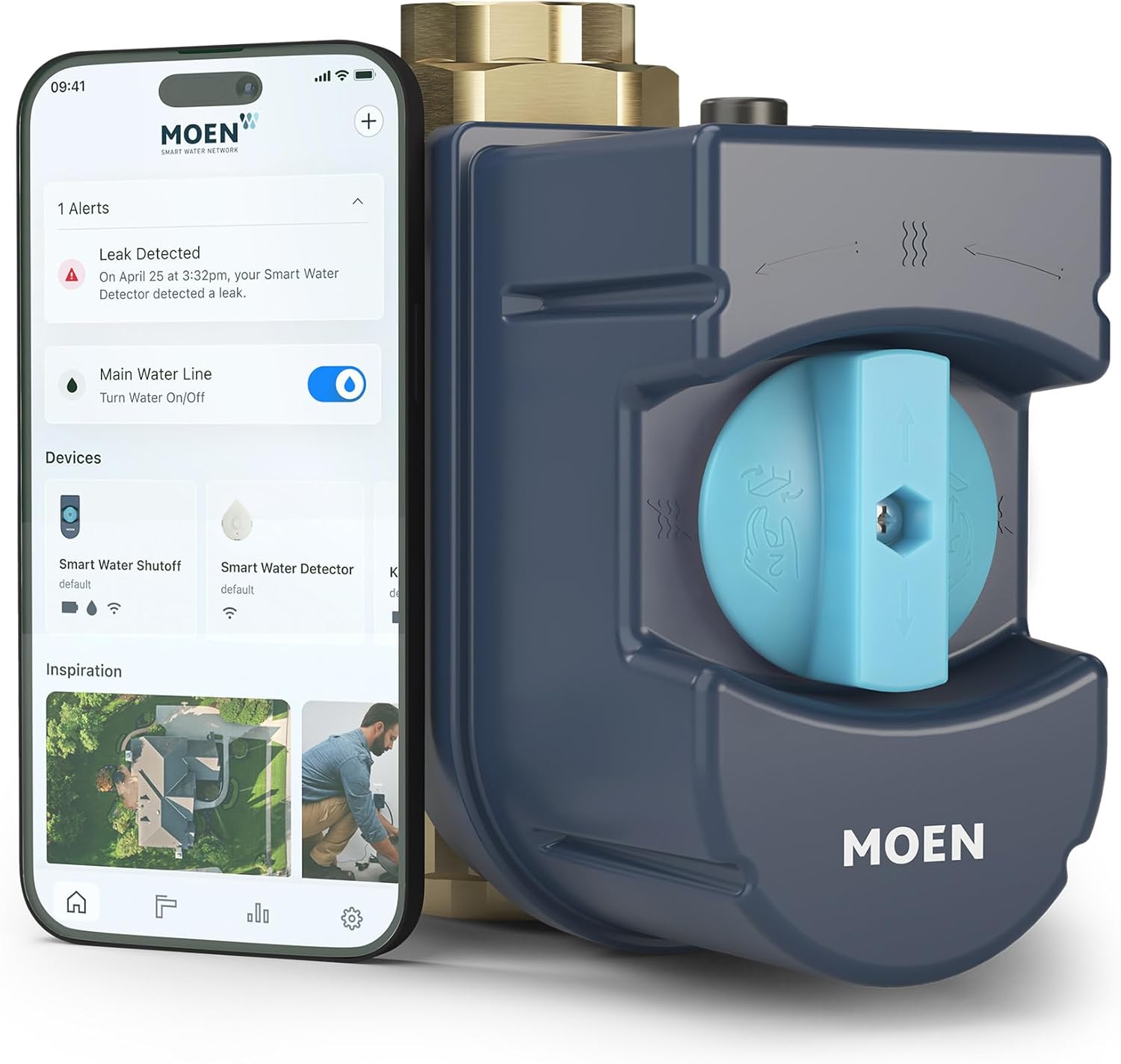
Start with a dye test: put dye in each toilet tank and check for color in the bowl after an hour with no flushing — that finds the silent flapper leak most people never hear. If the toilets are tight, look at scheduled equipment that runs at night: a water softener regenerating, an ice maker filling, a recirculation pump, or a humidifier refill can all produce the pattern, and overnight irrigation is easy to overlook. Use the app's usage timeline to see exactly when the flow happens, which points you at the source. Only after ruling out real flow should you loosen usage-alert thresholds.
Symptoms
- Overnight usage with nobody using water
- Phantom usage spikes at night
- Daily totals look too high
- Alerts wake you at night
- Usage logged while asleep
- Unexplained continuous flow
- Small steady overnight draw
- False leak checks overnight
Recognize these? Here's what usually causes it.
Common Causes
- Running toilet (silent flapper leak) — most common
- Water softener regeneration cycle at night
- Ice maker filling
- Recirculation pump running
- Humidifier or appliance refill cycles
- Irrigation running overnight
- Thermal expansion on a closed system
- Usage-alert thresholds set too aggressively
Most fixes happen in the first 3 steps.
Never leave the main shutoff closed for long periods without planning. Some appliances and heating systems require minimum flow conditions to operate safely.
Step-by-Step Solution
Capture a Baseline Usage Window
In the Flo app, identify the overnight period when phantom usage appears most often. Export or screenshot the flow graph with timestamps and event duration. This lets you match spikes to specific devices that run on timers or pressure cycles, rather than guessing and changing settings blindly.
Isolate Common Hidden Sources
Check toilets with dye tablets, inspect humidifier supply lines, and confirm irrigation valves are fully closing. These are the most common silent contributors to nighttime micro-flow events. Also verify reverse osmosis and refrigerator water systems are not repeatedly topping off due to internal leaks or pressure instability.
Use Shutoff and Reopen Testing
Temporarily close supply to suspect branches one at a time before bedtime, then compare overnight Flo graphs. If phantom flow disappears after isolating a branch, you have narrowed the source substantially. Reopen lines in sequence the next night to confirm repeatability before scheduling repairs or replacements.
Tune Flo Alert Sensitivity
If your home has known low-level automatic usage, reduce alert aggressiveness so normal micro-events do not trigger leak alarms. Keep true leak detection enabled while adjusting thresholds to match your plumbing profile. This improves trust in alerts and reduces unnecessary overnight notifications.
Validate Against Meter and Utility Data
Compare Flo overnight totals against your utility meter readings over several days. If Flo consistently over-reports after source isolation, contact support with graph evidence and firmware version details. Accurate calibration and account-side analysis can correct persistent phantom usage interpretation issues.
Quick Solutions
Still having issues? This is usually the deeper cause below.
If the sensor still misses events after repositioning, check whether a scheduled 'home' or 'away' mode is overriding the sensitivity setting silently.
Label known automatic flows in your monitoring notes so future overnight spikes are easier to classify as expected behavior versus true leak risk.
This issue almost always looks more complex than it is — the majority of cases trace back to a single setting, a stale credential, or a default that shipped wrong.
- Running toilet (silent flapper leak) — most common
- Water softener regeneration cycle at night
- Ice maker filling
- Recirculation pump running
- Humidifier or appliance refill cycles
Before you go — try one of these (they fix most cases).
Most popular upgrades chosen by Moen Flo Smart Water Monitor and Shutoff owners.

Moen 7864EVBG Sleek Smart Faucet Touchless Pull Down Spra...

Moen Belfield Chrome Smart Faucet Touchless Pull Down Spr...

Moen Align Chrome Smart Faucet Touchless Kitchen Faucet w...
As an Amazon Associate we earn from qualifying purchases.
Official Manufacturer Manual
Moen provides official product documentation through their online manual rather than downloadable PDF. Access setup guides, troubleshooting steps, and product specifications for your Moen Flo Smart Water Monitor and Shutoff.
Source: moen.com
Need More Help? Moen Support
Note: The contact information below connects you directly to Moen's official customer support team, not Trunetto. They can help with warranty claims, device replacements, and advanced technical issues.