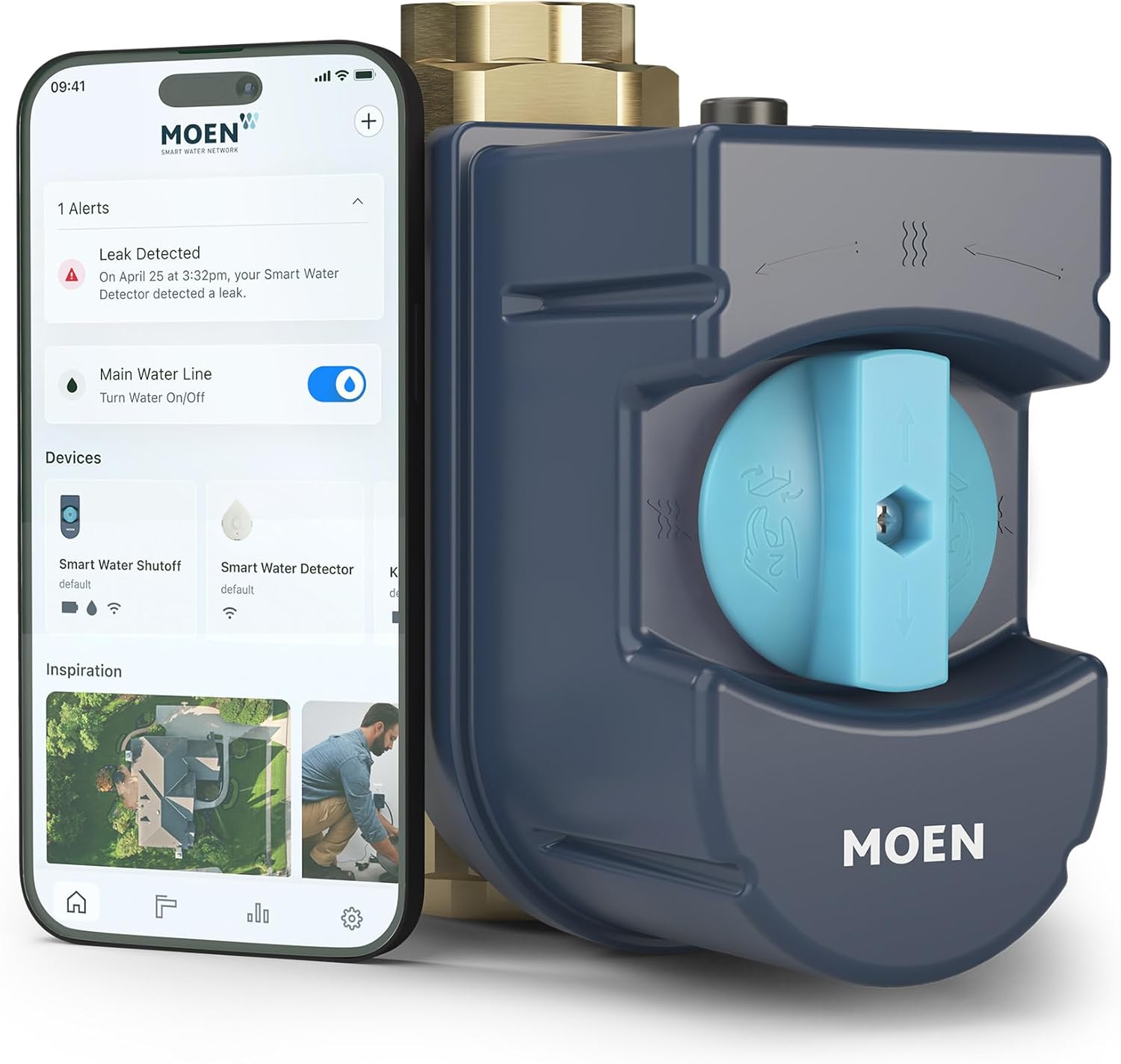
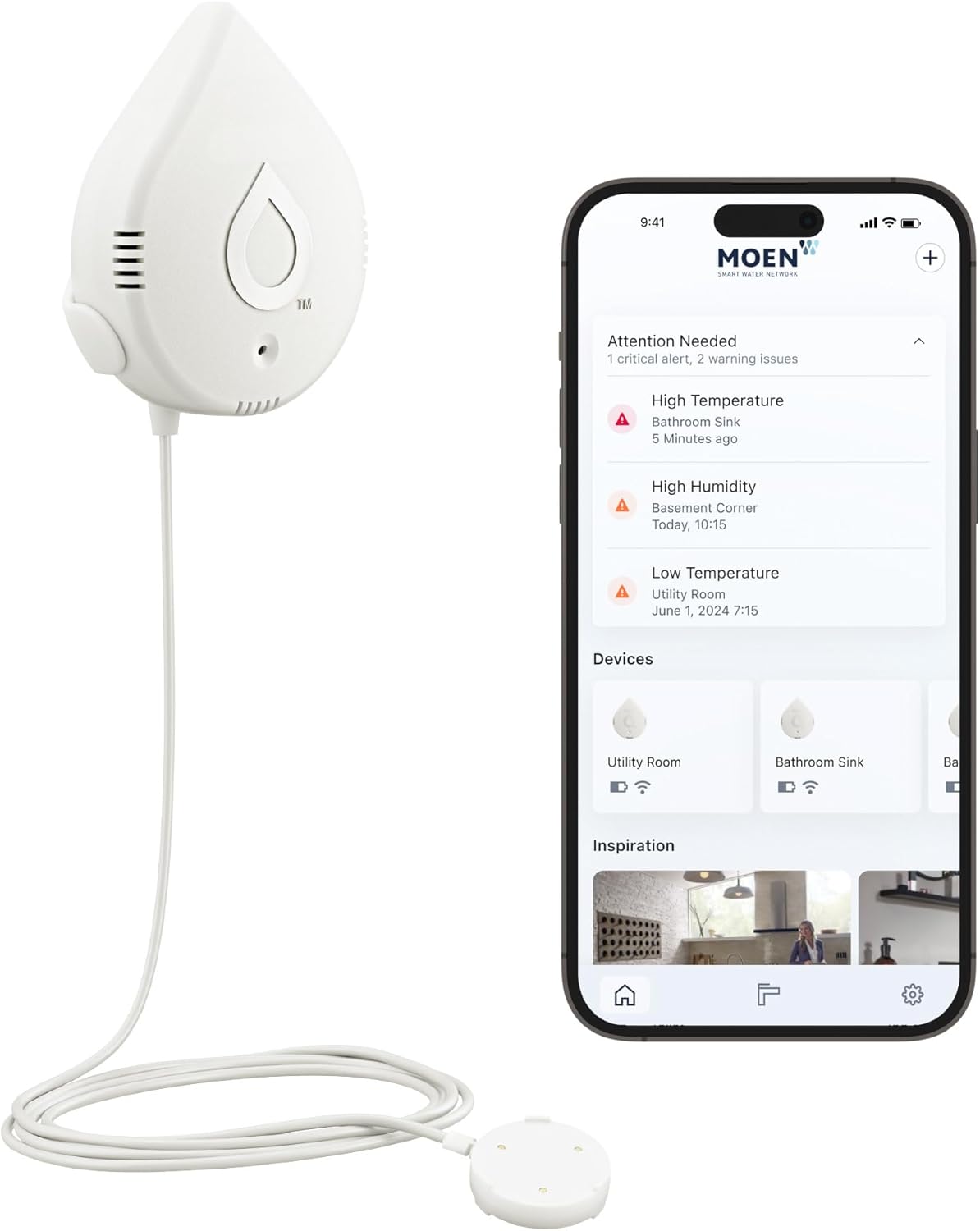
How Do I Adjust Moen Flo Leak Detection Sensitivity?
- HealthTest/MicroLeak sensitivity set too high or too low
- Usage thresholds (flow/duration/volume) mis-tuned
- Away-mode limits too strict or too loose
Problem Description
You want to adjust how sensitive your Moen Flo is to leaks — either because it's missing small leaks you care about, or because it's flagging normal usage as a leak. Flo's sensitivity is set in the Flo by Moen app through its daily HealthTest (MicroLeak detection) and its usage/alert thresholds (flow rate, duration, and volume). Tightening sensitivity catches smaller drips but raises the chance of false alerts on legitimate long or large draws; loosening it reduces nuisance alerts but may miss tiny leaks. This guide covers where those settings live and how to balance them.
Why This Happens in Real Homes
Adjusting Moen Flo's leak sensitivity is a balancing act, not a single switch. Flo detects leaks two ways — the daily HealthTest (also called MicroLeak detection), which pressurizes the closed system and watches for tiny pressure decay, and its real-time usage thresholds for flow rate, duration, and total volume. Both live in the Flo by Moen app, and both can be dialed up or down.
Turning sensitivity up lets Flo catch smaller drips and slower leaks, but it also makes legitimate long or large draws — a bath fill, a long irrigation run — more likely to trip an alert or shutoff. Turning it down quiets those nuisance alerts but can let a tiny leak slip under the detection floor. The right setting depends on your household: if you're getting false alarms on normal usage, loosen the usage thresholds and away-mode limits; if you want to catch a slow drip, tighten the HealthTest sensitivity and accept a few more alerts. Give FloSense time to learn your patterns first, and re-tune whenever you add fixtures or appliances that change your normal flow.
Symptoms
- Missing small leaks
- Too many false leak alerts
- Want to tune sensitivity
- Alerts too aggressive or too lax
- HealthTest not catching drips
- Nuisance shutoffs from normal use
- Unsure where sensitivity settings are
- Balancing detection vs false alarms
Recognize these? Here's what usually causes it.
Common Causes
- HealthTest/MicroLeak sensitivity set too high or too low
- Usage thresholds (flow/duration/volume) mis-tuned
- Away-mode limits too strict or too loose
- FloSense still learning your patterns
- Large legitimate draws tripping tight thresholds
- Tiny leaks below the current detection floor
- Default settings not matched to the household
- Thresholds not adjusted after fixtures changed
Most fixes happen in the first 3 steps.
Smart water sensors are early warning devices but cannot prevent all water damage. Know the location of your main water shutoff valve and how to operate it manually in an emergency. If you detect a major leak, shut off water manually first then troubleshoot. Never ignore a leak alert even if it might be a false alarm.
Tools & Requirements
Step-by-Step Solution
Access leak detection settings in the Flo app
Open the Flo by Moen app > tap your Flo Smart Water Monitor. Go to Settings > Leak Detection. The Flo system monitors water flow patterns and detects anomalies that indicate leaks. It runs daily automated health tests on your plumbing system. Sensitivity settings determine how small a leak must be before triggering an alert.
Adjust sensitivity levels
The Flo app offers sensitivity levels: Away (most sensitive — detects small drips while no one is home), Home (moderate — accounts for normal daily water use), and Sleep (between Home and Away — used during sleeping hours). Set the mode based on your household's actual water usage patterns. If you get false leak alerts during normal activities: lower the sensitivity during those hours.
Set up automatic mode switching
In the Flo app, set up Smart Water Assistant to automatically switch between Home, Away, and Sleep modes based on your schedule. This prevents false alarms during high-use hours (morning showers, dishwasher, laundry) and maximizes detection during low-use hours. You can also integrate with smart home systems to switch modes when you arm/disarm your security system.
Run manual health tests
The Flo device runs a daily automated Health Test that pressurizes your plumbing and checks for pressure drops indicating leaks. You can also run tests manually in the Flo app (tap Health Test > Run Test). The test takes about 5 minutes. During the test, water is briefly shut off. If the test fails (pressure drop detected): check for running toilets, dripping faucets, or outdoor hose bibs left on. Fix the leak and rerun the test.
Set up auto shut-off for detected leaks
In the Flo app, enable Auto Shut-Off. When the Flo device detects a leak that exceeds the sensitivity threshold, it automatically closes the water valve to prevent damage. Set the shut-off criteria: immediate (shuts off as soon as a leak is detected) or delayed (sends an alert first and shuts off after a set time if the leak continues). Delayed mode prevents false shut-offs from normal activities while still protecting against sustained leaks.
Quick Solutions
Still having issues? This is usually the deeper cause below.
If the sensor still misses events after repositioning, check whether a scheduled 'home' or 'away' mode is overriding the sensitivity setting silently.
["Higher sensitivity catches smaller leaks", "Update profile when adding fixtures", "Daily test runs at 2 AM by default"]
This issue almost always looks more complex than it is — the majority of cases trace back to a single setting, a stale credential, or a default that shipped wrong.
- HealthTest/MicroLeak sensitivity set too high or too low
- Usage thresholds (flow/duration/volume) mis-tuned
- Away-mode limits too strict or too loose
- FloSense still learning your patterns
- Large legitimate draws tripping tight thresholds
Before you go — try one of these (they fix most cases).
Most popular upgrades chosen by Moen Flo owners.

Moen 7864EVBG Sleek Smart Faucet Touchless Pull Down Spra...

Moen Belfield Chrome Smart Faucet Touchless Pull Down Spr...

Moen Align Chrome Smart Faucet Touchless Kitchen Faucet w...
As an Amazon Associate we earn from qualifying purchases.
Official Manufacturer Manual
Moen provides official product documentation through their online manual rather than downloadable PDF. Access setup guides, troubleshooting steps, and product specifications for your Moen Flo.
Source: moen.com
Need More Help? Moen Support
Note: The contact information below connects you directly to Moen's official customer support team, not Trunetto. They can help with warranty claims, device replacements, and advanced technical issues.