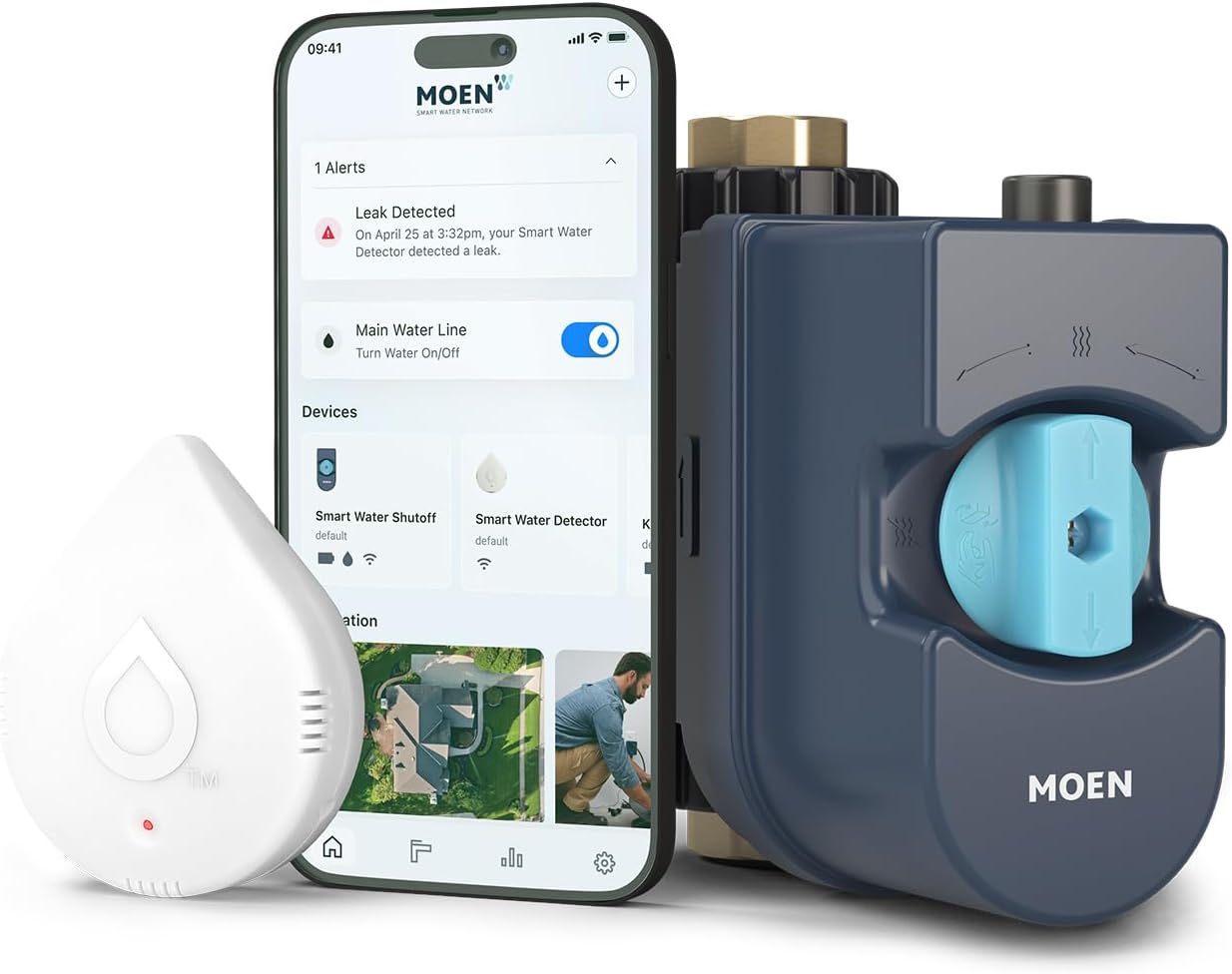
Why Won't My Moen Flo Smart Monitor Respond to Alexa Commands?
- Flo by Moen Alexa skill not linked
- Account link expired
- Valve not discovered by Alexa after linking
Problem Description
Your Moen Flo Smart Water Monitor and Shutoff does not respond to Alexa voice commands even though the device works correctly in the Flo by Moen app. Commands like asking Alexa to run a home check or shut off the water produce a device not responding error. The Alexa Flo by Moen skill must be linked with your Flo account and the valve device must be discovered by Alexa after linking.
Why This Happens in Real Homes
When a Moen Flo works in its own app but won't answer Alexa, the problem is the link between Flo and Alexa, not the valve — the Flo by Moen Alexa skill has to be enabled and linked to your Flo account, and Alexa has to have discovered the device after that link. A "device not responding" reply almost always means the skill isn't linked, the link expired, or discovery never ran.
In the Alexa app, enable the Flo by Moen skill, sign in with your Flo account, and then run device discovery so the valve shows up. If control worked before and stopped, re-link the account and re-run discovery. Confirm the Flo is online in the Flo by Moen app, since Alexa reaches it through the cloud. One safety nuance worth knowing: shutting off your whole-home water by voice is a big action, so some setups require a confirmation before Alexa will actually close the valve — that's intentional, not a fault. A linked skill, a discovered device, and an online Flo restore voice control.
Symptoms
- Flo won't respond to Alexa
- Device not responding error
- Works in Flo app, not Alexa
- Alexa can't run a home check
- Voice shutoff fails
- Alexa didn't discover the valve
- Skill seems linked but no control
- Lost Alexa control
Recognize these? Here's what usually causes it.
Common Causes
- Flo by Moen Alexa skill not linked
- Account link expired
- Valve not discovered by Alexa after linking
- Wrong Flo/Alexa account
- Flo offline (cloud unreachable)
- Voice shutoff restricted for safety (needs confirmation)
- Skill needs re-enabling
- App/skill out of date
Most fixes happen in the first 3 steps.
Do not give Alexa voice permission to close the main water valve if guests or household members may be present. An unannounced water shutoff can damage appliances and create an unexpected water outage.
Step-by-Step Solution
Re-Link the Flo by Moen Alexa Skill
Open the Alexa app and go to More then Skills and Games. Search for Flo by Moen. If it is already enabled tap Disable Skill then confirm. Wait 30 seconds. Tap Enable to re-enable the skill. When prompted to link your account enter your Flo by Moen account email and password. Make sure you use the exact same email address that you log into the Flo app with. A mismatched account is the most common cause of skill linking appearing successful but no devices being found.
Discover Devices After Linking
After re-linking the Flo skill in Alexa say Alexa discover devices or open the Alexa app and go to Devices then the plus icon then Add Device then Other then Discover Devices. Wait for the scan to complete. The Flo Smart Water Shutoff valve should appear in the discovered devices list. If it does not appear make sure the valve is online in the Flo app at the same time as the Alexa discovery scan.
Confirm Flo Device Is Online
Open the Flo by Moen app and check the valve status on the home screen. The valve must show as online and connected before Alexa can reach it. If the valve shows offline Alexa will also be unable to control it. Resolve any Flo connectivity issues first including WiFi signal at the valve location, power cycle the valve controller, and verify your home WiFi is functioning before testing Alexa integration.
Update Both Apps Before Re-Linking
Open the App Store or Google Play and update both the Alexa app and the Flo by Moen app to their latest versions. Outdated app versions can have OAuth token handling bugs that cause the skill link to appear successful but fail to properly authenticate the Flo account. After both updates force close and reopen each app then retry the skill linking and device discovery sequence.
Re-Authenticate After Password Change
If you recently changed your Flo by Moen account password the Alexa skill authentication token is immediately invalidated. You must re-link the skill by disabling and re-enabling it in the Alexa app and signing in with your new password when prompted. This is required every time the Moen account password changes. After re-linking confirm the valve appears in Alexa devices and test a simple command such as Alexa ask Flo to run a home health check.
Quick Solutions
Still having issues? This is usually the deeper cause below.
If voice commands stopped working after relinking the account, check that the skill or action is still enabled — relinking sometimes disables it silently.
Set up an Alexa Guard routine that automatically runs a Flo home health check when Alexa Guard activates Away mode. This provides automatic leak verification whenever you leave home.
This issue almost always looks more complex than it is — the majority of cases trace back to a single setting, a stale credential, or a default that shipped wrong.
- Flo by Moen Alexa skill not linked
- Account link expired
- Valve not discovered by Alexa after linking
- Wrong Flo/Alexa account
- Flo offline (cloud unreachable)
Before you go — try one of these (they fix most cases).
Most popular upgrades chosen by Flo by Moen Smart Water Monitor owners.

Moen 7864EVBG Sleek Smart Faucet Touchless Pull Down Spra...

Moen Belfield Chrome Smart Faucet Touchless Pull Down Spr...

Moen Align Chrome Smart Faucet Touchless Kitchen Faucet w...
As an Amazon Associate we earn from qualifying purchases.
Official Manufacturer Manual
Moen provides official product documentation through their online manual rather than downloadable PDF. Access setup guides, troubleshooting steps, and product specifications for your Flo by Moen Smart Water Monitor.
Source: solutions.moen.com
Need More Help? Moen Support
Note: The contact information below connects you directly to Moen's official customer support team, not Trunetto. They can help with warranty claims, device replacements, and advanced technical issues.