Why Does My Moen Flo Valve Click Every Hour With No Leak Detected
- Scheduled HealthTest running (valve motor moving)
- A HealthTest interrupted by water use, retrying
- Valve exercising to prevent seizing
Problem Description
Moen Flo owners sometimes hear an hourly click from the valve even though the app reports no active leak. This guide explains the scheduled HealthTest behavior, misinterpretations, and what to check if the clicking is truly unexpected.
Why This Happens in Real Homes
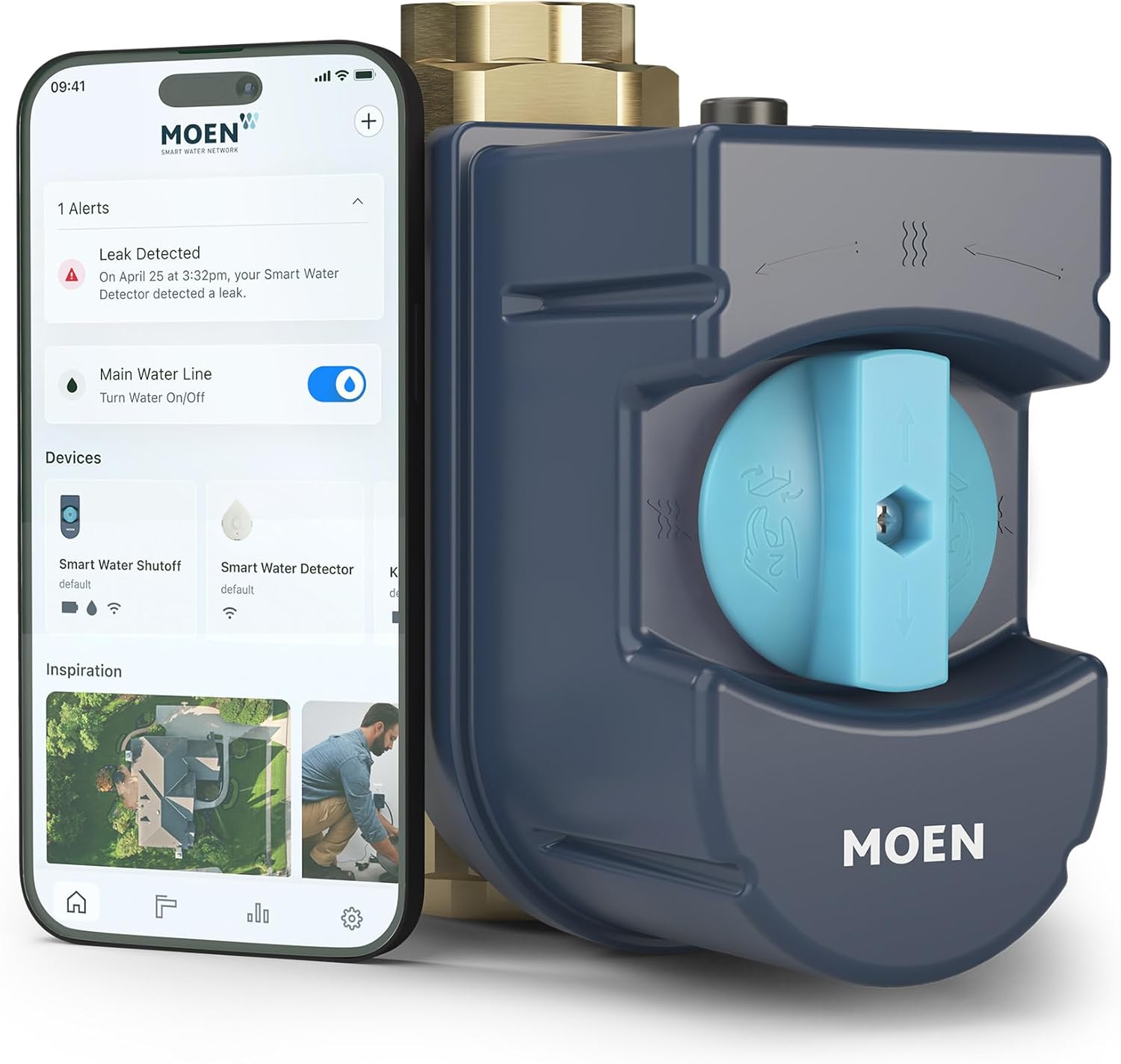
That clicking from a Moen Flo is the motorized shutoff valve moving, and by itself it's normal — Flo runs a daily HealthTest (MicroLeak detection) that briefly closes the valve, pressurizes the system, and watches for a pressure drop, and the valve motor makes an audible click each time it actuates. Hearing a click around the test window, with no leak reported, is the device doing its job.
Truly hourly clicking is less typical and usually has a benign explanation: if someone uses water during the scheduled HealthTest, Flo has to abort and retry the test later, so an active household can hear the valve cycle more than once as it keeps attempting a clean test. The valve also exercises itself periodically so it doesn't seize. Check the app's HealthTest schedule and history — if the tests are completing and there are no repeated failure alerts, the clicking is normal actuation. If it's genuinely every hour with failed tests or no explanation in the app, update the firmware and contact Moen support, since a valve struggling to complete tests can indicate a fault worth checking.
Symptoms
- Valve clicks about every hour
- Hourly clicking with no leak
- Periodic valve noise
- Click but app shows no alert
- Regular clicking sound
- Valve seems to cycle
- Unexpected repeated clicks
- Clicking worries about a fault
Recognize these? Here's what usually causes it.
Common Causes
- Scheduled HealthTest running (valve motor moving)
- A HealthTest interrupted by water use, retrying
- Valve exercising to prevent seizing
- Frequent short self-checks
- Water drawn during the test window forcing repeats
- Firmware scheduling behavior
- Misreading a normal motor click as a fault
- Genuine repeated test failures (if persistent)
Most fixes happen in the first 3 steps.
Do not wrap the valve body with insulation thick enough to block airflow. The actuator needs normal heat dissipation during daily testing.
Tools & Requirements
These tools will help you complete this fix.
As an Amazon Associate we earn from qualifying purchases.
Step-by-Step Solution
Check Event Log
Open the Moen Smart Water app and review the event log for the past 24 hours. Hourly entries labeled HealthTest or micro-pressure checks explain most clicking. Normal scheduled tests confirm Flo is healthy and actively monitoring your plumbing without leaks.
Review HealthTest Settings
Go to HealthTest settings and confirm the schedule. Moen runs micro-pressure tests often while learning your baseline. During the first week, hourly clicks are expected. Adjust the schedule only if you have an established baseline and still find the clicks disruptive.
Check Firmware Changes
If clicks began after a firmware update, confirm the current version and check the Moen support site for known issues. Updates can reset test cadence. Either wait for the next update or contact support about rolling back if behavior is clearly off-pattern.
Listen for Loud Mechanical Clicks
Compare click volume to what you heard during installation. Significantly louder clicks suggest an actuator exercising to free itself, which can precede failure. Capture video with timestamp and contact Moen support if clicks sound mechanical rather than electronic.
Plan and Monitor
If event log matches expected HealthTest, the click is not a problem. Document baseline. If anything looks wrong in the log, open a Moen support case with at least 48 hours of event data so support can correlate clicks to tests versus other internal triggers.
Quick Solutions
Still having issues? This is usually the deeper cause below.
If the sensor still misses events after repositioning, check whether a scheduled 'home' or 'away' mode is overriding the sensitivity setting silently.
Place the valve on a short piece of foam if click sound transmits through plumbing. Simple vibration isolation makes scheduled tests inaudible.
This issue almost always looks more complex than it is — the majority of cases trace back to a single setting, a stale credential, or a default that shipped wrong.
- Scheduled HealthTest running (valve motor moving)
- A HealthTest interrupted by water use, retrying
- Valve exercising to prevent seizing
- Frequent short self-checks
- Water drawn during the test window forcing repeats
Before you go — try one of these (they fix most cases).
Most popular upgrades chosen by Moen Flo Smart Water Monitor and Shutoff owners.

Moen 7864EVBG Sleek Smart Faucet Touchless Pull Down Spra...

Moen Belfield Chrome Smart Faucet Touchless Pull Down Spr...

Moen Align Chrome Smart Faucet Touchless Kitchen Faucet w...
As an Amazon Associate we earn from qualifying purchases.
Official Manufacturer Manual
Moen provides official product documentation through their online manual rather than downloadable PDF. Access setup guides, troubleshooting steps, and product specifications for your Moen Flo Smart Water Monitor and Shutoff.
Source: moen.com
Need More Help? Moen Support
Note: The contact information below connects you directly to Moen's official customer support team, not Trunetto. They can help with warranty claims, device replacements, and advanced technical issues.