Why Is My Moen MotionSense Touchless Faucet Not Responding to Hand Waves
- Low or dead batteries (most common)
- Dirty sensor lens (wave/ready sensor)
- Sensor obstructed or confused by reflections
Problem Description
Your Moen MotionSense touchless kitchen faucet has stopped responding to hand wave gestures above the faucet or near the front sensor. Water does not turn on when you wave your hand over the faucet or place your hands near the sensor area. The manual handle still works but the touchless feature is completely unresponsive.
Why This Happens in Real Homes
When a Moen MotionSense faucet stops responding to hand waves but the manual handle still works, the touchless electronics have lost power or gotten confused — and the overwhelming first suspect is the batteries. MotionSense runs on 6 AA batteries in a box under the sink, and as they weaken the touchless response gets delayed, then erratic, then dead, while the manual handle keeps working because it's purely mechanical. The control box usually blinks an LED to signal low battery.
Replace the batteries first (or verify the optional AC adapter is powered), then clean the two sensors: the wave sensor on top of the spout and the ready sensor at the base. A filmy lens, or reflections from a shiny sink, standing water, or direct sunlight, can blind the infrared sensors so they don't see your hand — clear those and wave closer and more deliberately rather than fast. If fresh batteries and clean, unobstructed sensors still don't restore touchless operation, re-seat the battery-pack and control-box connections, and if it's still dead, the control box itself may have failed and needs Moen's attention.
Symptoms
- No response to hand waves
- Touchless stopped working
- Water won't start on a wave
- Sensor area unresponsive
- Manual handle works, touchless doesn't
- Erratic or no activation
- Delayed or dead sensor
- Wave does nothing
Recognize these? Here's what usually causes it.
Common Causes
- Low or dead batteries (most common)
- Dirty sensor lens (wave/ready sensor)
- Sensor obstructed or confused by reflections
- Direct sunlight interfering with the IR sensor
- Standing water or a towel over the sensor
- Hands too far or moving too fast
- Loose battery/control-box connection
- Control box fault
Most fixes happen in the first 3 steps.
Do not submerge the control box in water or spray it with cleaning products. If you discover a leak under the sink, dry the control box completely before reconnecting power to avoid short circuits.
Tools & Requirements
These tools will help you complete this fix.

6 AA alkaline batteries
Duracell Coppertop Double AA Batteries with Power Bo...
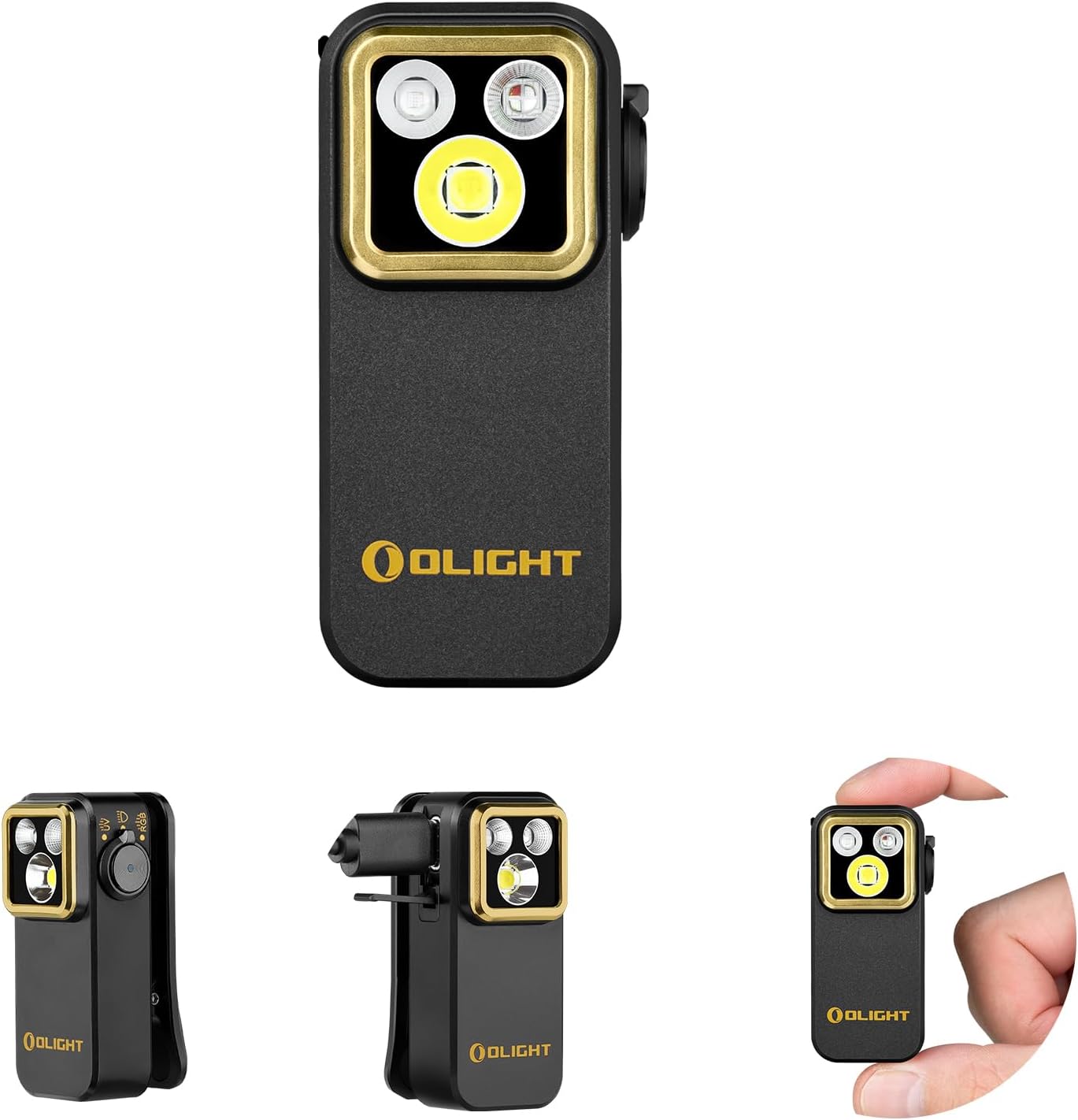
Flashlight
OLIGHT Oclip Pro S EDC Flashlight Clip-on Light, 600...

Soft dry cloth
WHOOSH! Pro 16.9 fl oz Refillable TV Screen Cleaner ...
As an Amazon Associate we earn from qualifying purchases.
Step-by-Step Solution
Replace the Batteries
Open the cabinet under the sink and locate the Moen battery pack, usually a black rectangular box mounted to the cabinet wall or floor. Remove the battery cover and replace all 6 AA batteries with fresh alkaline batteries. Do not mix old and new batteries. After inserting new batteries, the blue LED on the faucet should flash to indicate power is restored. Depleted batteries are the number one cause of touchless failure and Moen recommends replacing them annually.
Needed for this step
Duracell Coppertop Double AA Batteries with Pow...
This helps complete the fix you are currently reading.
$6.96Clean the Sensor Lenses
The MotionSense faucet has two sensor zones. The wave sensor is on top of the faucet spout, and the ready sensor is at the front base of the faucet. Over time, water spots, soap residue, and kitchen grease can coat these sensor lenses and block detection. Wipe both sensor areas with a soft dry cloth. Do not use chemical cleaners, abrasives, or wet cloths on the sensors. A clean sensor surface is essential for reliable detection.
Needed for this step
WHOOSH! Pro 16.9 fl oz Refillable TV Screen Cle...
This helps complete the fix you are currently reading.
$19.99Check Control Box Connections
Under the sink, locate the Moen control box. It is a small black box with several cable connections. Verify all cables are firmly plugged in, including the battery pack cable, sensor cables, and solenoid valve cable. A loose connection can disable one or both sensors. Unplug each cable and reconnect it firmly until you feel it click. Also check that the control box itself is not wet from leaks, as moisture can cause electrical issues.
Re-enable Sensors on Control Box
The Moen control box (a black rectangular box mounted under the sink, connected to the faucet by a cable) has a small button on its top face that can enable or disable the touchless sensors. If this button was accidentally pressed, the sensors may be turned off while the manual handle still works. Press the button on the control box once and wait for the blue LED on the faucet to respond. Some models require holding the button for 5 seconds to toggle between enabled and disabled modes. On most MotionSense models, hold your hand over the wave sensor on top of the spout for 5 seconds until the blue LED blinks twice.
Test Both Sensor Zones
After completing all checks, test each sensor zone independently. For the wave sensor, hold your hand 2 to 4 inches above the top of the faucet spout and wave once. Water should start flowing within 1 second. For the ready sensor, place your hands or an object within 4 inches of the front of the faucet base. Water should flow as long as something is in the sensor zone and stop when removed. If only one zone works, that sensor cable may need reseating.
Quick Solutions
Still having issues? This is usually the deeper cause below.
If the sensor still misses events after repositioning, check whether a scheduled 'home' or 'away' mode is overriding the sensitivity setting silently.
Use high-quality alkaline batteries, not rechargeable NiMH batteries. The voltage difference can cause sensor sensitivity issues. Moen recommends Duracell or Energizer alkaline batteries.
This issue almost always looks more complex than it is — the majority of cases trace back to a single setting, a stale credential, or a default that shipped wrong.
- Low or dead batteries (most common)
- Dirty sensor lens (wave/ready sensor)
- Sensor obstructed or confused by reflections
- Direct sunlight interfering with the IR sensor
- Standing water or a towel over the sensor
Before you go — try one of these (they fix most cases).
Most popular upgrades chosen by Moen MotionSense Faucet owners.

Moen 7864EVBG Sleek Smart Faucet Touchless Pull Down Spra...

Moen Belfield Chrome Smart Faucet Touchless Pull Down Spr...

Moen Align Chrome Smart Faucet Touchless Kitchen Faucet w...
As an Amazon Associate we earn from qualifying purchases.
Official Manufacturer Manual
Moen provides official product documentation through their online manual rather than downloadable PDF. Access setup guides, troubleshooting steps, and product specifications for your Moen MotionSense Faucet.
Source: solutions.moen.com
Need More Help? Moen Support
Note: The contact information below connects you directly to Moen's official customer support team, not Trunetto. They can help with warranty claims, device replacements, and advanced technical issues.
Accessories owners commonly pair with Moen MotionSense Faucet.

Blink Mini - Compact indoor plug-in smart security camera...
Blink Mini - Compact indoor plug-in smart security camera...
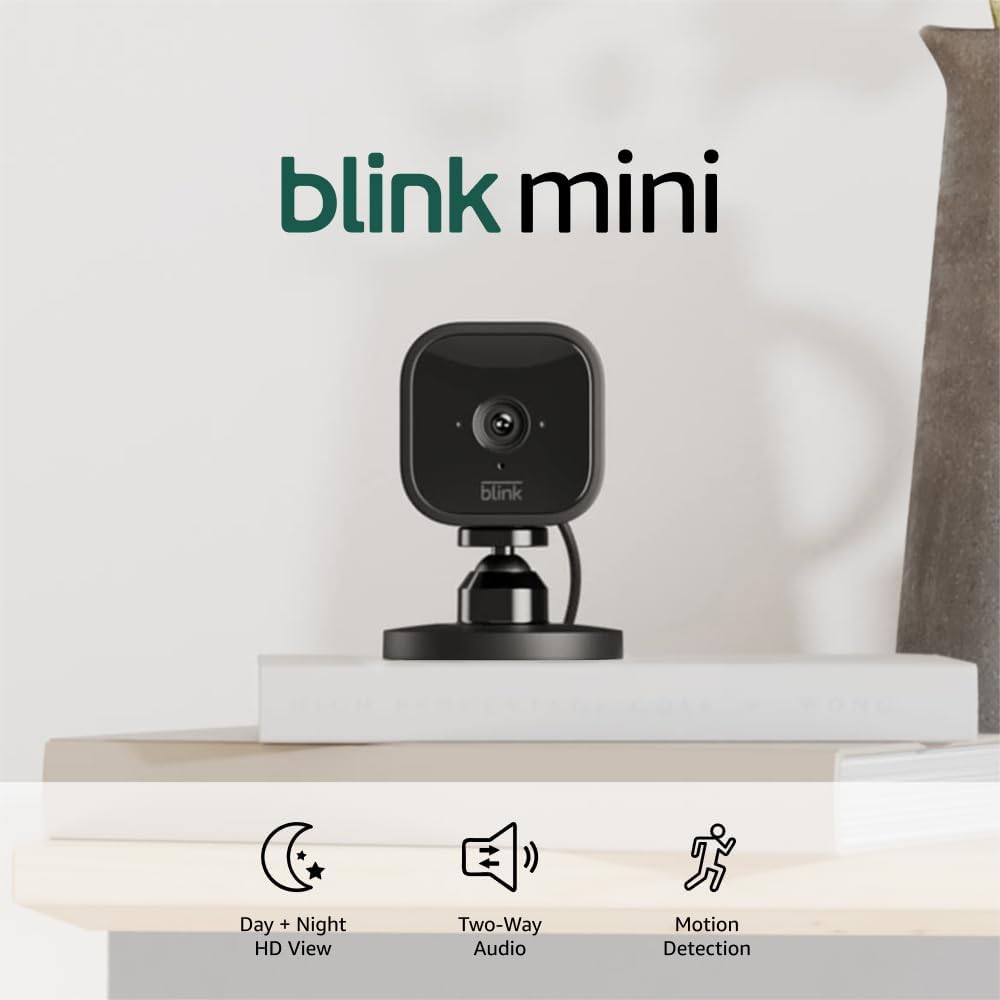
Blink Mini - Compact indoor plug-in smart security camera...
As an Amazon Associate we earn from qualifying purchases.