

How Do I Fix Low Water Flow from My Moen Smart Faucet?
- Clogged aerator at the spout tip
- Partially closed supply shutoff valves
- Sediment/debris in the faucet or hose
Problem Description
Your Moen Smart Faucet is experiencing significantly reduced water flow, affecting its usability for tasks like filling pots or washing hands. This can be due to clogs, pressure issues, or problems with the control box.
Why This Happens in Real Homes
Low flow from a Moen Smart Faucet is usually a simple restriction, and the aerator at the tip of the spout is the first place to look — mineral scale and debris collect in its fine screen and choke the stream. Unscrew it, rinse or replace it, and flow often returns immediately. The second thing people overlook is the supply shutoff valves under the sink: if a stop got bumped or was never fully opened after install, one side runs weak.
If the aerator is clean and the stops are fully open, work back through the faucet: flush sediment that can lodge in the pull-down hose or spray head, straighten a hose that's kinked around the under-sink hardware, and clean the spray head's holes of scale. On smart models, the control box and valve can also restrict flow, and it's worth confirming your overall household water pressure is normal — a low-flow problem at every fixture points upstream, not to the faucet. Clearing the aerator, opening the stops, and flushing debris resolves the large majority of these.
Symptoms
- Low water flow from the faucet
- Weak stream
- Slow to fill pots
- Reduced pressure at the spout
- Flow dropped over time
- Trickle instead of full flow
- Spray mode weak
- Flow low on one temperature
Recognize these? Here's what usually causes it.
Common Causes
- Clogged aerator at the spout tip
- Partially closed supply shutoff valves
- Sediment/debris in the faucet or hose
- Kinked or worn pull-down hose
- Clogged spray head
- Control box/valve restriction (smart models)
- Low household water pressure
- Mineral scale buildup
Most fixes happen in the first 3 steps.
When disconnecting water lines, always turn off the main water supply to your house or the individual shut-off valves under the sink to prevent leaks and water damage.
Tools & Requirements
These tools will help you complete this fix.
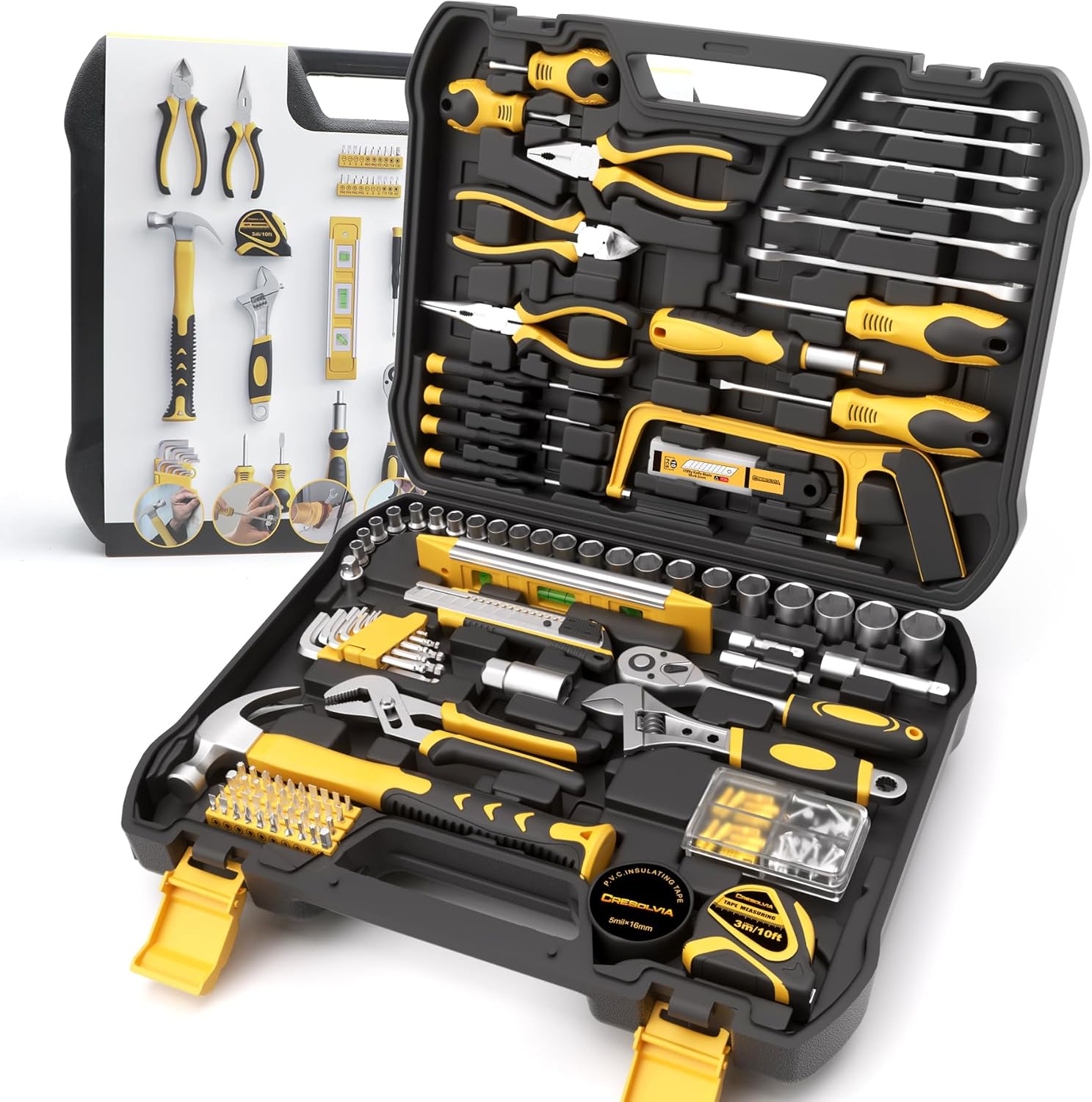
As an Amazon Associate we earn from qualifying purchases.
Step-by-Step Solution
Clean or Replace the Faucet Aerator
The most common cause of low flow is a clogged aerator. Unscrew the aerator from the tip of the faucet spout. Inspect it for mineral deposits, debris, or sediment. Clean it thoroughly with a brush and vinegar, or replace it with a new one if heavily clogged or damaged. Reattach the aerator and test flow.
Check Water Supply Valves and Hoses
Under the sink, make sure both the hot and cold water supply valves are fully open. Inspect the flexible supply hoses connecting the valves to the faucet"s control box for any kinks or bends that could restrict water flow. Straighten any kinks found.
Flush Supply Lines
Turn off the hot and cold water supply valves under the sink. Disconnect the supply lines from the faucet"s control box. Place the ends of the supply lines into a bucket and briefly turn on the water supply valves to flush out any debris that might be trapped in the lines. Reconnect and test.
Power Cycle the Faucet Control Box
Locate the power outlet for your Moen Smart Faucet"s control box (usually under the sink). Unplug it for at least 30 seconds, then plug it back in. This can sometimes reset internal valves or sensors that might be restricting flow. Allow a few minutes for it to reboot.
Check Home Water Pressure
If other faucets in your home also have low pressure, the issue might be with your main home water supply. Contact your water utility or a plumber to check your home"s overall water pressure. If only the smart faucet is affected, contact Moen customer support for further diagnostics.
Quick Solutions
Still having issues? This is usually the deeper cause below.
If this comes back after following these steps, check whether a recent app or firmware update reset a default setting — the fix works, but the setting gets reverted silently.
Regularly clean your faucet aerator, especially if you live in an area with hard water, to prevent mineral buildup and maintain optimal water flow.
This issue almost always looks more complex than it is — the majority of cases trace back to a single setting, a stale credential, or a default that shipped wrong.
- Clogged aerator at the spout tip
- Partially closed supply shutoff valves
- Sediment/debris in the faucet or hose
- Kinked or worn pull-down hose
- Clogged spray head
Before you go — try one of these (they fix most cases).
Most popular upgrades chosen by Moen Smart Faucet owners.

Moen 7864EVBG Sleek Smart Faucet Touchless Pull Down Spra...

Moen Belfield Chrome Smart Faucet Touchless Pull Down Spr...

Moen Align Chrome Smart Faucet Touchless Kitchen Faucet w...
As an Amazon Associate we earn from qualifying purchases.
Official Manufacturer Manual
Moen provides official product documentation through their online manual rather than downloadable PDF. Access setup guides, troubleshooting steps, and product specifications for your Moen Smart Faucet.
Source: moen.com
Need More Help? Moen Support
Note: The contact information below connects you directly to Moen's official customer support team, not Trunetto. They can help with warranty claims, device replacements, and advanced technical issues.



