

Why Is My Roku Express 4K+ Remote Not Pairing or Controlling My TV?
- Pairing not initiated (hold the pairing button)
- Weak/dead batteries
- Remote out of range during pairing
Problem Description
Your Roku Express 4K+ remote is failing to pair with your streaming device or control your television, preventing you from navigating menus or adjusting volume. This can be due to battery issues, pairing problems, or signal interference.
Why This Happens in Real Homes
The Roku Express 4K+ comes with an enhanced (point-anywhere) remote that pairs wirelessly to the device — unlike a simple IR remote, it has to be actively paired, which is where most "won't pair" issues start. The pairing button is inside the battery compartment, and you hold it until the remote's light flashes.
Put in fresh batteries, then open the battery compartment, press and hold the pairing button for about five seconds until the pairing light flashes, staying close to the Roku. Power-cycle the Roku (unplug for ~10 seconds) if it won't find the remote, and reduce interference from nearby wireless devices. If a good-battery remote still won't pair after a Roku restart, it may be faulty and Roku can replace it.
Symptoms
- Express 4K+ remote won't pair
- Remote not responding
- Pairing light won't flash
- Remote not detected
- Voice/enhanced remote won't connect
- Pairing fails
- Remote works then stops
- New batteries but no pairing
Recognize these? Here's what usually causes it.
Common Causes
- Pairing not initiated (hold the pairing button)
- Weak/dead batteries
- Remote out of range during pairing
- Interference disrupting pairing
- Roku needs a restart
- Remote firmware needs updating
- Faulty remote
- Wrong pairing procedure
Most fixes happen in the first 3 steps.
Do not attempt to disassemble your Roku remote, as this can damage internal components and void any warranty.
Tools & Requirements
Step-by-Step Solution
Replace Remote Batteries
The most common cause of charging issues is a faulty cable or power adapter. Try using a different, known-good USB-C charging cable and a different USB power adapter (e.g., the one that came with your iPhone or iPad). Make sure the power adapter is plugged into a working wall outlet.
Re-pair the Remote to Your Roku Device
If replacing batteries doesn"t work, you may need to re-pair the remote. Unplug your Roku Express 4K+ from power for 5 seconds, then plug it back in. Once the Roku logo appears on your TV, open the remote"s battery compartment and press and hold the pairing button (usually near the batteries) for 5 seconds until the pairing light starts flashing. Keep the remote near the Roku device until it pairs.
Clear Obstructions and Interference
Make sure there"s a clear line of sight between your remote and the Roku device (for IR remotes) or that there are no large objects blocking the signal (for RF remotes). Move other electronic devices that might cause interference (e.g., Wi-Fi routers, cordless phones) away from your Roku player.
Restart Your Roku Device
A simple restart can often resolve temporary software glitches. Go to "Settings" > "System" > "Power" > "System restart" on your Roku device. If you can"t navigate with the remote, unplug the Roku device from its power source for 10 seconds, then plug it back in. Once it reboots, try pairing the remote again.
Factory Reset the Remote (If Applicable)
Some advanced Roku remotes have a factory reset option. Remove the batteries, hold the pairing button inside the battery compartment for 5 seconds, reinsert the batteries, then hold the pairing button again until the status LED flashes. This typically involves removing batteries, holding certain buttons, and reinserting batteries. After a factory reset, you will need to re-pair the remote with your Roku device.
Quick Solutions
Still having issues? This is usually the deeper cause below.
If pairing fails after multiple attempts, the device may still be registered to a previous account — factory-reset it before trying to add it to a new one.
Always use high-quality alkaline batteries for your Roku remote to ensure consistent performance and longer battery life.
Pairing failures almost always come down to distance during the initial handshake — manufacturers seriously understate how close you actually need to be.
- Pairing not initiated (hold the pairing button)
- Weak/dead batteries
- Remote out of range during pairing
- Interference disrupting pairing
- Roku needs a restart
Before you go — try one of these (they fix most cases).
Most popular upgrades chosen by Roku Streaming Device owners.
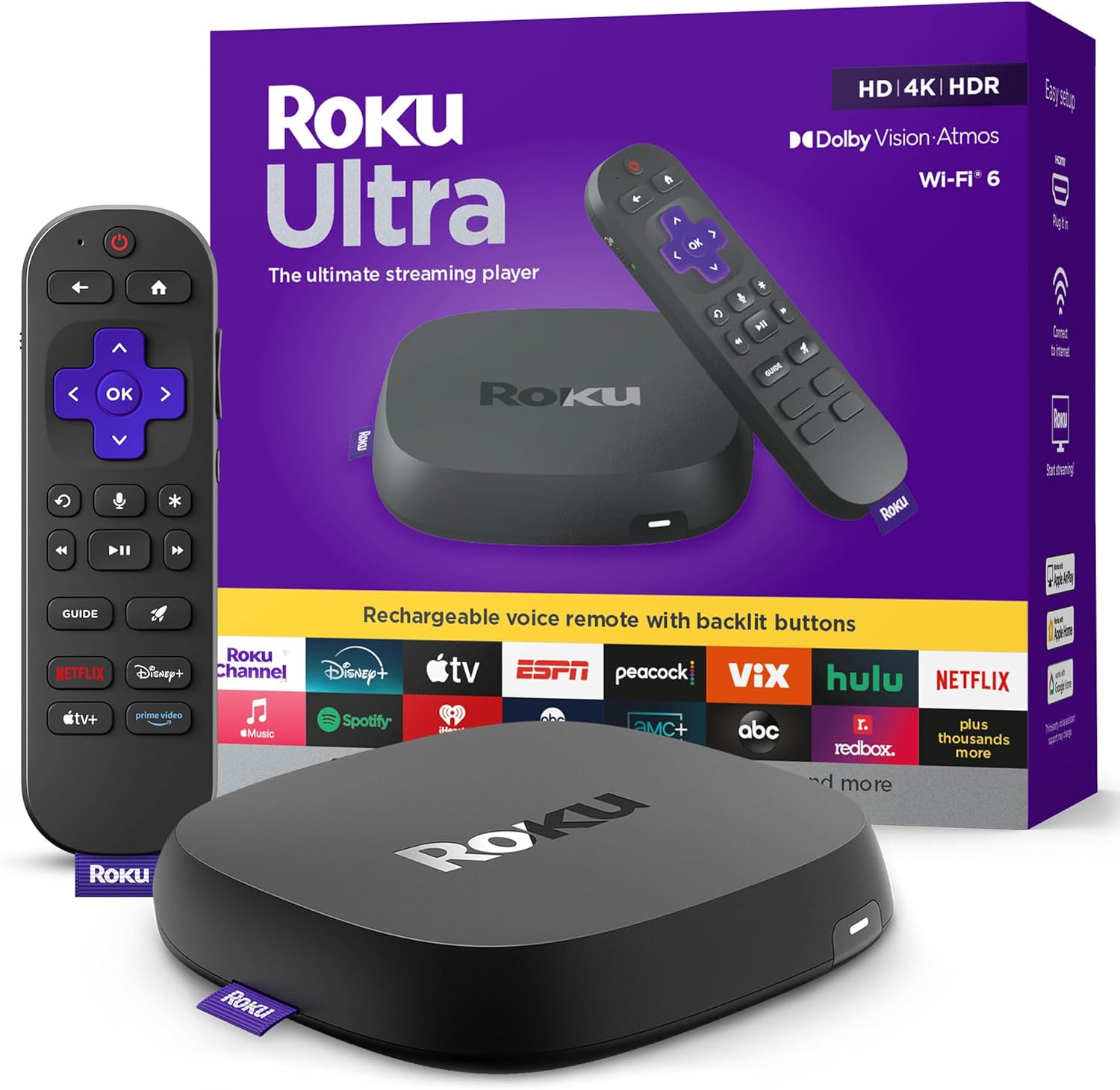
Roku Ultra - Ultimate Streaming Player - 4K Streaming Dev...

Roku Streaming Stick 4K - HDR & D. Vision Roku Streaming ...
As an Amazon Associate we earn from qualifying purchases.
Official Manufacturer Manual
Roku provides official product documentation through their online manual rather than downloadable PDF. Access setup guides, troubleshooting steps, and product specifications for your Roku Streaming Device.
Source: roku.com
Need More Help? Roku Support
Note: The contact information below connects you directly to Roku's official customer support team, not Trunetto. They can help with warranty claims, device replacements, and advanced technical issues.


