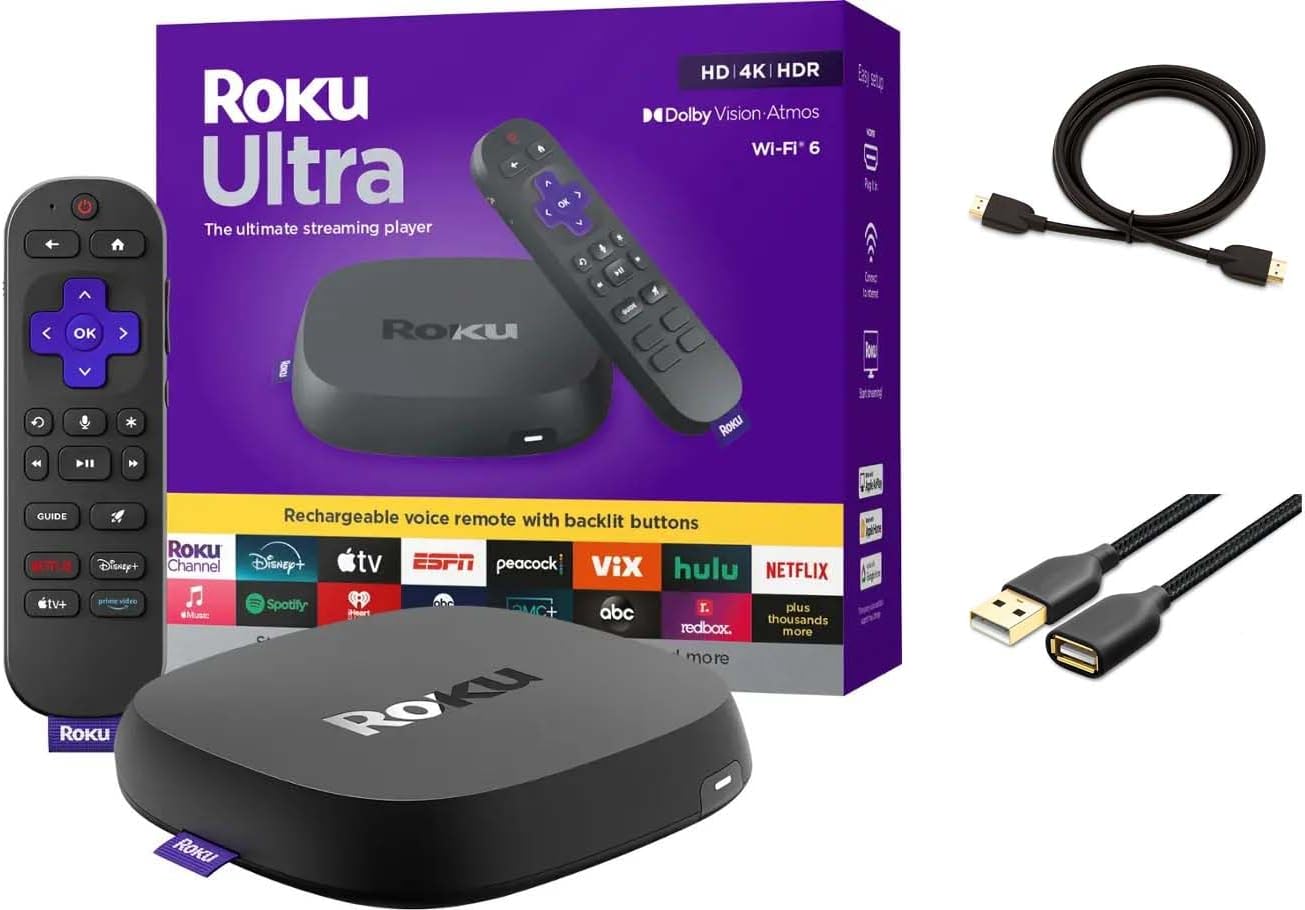
Why Is My Roku Ultra Remote Disconnecting
- Batteries low or reversed
- Remote not paired
- USB power insufficient
Problem Description
Remote disconnects often happen when batteries are low or the player is powered by a weak USB source. This guide resets the remote and improves power stability.
Why This Happens in Real Homes
Remote disconnects often happen when batteries are low or the player is powered by a weak USB source. This guide resets the remote and improves power stability. In day-to-day use, this usually looks like Remote stops responding; Voice button not working; Pairing light flashes.
Most cases trace back to Batteries low or reversed; Remote not paired; USB power insufficient. The fix works best when you go step by step instead of changing multiple settings at once.
A practical order for this issue is: Replace Batteries -> Re-Pair Remote -> Use Wall Power -> Reduce Interference. After each step, test the exact behavior that was failing so you can confirm what actually solved it.
Symptoms
- Remote stops responding
- Voice button not working
- Pairing light flashes
- Batteries recently replaced
- Roku shows on screen
- Remote works after reboot
Recognize these? Here's what usually causes it.
Common Causes
- Batteries low or reversed
- Remote not paired
- USB power insufficient
- HDMI interference
- Firmware outdated
- Bluetooth interference
Most fixes happen in the first 3 steps.
Do not mix old and new batteries in the remote.
Tools & Requirements
Step-by-Step Solution
Re-pair the Remote
The Roku Ultra remote connects via WiFi Direct (not IR), so it needs to be paired to the streaming player. If the remote keeps disconnecting, re-pair it. On the Roku Ultra, there is a pairing button inside the battery compartment on the back of the remote. Remove the battery cover, press and hold the pairing button for 5 seconds until the status LED flashes. The Roku Ultra should detect the remote within 30 seconds.
Replace or Recharge Batteries
Low battery voltage causes intermittent disconnections even though the remote appears to work sometimes. If your Roku Ultra remote uses replaceable batteries, swap in fresh AA batteries. If it has a rechargeable battery, connect it to the USB charging cable and charge fully. Check the battery level in Settings > Remote on the Roku.
Reduce WiFi Interference
The Roku Ultra remote communicates via WiFi Direct on the 5GHz band. Other 5GHz devices (WiFi routers, baby monitors, microwave ovens) can cause interference that drops the remote connection. Move the Roku Ultra to a location with less wireless congestion. If the Roku is inside a closed media cabinet, the signal may be blocked by the cabinet material.
Update Roku Software
Go to Settings > System > System Update on the Roku Ultra and install any available updates. Remote connectivity bugs are addressed in software updates. After the update, restart the Roku (Settings > System > System Restart) and test the remote connection stability.
Factory Reset the Remote
If the remote continues to disconnect after re-pairing and battery replacement, factory reset it. Remove the batteries from the remote. Press and hold the pairing button inside the battery compartment for 15 seconds (without batteries). Reinsert the batteries and the remote will enter pairing mode automatically. Pair it with the Roku Ultra again.
Quick Solutions
Still having issues? This is usually the deeper cause below.
If this comes back after following these steps, check whether a recent app or firmware update reset a default setting — the fix works, but the setting gets reverted silently.
Keep the remote within 10 feet during pairing to ensure a stable connection.
Most WiFi drop-offs happen right after a router reboot or ISP swap — the device reconnects to the network but silently loses its cloud registration.
- Batteries low or reversed
- Remote not paired
- USB power insufficient
- HDMI interference
- Firmware outdated
Before you go — try one of these (they fix most cases).
Most popular upgrades chosen by Roku Ultra owners.
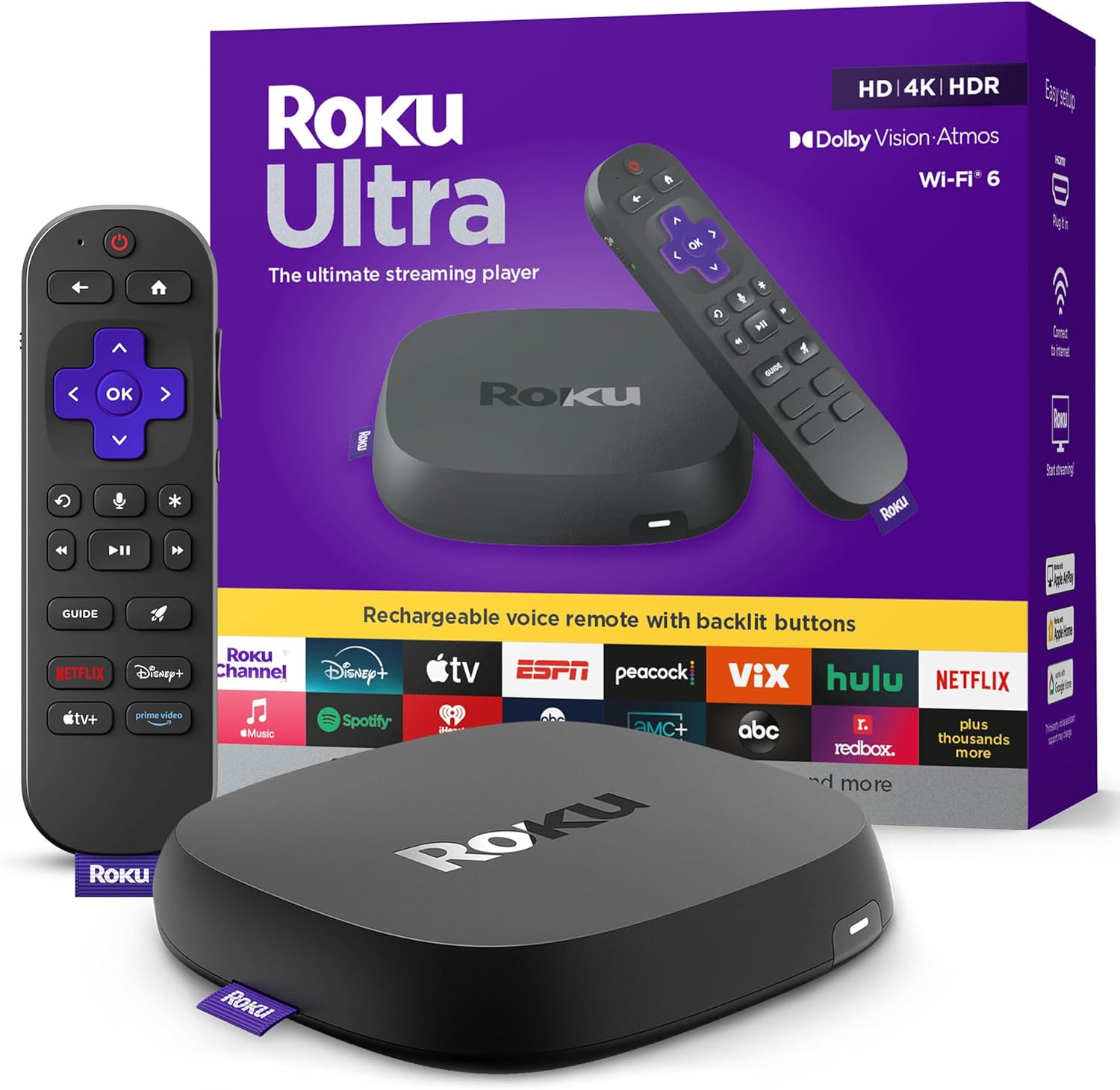
Roku Ultra - Ultimate Streaming Player - 4K Streaming Dev...

Roku Ultra 2024 (Renewed) – 4K Streaming Device with HDR1...
As an Amazon Associate we earn from qualifying purchases.
Official Manufacturer Manual
Roku provides official product documentation through their online manual rather than downloadable PDF. Access setup guides, troubleshooting steps, and product specifications for your Roku Ultra.
Source: support.roku.com
Need More Help? Roku Support
Note: The contact information below connects you directly to Roku's official customer support team, not Trunetto. They can help with warranty claims, device replacements, and advanced technical issues.