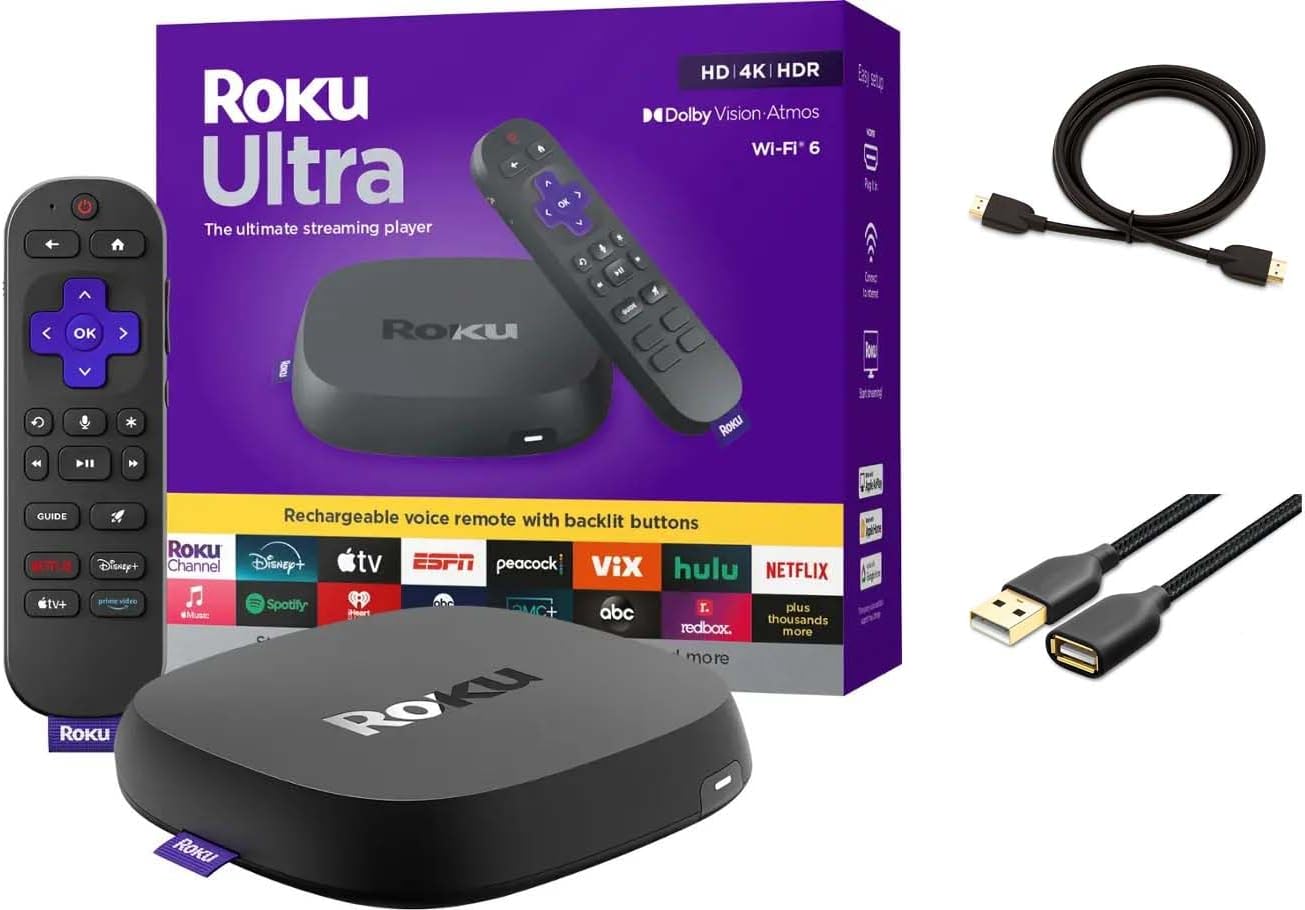
Why Won’t My Roku Ultra Reconnect After Router Security Changed to WPA3-Only?
- Router set to WPA3-only (Roku prefers WPA2)
- Roku doesn't fully support WPA3-only
- WPA3 transition mode not enabled
Problem Description
Roku Ultra can fail to reconnect after routers are switched to WPA3-only security, even when SSID and password are unchanged. The device may see the network but fail authentication repeatedly. This is usually compatibility and profile-state drift, not weak signal alone.
Why This Happens in Real Homes
A Roku Ultra that won't reconnect after a router is switched to WPA3-only is running into a compatibility gap — many Roku models don't fully support WPA3-only security and expect WPA2 or a mixed mode. The router change locked out the Roku even though nothing's wrong with the device.
The simplest fix is setting the router to WPA2/WPA3 mixed (transition) mode, which lets WPA3 devices use WPA3 while older ones like the Roku fall back to WPA2. Alternatively, run a separate 2.4GHz SSID on WPA2 for legacy devices. Update the Roku software in case WPA3 support improved, restart both devices, and re-enter the WiFi credentials. Mixed-mode security is the standard way to keep older streamers connected.
Symptoms
- Ultra won't reconnect after WPA3-only change
- Can't join the network since WPA3
- Fails to authenticate on WPA3
- Worked on WPA2, not WPA3
- Won't connect after a router security change
- Drops after switching to WPA3
- No connection on the new security
- Authentication fails
Recognize these? Here's what usually causes it.
Common Causes
- Router set to WPA3-only (Roku prefers WPA2)
- Roku doesn't fully support WPA3-only
- WPA3 transition mode not enabled
- Firmware not updated for WPA3
- Security-type mismatch
- Older Roku hardware
- Router-side WPA3 quirks
- Needs WPA2/WPA3 mixed
Most fixes happen in the first 3 steps.
Do not rotate through many security modes without notes or you will lose track of the one configuration that actually fixed auth failures.
Tools & Requirements
Step-by-Step Solution
Verify security policy was the trigger
Confirm reconnect failures started right after enabling WPA3-only. This timeline matters. If timing matches, prioritize auth compatibility steps before changing placement, extenders, or ISP settings. Capture current Roku OS and router firmware versions for clean diagnostics.
Move router to mixed WPA2/WPA3 mode
Set wireless security to transitional WPA2/WPA3 and allow all mesh nodes to sync. Many streaming clients reconnect reliably in mixed mode while newer phones still use stronger auth where supported. This is often the fastest stable path back online.
Reset Roku network profile completely
On Roku, reset network settings, forget old Wi-Fi profile, reboot, and reconnect from scratch. This clears stale auth context tied to prior policy. Run the built-in connection test immediately after joining to confirm auth and internet routing are both healthy.
Stabilize topology and roam behavior
If you use mesh, verify all nodes share the same security profile and channel behavior. Policy mismatch between nodes can create intermittent auth failures as Roku roams. For validation, keep Roku near the primary node or use Ethernet temporarily.
Confirm persistent reconnect success
Run multiple app launches and one long stream to verify stability. If reconnect only fails under WPA3-only, retain mixed mode and escalate firmware compatibility with router vendor. In strict environments, use Ethernet on Roku Ultra for consistent auth behavior.
Quick Solutions
Still having issues? This is usually the deeper cause below.
If this comes back after following these steps, check whether a recent app or firmware update reset a default setting — the fix works, but the setting gets reverted silently.
If reconnect failures started right after a security-mode change, that is your highest-probability root cause and should be tested first.
This issue almost always looks more complex than it is — the majority of cases trace back to a single setting, a stale credential, or a default that shipped wrong.
- Router set to WPA3-only (Roku prefers WPA2)
- Roku doesn't fully support WPA3-only
- WPA3 transition mode not enabled
- Firmware not updated for WPA3
- Security-type mismatch
Before you go — try one of these (they fix most cases).
Most popular upgrades chosen by Roku Ultra owners.
Roku Ultra - Ultimate Streaming Player - 4K Streaming Dev...

Roku Ultra 2024 (Renewed) – 4K Streaming Device with HDR1...
As an Amazon Associate we earn from qualifying purchases.
Official Manufacturer Manual
Roku provides official product documentation through their online manual rather than downloadable PDF. Access setup guides, troubleshooting steps, and product specifications for your Roku Ultra.
Source: support.roku.com
Need More Help? Roku Support
Note: The contact information below connects you directly to Roku's official customer support team, not Trunetto. They can help with warranty claims, device replacements, and advanced technical issues.