

Why Won't My Dreame L20 Ultra Mop Self-Clean at the Station?
- Clean water tank empty
- Dirty water tank full and not draining
- Mop washing pads in station worn out
Problem Description
Your Dreame L20 Ultra returns to the dock but the mop pads do not self-clean. The station should wash and dry the mops but they come out still dirty or wet. The self-cleaning feature was a major selling point but it does not work properly. You end up with smelly mops and dirty floors on the next run.
Symptoms
- Mops still dirty after self-clean cycle
- Mops come out wet and not dried
- Self-cleaning does not start automatically
- Water not flowing during mop wash
- Station makes noise but mops unchanged
- Mops smell bad despite cleaning cycles
Recognize these? Here's what usually causes it.
Common Causes
- Clean water tank empty
- Dirty water tank full and not draining
- Mop washing pads in station worn out
- Station brush or channels clogged
- Self-cleaning disabled in settings
- Mop pads need replacement
Most fixes happen in the first 3 steps.
Never use bleach or harsh chemicals in the water tank. This can damage seals and components.
Tools & Requirements
These tools will help you complete this fix.
As an Amazon Associate we earn from qualifying purchases.
Step-by-Step Solution
Check Water Tanks
The clean water tank feeds the washing system. If empty mops cannot be washed. The dirty water tank collects wash water. If full the system stops. Remove both tanks. Fill clean tank to max line. Empty and rinse dirty tank. Reinstall and try cleaning again.
Clean Station Wash Tray
The station has a wash tray where mops spin during cleaning. This tray accumulates debris and residue. Remove the tray and wash it with warm water. Scrub the textured surface that cleans the mops. Reinstall and make sure it seats correctly.
Check for Clogs
Water channels and drainage can clog with debris. Look for the water inlet and outlet paths in the station. Use a soft brush or pipe cleaner to clear any blockages. Hair and lint commonly clog these areas.

Needed for this step
Antistatic Brush, 2 PCS Mainboard Cleaning Tool...
This helps complete the fix you are currently reading.
$8.50Enable Auto Mop Cleaning
Open Dreame app and go to robot settings then cleaning settings. Find mop washing options and make sure auto mop cleaning is enabled. Set wash frequency to after every room or every cleaning. Without this setting the robot may skip mop cleaning.
Replace Worn Mop Pads
Mop pads wear out over time and cannot be fully cleaned. If your pads are more than 3-6 months old they may be degraded. Replace with new Dreame mop pads. Worn pads hold dirt and bacteria no matter how well the station washes them.
Quick Solutions
Still having issues? This is usually the deeper cause below.
If the robot returns to the dock mid-clean, moved furniture may have invalidated its map — a fresh floor scan resolves the majority of navigation failures.
Add a small amount of Dreame floor cleaning solution to the clean water tank for better mop washing and floor cleaning results.
Over-saturation complaints spike in humid conditions — ambient humidity causes the mop pad to hold more water, compounding the pump output on the same flow setting.
- Clean water tank empty
- Dirty water tank full and not draining
- Mop washing pads in station worn out
- Station brush or channels clogged
- Self-cleaning disabled in settings
Before you go — try one of these (they fix most cases).
Most popular upgrades chosen by Dreame L20 Ultra owners.

DREAME C20 Plus Robot Vacuum and Mop Combo, 90 Days Self-...

DREAME Aqua10 Ultra Roller Robot Vacuum and Mop & 30,000P...
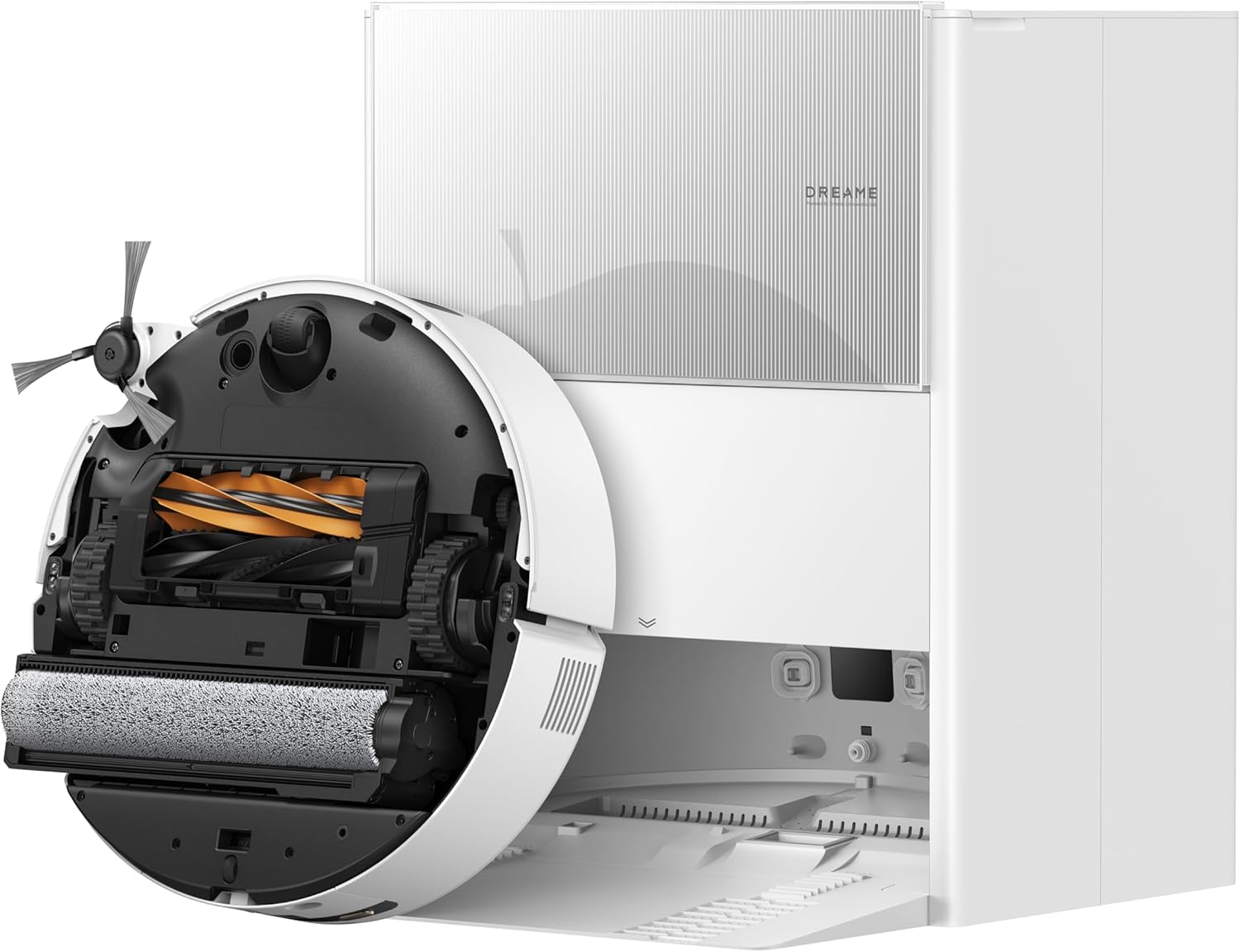
DREAME Aqua10 Ultra Roller Robot Vacuum and Mop & 30,000P...
As an Amazon Associate we earn from qualifying purchases.
Official Manufacturer Manual
Dreame provides official product documentation through their online manual rather than downloadable PDF. Access setup guides, troubleshooting steps, and product specifications for your Dreame L20 Ultra.
Source: dreametech.com
Need More Help? Dreame Support
Note: The contact information below connects you directly to Dreame's official customer support team, not Trunetto. They can help with warranty claims, device replacements, and advanced technical issues.


