

Why Does My Dreame Robot Vacuum Keep Bumping Into Walls?
- Dust or debris blocking LiDAR turret rotation
- Hair wrapped around base of LiDAR turret
- LiDAR sensor window dirty reducing laser accuracy
Problem Description
Your Dreame robot vacuum displays a LiDAR sensor error or bumps into walls and furniture instead of navigating around them. The robot may spin in circles or show a garbled map. The LiDAR turret on top may not be spinning or is obstructed. Without functional LiDAR the robot cannot map navigate or clean efficiently.
Why This Happens in Real Homes
Your Dreame robot vacuum displays a LiDAR sensor error or bumps into walls and furniture instead of navigating around them. The robot may spin in circles or show a garbled map. The LiDAR turret on top may not be spinning or is obstructed. Without functional Li.. In real usage this appears as LiDAR sensor error message in Dreamehome app, Robot spins in circles or moves randomly, and Robot bumps into walls and furniture at full speed
The pattern in this case points to Dust or debris blocking LiDAR turret rotation, Hair wrapped around base of LiDAR turret, and LiDAR sensor window dirty reducing laser accuracy. The repair usually holds when done in order: Check LiDAR Turret Rotation, then Clean LiDAR Sensor Window, then Power Cycle the Robot. After applying the fix, validate behavior with repeated command tests and at least one full automation cycle to confirm stability.
Symptoms
- LiDAR sensor error message in Dreamehome app
- Robot spins in circles or moves randomly
- Robot bumps into walls and furniture at full speed
- Map in app is garbled distorted or wrong
- LiDAR turret on top does not appear to spin
- Navigation worked before but suddenly degraded
Recognize these? Here's what usually causes it.
Common Causes
- Dust or debris blocking LiDAR turret rotation
- Hair wrapped around base of LiDAR turret
- LiDAR sensor window dirty reducing laser accuracy
- Robot placed in very dark room with no light
- Firmware update corrupted navigation calibration
- LiDAR turret motor bearing worn from use
Most fixes happen in the first 3 steps.
Do not pry open or disassemble the LiDAR turret. The internal laser and mirror require factory alignment. Disassembly permanently damages navigation.
Tools & Requirements
These tools will help you complete this fix.

Clean microfiber cloth
MR.SIGA Microfiber Cleaning Cloth,Pack of 12,Size:12...

Compressed air
WOLFBOX MegaFlow 50 Compressed Air Duster-110000RPM ...

Tweezers
Pefei Tweezers Set - Professional Stainless Steel Tw...
As an Amazon Associate we earn from qualifying purchases.
Step-by-Step Solution
Clean LiDAR turret and surrounding sensor windows
Wipe the LiDAR lens and nearby optical surfaces with a lint-free cloth, because dust film or smudges can degrade distance readings and cause repeated bumps.
Needed for this step
MR.SIGA Microfiber Cleaning Cloth,Pack of 12,Si...
This helps complete the fix you are currently reading.
$13.99Check turret spin freedom and obstruction
Verify the LiDAR turret rotates smoothly without friction or debris, since restricted rotation produces blind sectors that increase collision frequency.
Improve room lighting and remove reflective traps
Reduce mirror-like and highly reflective obstacles during testing, because reflective artifacts can confuse navigation and path planning.
Update firmware and refresh map after cleanup
Install current firmware and run a fresh mapping pass, because navigation bug fixes often improve obstacle handling and route confidence.
Run controlled perimeter test and monitor collisions
Test along known wall/obstacle paths and compare collision count before and after fixes to confirm true navigation improvement.
Quick Solutions
Still having issues? This is usually the deeper cause below.
If the robot returns to the dock mid-clean, moved furniture may have invalidated its map — a fresh floor scan resolves the majority of navigation failures.
Wipe the LiDAR turret weekly as part of your dustbin emptying routine. This 10-second maintenance prevents the most common navigation failure.
Robot vacuums that 'stop working' are usually fighting a corrupted map from moved furniture — a fresh floor scan fixes the majority of reported failures.
- Dust or debris blocking LiDAR turret rotation
- Hair wrapped around base of LiDAR turret
- LiDAR sensor window dirty reducing laser accuracy
- Robot placed in very dark room with no light
- Firmware update corrupted navigation calibration
Before you go — try one of these (they fix most cases).
Most popular upgrades chosen by Dreame Robot Vacuum owners.

DREAME C20 Plus Robot Vacuum and Mop Combo, 90 Days Self-...

DREAME Aqua10 Ultra Roller Robot Vacuum and Mop & 30,000P...
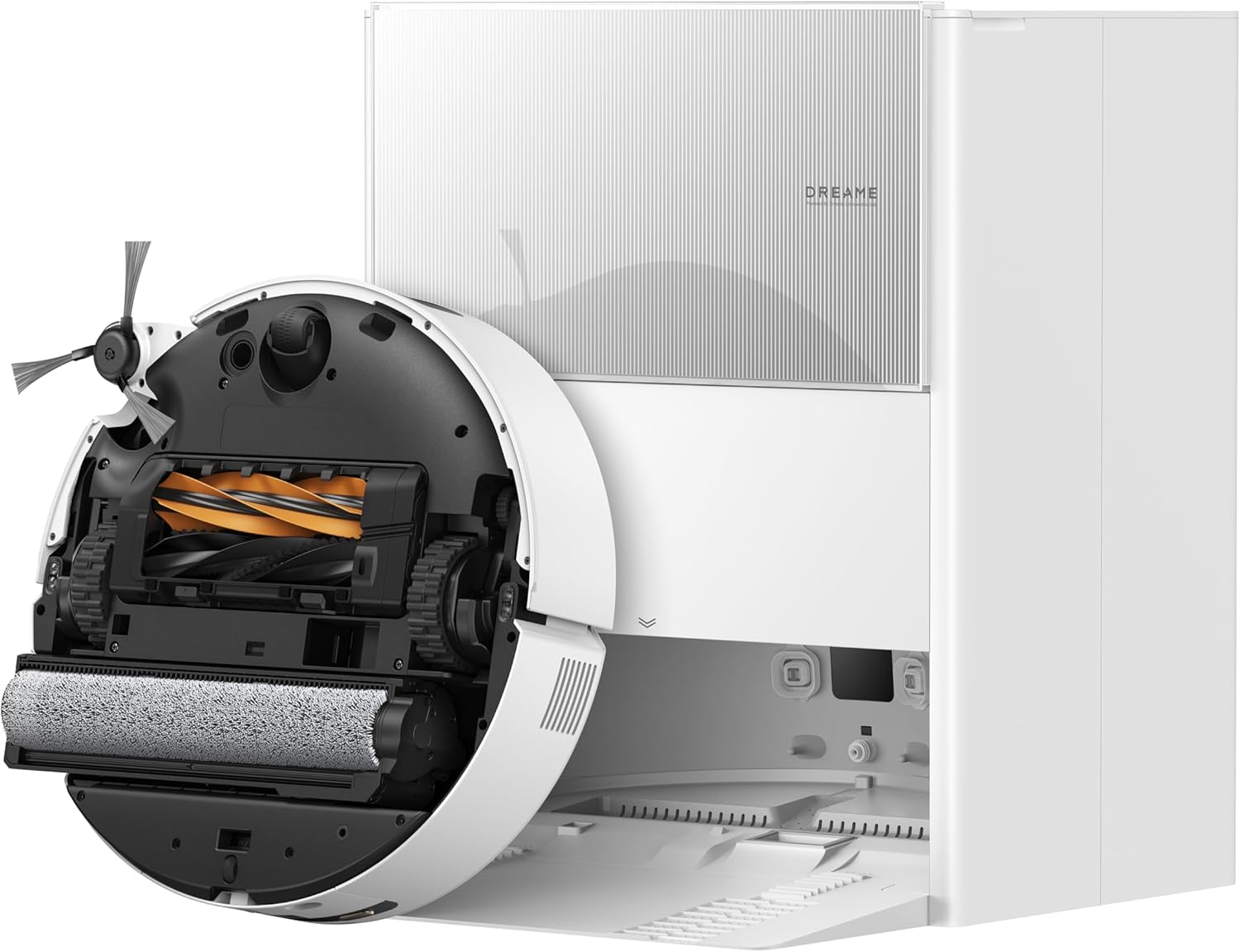
DREAME Aqua10 Ultra Roller Robot Vacuum and Mop & 30,000P...
As an Amazon Associate we earn from qualifying purchases.
Official Manufacturer Manual
Dreame provides official product documentation through their online manual rather than downloadable PDF. Access setup guides, troubleshooting steps, and product specifications for your Dreame Robot Vacuum.
Source: dreametech.com
Need More Help? Dreame Support
Note: The contact information below connects you directly to Dreame's official customer support team, not Trunetto. They can help with warranty claims, device replacements, and advanced technical issues.
Accessories owners commonly pair with Dreame Robot Vacuum.

Amazon Basics 20-Pack AA Alkaline High-Performance Batter...

Amazon Basics CR2032 3V Lithium Coin Cell Batteries for K...

Duracell Coppertop Double AA Batteries with Power Boost I...
As an Amazon Associate we earn from qualifying purchases.


