

Why Does My Dreame X30 Ultra Keep Lifting Mop on Hard Floors?
- Ultrasonic carpet sensor detecting floor texture
- Dark floors reflecting sensor signals poorly
- Floor transition strips triggering sensor
Problem Description
Your Dreame X30 Ultra lifts its mop pads on hard floors as if detecting carpet when there is none. Dark floors, floor transitions, or certain rugs confuse the sensor. The mop lifts constantly interrupting proper floor cleaning. You want the mop down on all hard floors but the robot thinks carpet is everywhere.
Symptoms
- Mop lifts on dark hard floors
- Lifts at floor transitions between rooms
- Certain area rugs cause constant lifting
- Mop lifts then immediately drops repeatedly
- Map shows carpet where there is none
- Carpet boost activates on hard floors
Recognize these? Here's what usually causes it.
Common Causes
- Ultrasonic carpet sensor detecting floor texture
- Dark floors reflecting sensor signals poorly
- Floor transition strips triggering sensor
- Thick hard floor rugs detected as carpet
- Carpet detection sensitivity too high
- Map floor type labels incorrect
Most fixes happen in the first 3 steps.
Disabling carpet detection entirely means mops will not lift on actual carpet which can damage carpet fibers.
Tools & Requirements
These tools will help you complete this fix.
As an Amazon Associate we earn from qualifying purchases.
Step-by-Step Solution
Lower Carpet Detection Sensitivity
Open Dreame app and find carpet detection settings. Lower the sensitivity from high to medium or low. The robot will be less aggressive about lifting the mop on ambiguous surfaces. Test cleaning on your problem floors after adjusting.
Manually Edit Floor Types in Map
In the Dreame app go to your map and find room or zone editing. You can manually mark areas as hard floor or carpet. Override the auto-detection by setting your hard floors as explicitly hard floor type. The robot will trust your labels over sensor detection.
Create No-Mop Zones
If specific rugs or areas cause false positives create no-mop zones around them. The robot will vacuum these areas but keep mop raised. This prevents the annoying lift-drop cycle in problem areas.
Clean Ultrasonic Sensor
The carpet detection sensor is on the bottom of the robot. Dust or debris on the sensor causes false readings. Turn robot over and clean the small ultrasonic sensor window with a soft dry cloth. Dirty sensors give unreliable readings.

Needed for this step
WHOOSH! Pro 16.9 fl oz Refillable TV Screen Cle...
This helps complete the fix you are currently reading.
$19.99Update Firmware
Dreame regularly improves carpet detection algorithms in firmware updates. Check for updates in the app under device settings. Install any available updates. Newer firmware may handle your specific floor types better.
Quick Solutions
Still having issues? This is usually the deeper cause below.
If the robot returns to the dock mid-clean, moved furniture may have invalidated its map — a fresh floor scan resolves the majority of navigation failures.
Very dark floors especially black can absorb ultrasonic signals and may always have detection issues. Manual floor labels help most.
Over-saturation complaints spike in humid conditions — ambient humidity causes the mop pad to hold more water, compounding the pump output on the same flow setting.
- Ultrasonic carpet sensor detecting floor texture
- Dark floors reflecting sensor signals poorly
- Floor transition strips triggering sensor
- Thick hard floor rugs detected as carpet
- Carpet detection sensitivity too high
Before you go — try one of these (they fix most cases).
Most popular upgrades chosen by Dreame X30 Ultra owners.

DREAME C20 Plus Robot Vacuum and Mop Combo, 90 Days Self-...

DREAME Aqua10 Ultra Roller Robot Vacuum and Mop & 30,000P...
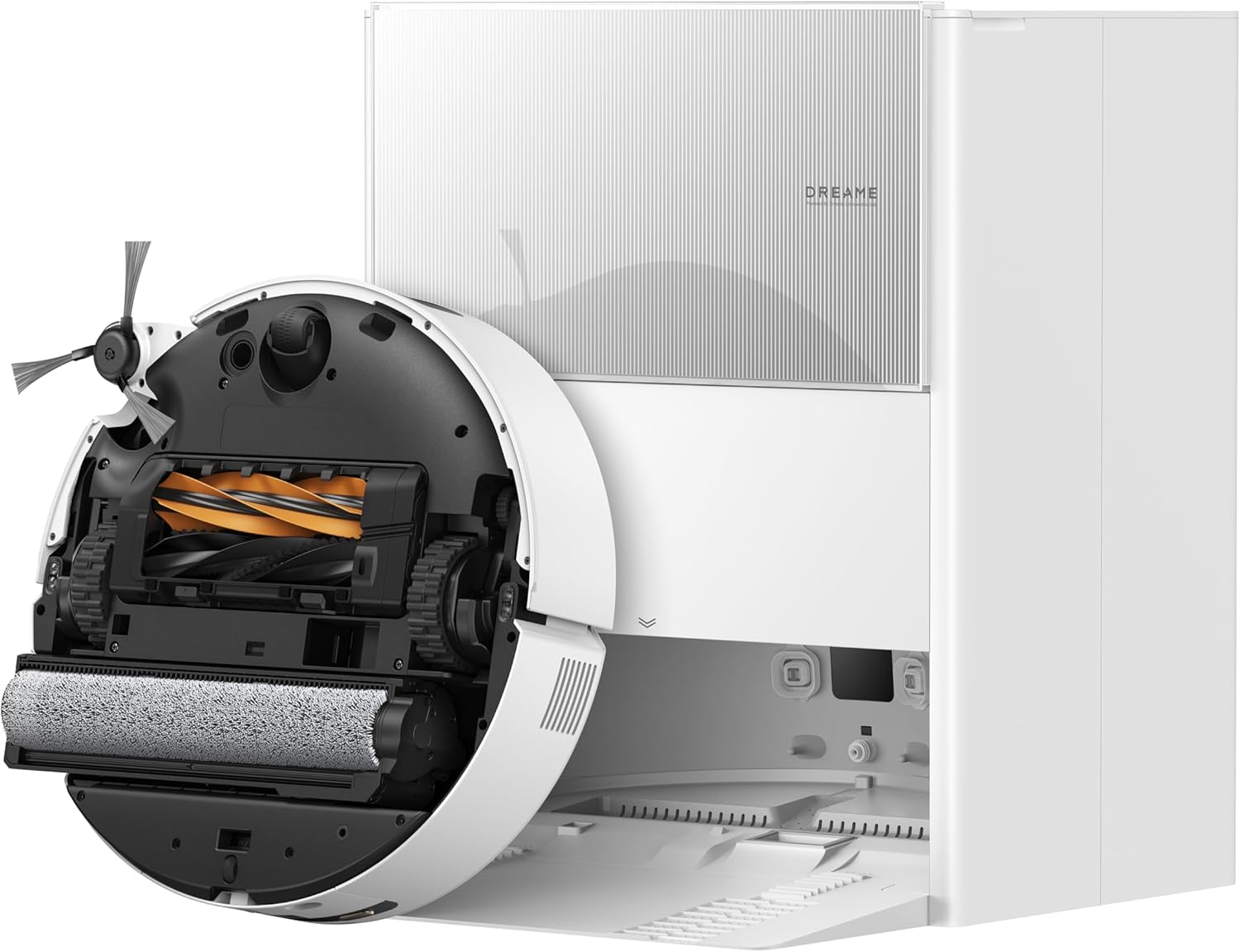
DREAME Aqua10 Ultra Roller Robot Vacuum and Mop & 30,000P...
As an Amazon Associate we earn from qualifying purchases.
Official Manufacturer Manual
Dreame provides official product documentation through their online manual rather than downloadable PDF. Access setup guides, troubleshooting steps, and product specifications for your Dreame X30 Ultra.
Source: dreametech.com
Need More Help? Dreame Support
Note: The contact information below connects you directly to Dreame's official customer support team, not Trunetto. They can help with warranty claims, device replacements, and advanced technical issues.

