

Why Is My Roborock Dyad Pro Self-Cleaning Not Working Properly?
- Hair needs manual removal, not water-based cleaning
- Self-clean is designed for dirt, not tangled debris
- Not running self-clean immediately after use
Problem Description
Your Roborock Dyad Pro or Dyad Pro Combo has a self-cleaning feature but after cleaning the roller brush still looks dirty. Hair wraps around the roller and the self-clean cycle does not remove it. The dirty water shows debris but the brush itself remains grimy. You expected self-cleaning to actually clean the brush.
Why This Happens in Real Homes
The Roborock Dyad Pro is a wet/dry stick vacuum, and its self-clean cycle flushes the roller brush with water after use - but it's important to understand what that cycle can and can't do. It's designed to rinse away dirt and grime, not to remove tangled hair. Long hair wraps physically around the roller and its end caps, and no amount of water flushing will unwind it, so hair has to be cut and removed manually - Roborock intends this as weekly maintenance, not something the self-clean handles. Expecting the self-clean to remove hair is the main reason people think it's 'not working.'
For the dirt-and-odor side that self-clean does handle, a few things maximize it. Run the self-clean immediately after every use, before debris dries and sets onto the roller. Empty the dirty water tank and refill the clean tank first, since a full dirty tank or empty clean tank cuts the cleaning power. Warm water cleans noticeably better than cold, and heavy messes benefit from multiple cycles. Persistent odor and sticky residue usually mean the roller is due for a manual scrub or, if the fibers are worn and matted, replacement - a degraded roller holds debris and smell no matter how often you self-clean.
Symptoms
- Hair tangled on the roller after a self-clean cycle
- Brush looks dirty even after cleaning
- Self-clean runs but the brush isn't visibly cleaner
- Roller has sticky residue not removed
- Self-clean cycle seems shorter than expected
- Brush smells bad despite self-cleaning
- Roller stays grimy at the ends
- Dirty water shows debris but the roller doesn't
Recognize these? Here's what usually causes it.
Common Causes
- Hair needs manual removal, not water-based cleaning
- Self-clean is designed for dirt, not tangled debris
- Not running self-clean immediately after use
- Dirty water tank full, reducing cleaning power
- Roller worn, holding debris in damaged fibers
- Using cold water instead of warm
- Clean water tank empty/low
- Sticky residue needs a manual scrub
Most fixes happen in the first 3 steps.
Never use hot water above 60C or 140F as it can damage seals and plastic components.
Tools & Requirements
These tools will help you complete this fix.
As an Amazon Associate we earn from qualifying purchases.
Step-by-Step Solution
Understand Self-Clean Limitations
Self-cleaning washes dirt and grime from the brush roller using water but it cannot cut or untangle hair. Hair wrapped around the roller must be manually removed. Use scissors to cut hair bundles then pull them free. Do this weekly or more often if you have long-haired family members or pets.

Needed for this step
Klein Tools 2100-5 Electrician Scissors, Made i...
This helps complete the fix you are currently reading.
$18.99Self-Clean Immediately After Use
Debris is easier to clean when fresh. If you wait hours or overnight dirt dries and sticks to brush fibers. Run the self-clean cycle immediately when you finish vacuuming while debris is still wet and loose. This makes the water-based cleaning much more effective.
Empty Dirty Water First
A full dirty water tank reduces suction and water circulation during self-clean. Before running self-clean empty the dirty water tank and rinse it. The clean tank allows maximum water flow for washing the brush. Also check that the clean water tank is adequately filled.
Inspect and Replace Brush Roller
Over time brush roller fibers get damaged and hold debris in the cracks. If fibers look frayed matted or discolored the roller needs replacement. New rollers release dirt easily during self-clean. Replace the roller every 6-12 months depending on use or when cleaning results decline.
Use Warm Water
Some Dyad models allow warm water which cleans better than cold. If yours supports it fill the clean water tank with warm not hot water before running self-clean. Warm water dissolves sticky residue and grease that cold water cannot remove.
Quick Solutions
Still having issues? This is usually the deeper cause below.
If this comes back after following these steps, check whether a recent app or firmware update reset a default setting — the fix works, but the setting gets reverted silently.
Self-cleaning is maintenance not magic. It extends time between manual cleaning but cannot replace occasional deep manual cleaning.
This issue almost always looks more complex than it is — the majority of cases trace back to a single setting, a stale credential, or a default that shipped wrong.
- Hair needs manual removal, not water-based cleaning
- Self-clean is designed for dirt, not tangled debris
- Not running self-clean immediately after use
- Dirty water tank full, reducing cleaning power
- Roller worn, holding debris in damaged fibers
Before you go — try one of these (they fix most cases).
Most popular upgrades chosen by Roborock Dyad Pro Combo owners.

roborock 2 Pack Microfiber Mop Cloths for Q7 M5, Q7 M5+, ...
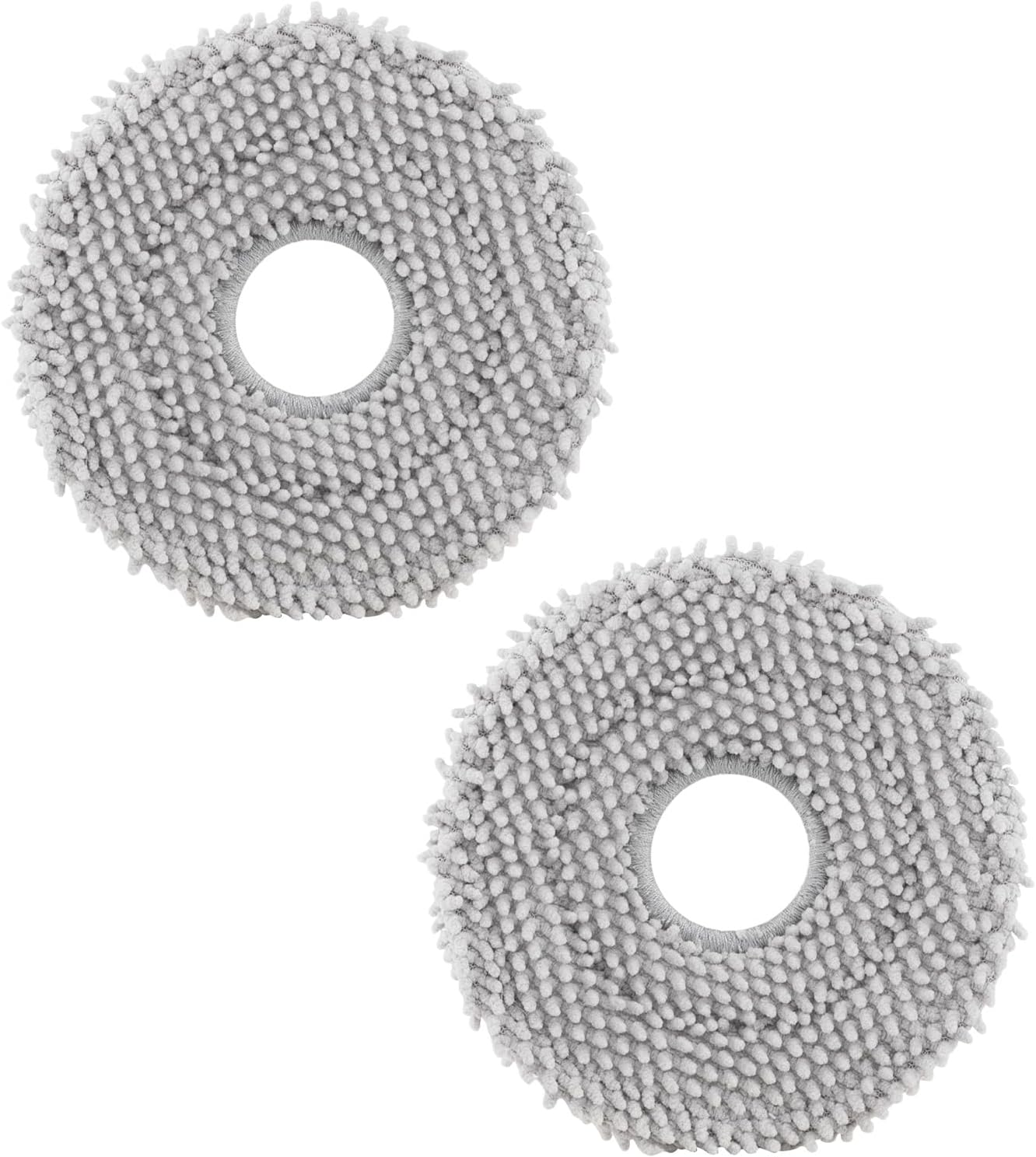
roborock 4 Pack Microfiber Mop Cloths for Q Revo, Qrevo M...

roborock 4 Pack Microfiber Mop Cloths for QV 35A/QV 35S/Q...
As an Amazon Associate we earn from qualifying purchases.
Official Manufacturer Manual
Roborock provides official product documentation through their online manual rather than downloadable PDF. Access setup guides, troubleshooting steps, and product specifications for your Roborock Dyad Pro Combo.
Source: roborock.com
Need More Help? Roborock Support
Note: The contact information below connects you directly to Roborock's official customer support team, not Trunetto. They can help with warranty claims, device replacements, and advanced technical issues.
How Does Roborock Compare?
Before replacing your Roborock device, see how it stacks up against alternatives in our full comparison guides.


