

Roborock Main Brush Tangled with Hair and Not Spinning
- Long hair and threads wrapped around the brush axle
- Debris caught in the brush end caps
- Brush bearings clogged or damaged
Problem Description
The main brush roller on your Roborock robot vacuum is severely tangled with hair, threads, and debris. The brush may have stopped spinning entirely, or it spins slowly and struggles, reducing cleaning performance. You may hear a grinding noise or see an error message in the Roborock app.
Why This Happens in Real Homes
A main brush wrapped in hair is the single most common maintenance issue on any robot vacuum, and on Roborock it shows up as a 'clean main brush' error, a grinding noise, or the brush spinning slowly or not at all. Long hair and threads wind around the brush axle and pack into the end caps, physically binding the roller so the motor can't turn it freely. The fix is hands-on: pop out the main brush, cut away the tangled hair with scissors or the notched cleaning tool that comes with the robot, and clear the end caps and bearing areas where hair burrows in and jams the rotation.
Regular maintenance prevents the recurring version of this. Cleaning the brush every few uses (weekly in a home with pets or long hair) keeps hair from building up to the point of stalling the motor. While it's out, check the bearings and end caps for hair wound tightly into the sleeves, which causes drag even after the visible hair is gone, and inspect the bristles - a brush with worn, splayed bristles cleans poorly and should be replaced. Reseat the brush and its cover correctly so it's not binding against the housing. If the brush is clean, free-spinning by hand, and correctly seated but still won't turn under power, the brush-module motor may be failing and needs service.
Symptoms
- Main brush visibly wrapped in hair and threads
- Brush not spinning or spins very slowly
- Grinding or straining noise
- 'Clean main brush' / 'Main brush tangled' error
- Reduced pickup of dirt and debris
- Struggles on carpet more than usual
- Brush stops mid-run
- Motor sounds labored
Recognize these? Here's what usually causes it.
Common Causes
- Long hair and threads wrapped around the brush axle
- Debris caught in the brush end caps
- Brush bearings clogged or damaged
- Main brush module motor failing
- Brush not cleaned in a long time
- Bristles worn down needing replacement
- Hair wound into the bearing sleeves
- Foreign object jamming the brush
Most fixes happen in the first 3 steps.
When using scissors near the brush, cut gently and away from the rubber fins and bristles to avoid damaging them. A damaged brush will have reduced cleaning performance.
Tools & Requirements
These tools will help you complete this fix.

Tweezers or toothpick
Pefei Tweezers Set - Professional Stainless Steel Tw...

Scissors or seam ripper
Klein Tools 2100-5 Electrician Scissors, Made in USA...
As an Amazon Associate we earn from qualifying purchases.
Step-by-Step Solution
Remove the Main Brush
Turn off the robot and flip it over. Locate the main brush compartment, which is typically in the center underside. Unlatch the brush guard by pressing the tabs or clips on either side. Lift out the main brush roller. You will likely see a significant amount of hair wrapped around it.
Cut Away Tangled Hair
Use scissors, a seam ripper, or the included Roborock cleaning tool to carefully cut through the tangled hair and threads. Cut along the length of the brush, being careful not to damage the bristles. Pull the cut hair away from the brush. Pay special attention to the ends of the brush where hair tends to wind tightly around the axle.
Needed for this step
Klein Tools 2100-5 Electrician Scissors, Made i...
This helps complete the fix you are currently reading.
$18.99Clean the End Caps and Bearings
Remove the end caps from the main brush (they usually pull or twist off). Clean out any debris packed inside. Check the small bearings for tangled hair. Use a toothpick or tweezers to remove any debris. If the bearings feel gritty or stiff, they may be damaged. Reassemble the end caps onto the brush.
Needed for this step
Pefei Tweezers Set - Professional Stainless Ste...
This helps complete the fix you are currently reading.
$9.99Clean the Brush Compartment
While the brush is out, clean the inside of the brush compartment on the robot itself. Wipe away dust and debris. Check the drive mechanism (the gears or belt that spin the brush) for any obstructions. A clear compartment ensures the brush can spin freely when reinstalled.
Reinstall and Test
Place the clean main brush back into the compartment, ensuring the end caps click securely into their slots. Reattach the brush guard. Turn on the robot and run a quick test clean. Listen for any unusual noises. If the brush still does not spin freely, the brush may be worn out (needing replacement) or the motor may be faulty.
Quick Solutions
Still having issues? This is usually the deeper cause below.
If this comes back after following these steps, check whether a recent app or firmware update reset a default setting — the fix works, but the setting gets reverted silently.
Clean your Roborock main brush after every 3-5 cleaning cycles, or more frequently if you have pets or long-haired household members. Regular maintenance prevents severe tangles.
This issue almost always looks more complex than it is — the majority of cases trace back to a single setting, a stale credential, or a default that shipped wrong.
- Long hair and threads wrapped around the brush axle
- Debris caught in the brush end caps
- Brush bearings clogged or damaged
- Main brush module motor failing
- Brush not cleaned in a long time
Before you go — try one of these (they fix most cases).
Most popular upgrades chosen by Roborock Robot Vacuum owners.

roborock 2 Pack Microfiber Mop Cloths for Q7 M5, Q7 M5+, ...
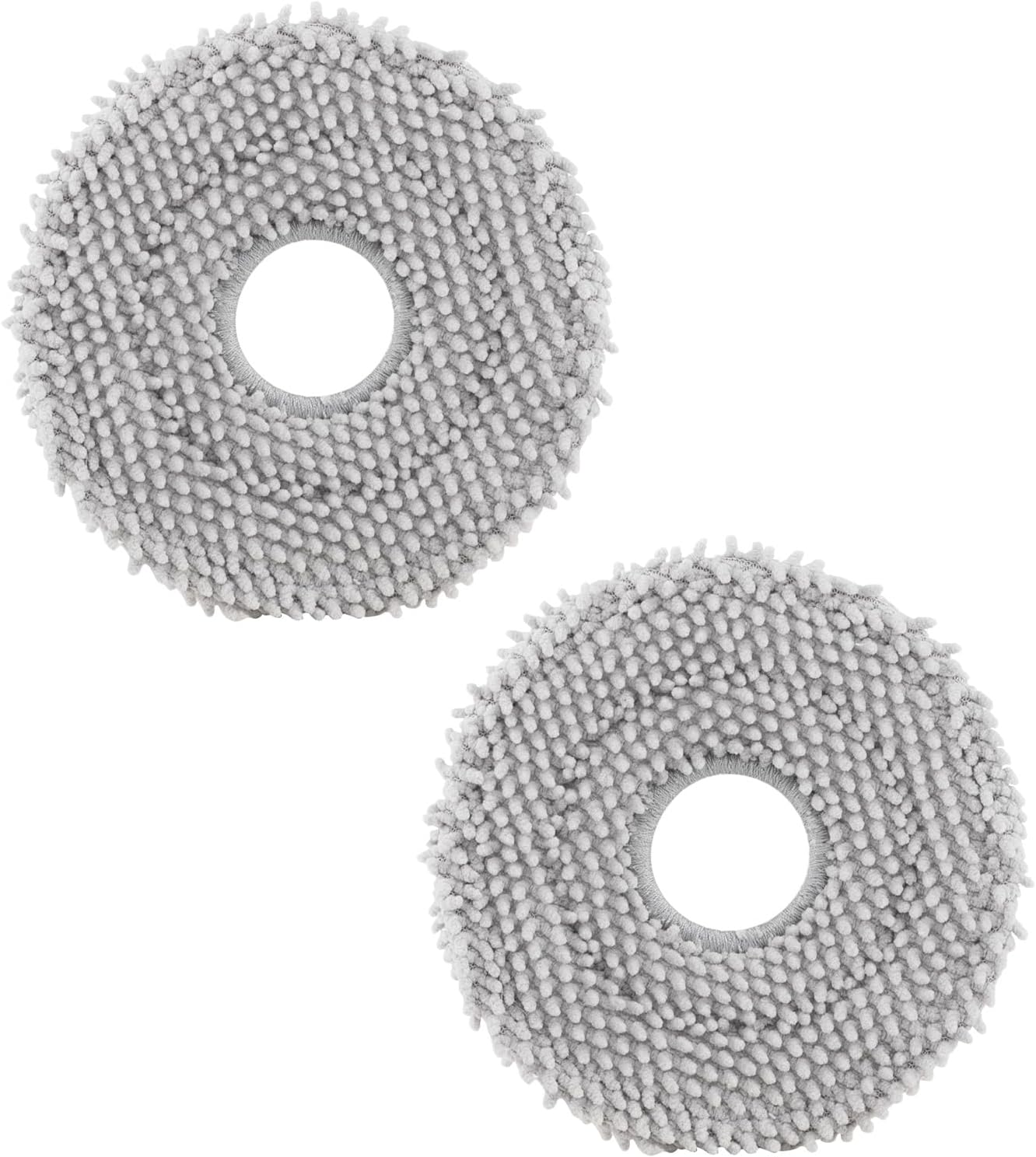
roborock 4 Pack Microfiber Mop Cloths for Q Revo, Qrevo M...

roborock 4 Pack Microfiber Mop Cloths for QV 35A/QV 35S/Q...
As an Amazon Associate we earn from qualifying purchases.
Official Manufacturer Manual
Roborock provides official product documentation through their online manual rather than downloadable PDF. Access setup guides, troubleshooting steps, and product specifications for your Roborock Robot Vacuum.
Source: support.roborock.com
Need More Help? Roborock Support
Note: The contact information below connects you directly to Roborock's official customer support team, not Trunetto. They can help with warranty claims, device replacements, and advanced technical issues.
How Does Roborock Compare?
Before replacing your Roborock device, see how it stacks up against alternatives in our full comparison guides.


