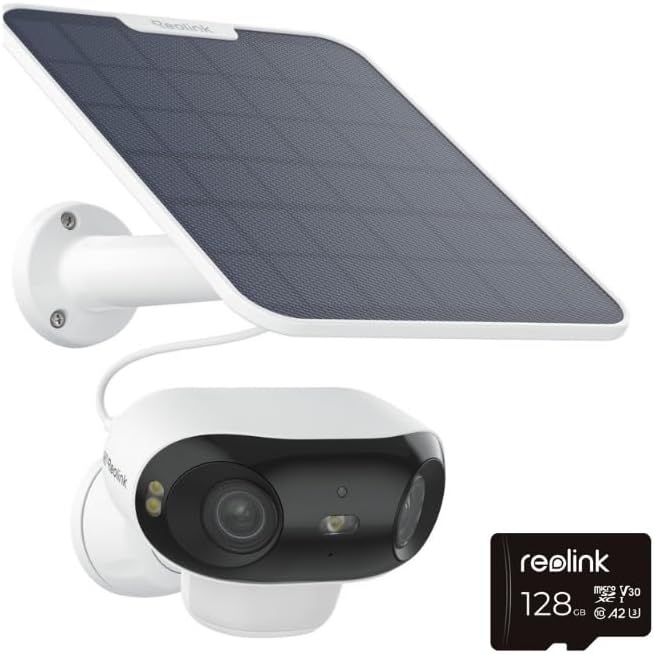
Why Is My Reolink Argus 3 Pro Solar Panel Not Charging the Battery in Winter
- Reduced winter sunlight hours and intensity
- Solar panel angle wrong for winter sun position
- Snow, ice, or debris covering panel surface
Problem Description
Your Reolink Argus 3 Pro camera battery is draining even with the solar panel connected during winter months. The battery percentage drops steadily and the camera may shut down from low power. The solar panel that worked fine in summer no longer provides enough charge to maintain the battery.
Symptoms
- Battery drains despite solar panel connected
- Solar panel worked in summer but not winter
- Camera shuts down from low battery outdoors
- Charging indicator rarely shows active
- Battery drops faster than solar can replenish
- Panel covered by snow or ice
Recognize these? Here's what usually causes it.
Common Causes
- Reduced winter sunlight hours and intensity
- Solar panel angle wrong for winter sun position
- Snow, ice, or debris covering panel surface
- Cold temperatures reducing battery capacity
- Increased motion events draining battery faster
- Panel partially shaded during short winter days
Most fixes happen in the first 3 steps.
Do not attempt to charge frozen batteries. If the battery has been below freezing, bring the camera inside and let it warm to room temperature for an hour before plugging in a charger. Charging frozen lithium batteries can cause permanent damage.
Tools & Requirements
These tools will help you complete this fix.
As an Amazon Associate we earn from qualifying purchases.
Step-by-Step Solution
Adjust Solar Panel Angle
In winter, the sun is lower in the sky. A panel angle that worked in summer may not capture direct sunlight in winter. Tilt the solar panel to face the winter sun angle more directly. Generally, adding 15-20 degrees to your summer angle compensates for the lower sun position. Make sure the panel faces south (northern hemisphere).

Needed for this step
WHOOSH! Pro 16.9 fl oz Refillable TV Screen Cle...
This helps complete the fix you are currently reading.
$19.99Clear Snow and Debris
Snow, ice, frost, and fallen leaves can completely block solar charging. Check your panel after storms and clear any accumulation. Even partial coverage dramatically reduces output. The panel surface should be clean and fully exposed to sunlight. Consider mounting in a location less prone to snow accumulation.
Reduce Motion Detection Sensitivity
Winter battery drain is often caused by increased activity like animals, blowing branches, or snow triggering recordings. In the Reolink app, reduce motion sensitivity and adjust detection zones to exclude trees and pathways. Fewer recordings means less battery drain for solar to overcome.
Optimize Camera Settings
Lower video quality and reduce clip length to decrease power consumption. In camera settings, drop resolution from 4K to 2K or 1080p during winter. Reduce clip length from 30 seconds to 10 seconds. Disable features like HDR that require extra processing power.
Warm Charge the Battery Indoors
Lithium batteries charge poorly below 32°F (0°C). If your battery is critically low, bring the camera inside and charge it indoors where it is warm. A full charge in warm conditions will last longer than trying to solar charge a cold battery. Swap charged batteries if you have spares.
Quick Solutions
Still having issues? This is usually the deeper cause below.
If drain continues after replacing batteries, check the event history — a stuck-open sensor or rapid polling loop burns through batteries in days.
Consider a second solar panel wired in parallel for winter months. Two panels provide redundancy and additional charging capacity to compensate for shorter days and weaker sunlight.
App battery indicators run 15–20% behind actual charge levels — by the time the low warning appears, the device has been struggling for days.
- Reduced winter sunlight hours and intensity
- Solar panel angle wrong for winter sun position
- Snow, ice, or debris covering panel surface
- Cold temperatures reducing battery capacity
- Increased motion events draining battery faster
Before you go — try one of these (they fix most cases).
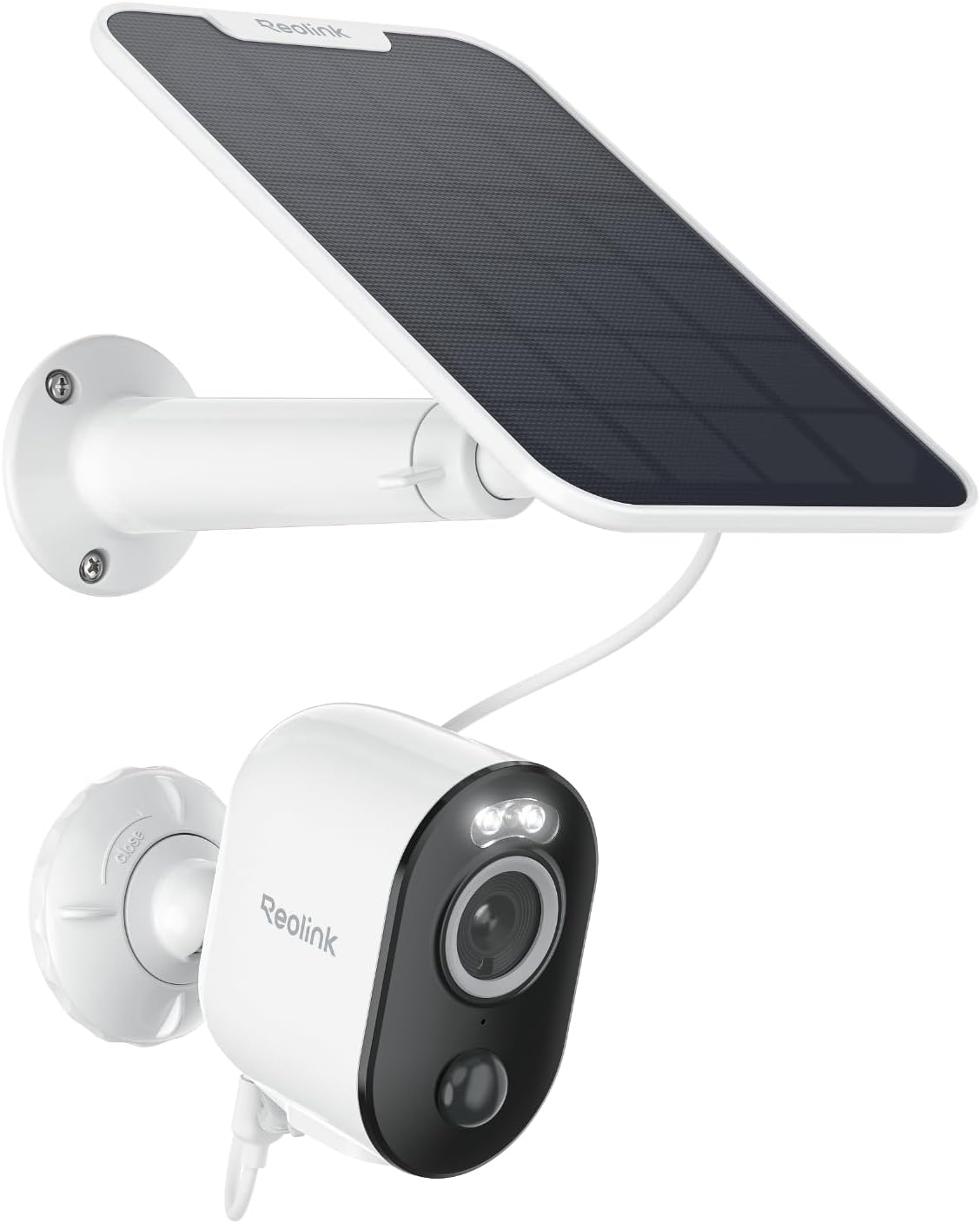
Most popular upgrades chosen by Reolink Argus 3 Pro owners.
As an Amazon Associate we earn from qualifying purchases.
Official Manufacturer Manual
Reolink provides official product documentation through their online manual rather than downloadable PDF. Access setup guides, troubleshooting steps, and product specifications for your Reolink Argus 3 Pro.
Source: reolink.com
Need More Help? Reolink Support
Note: The contact information below connects you directly to Reolink's official customer support team, not Trunetto. They can help with warranty claims, device replacements, and advanced technical issues.