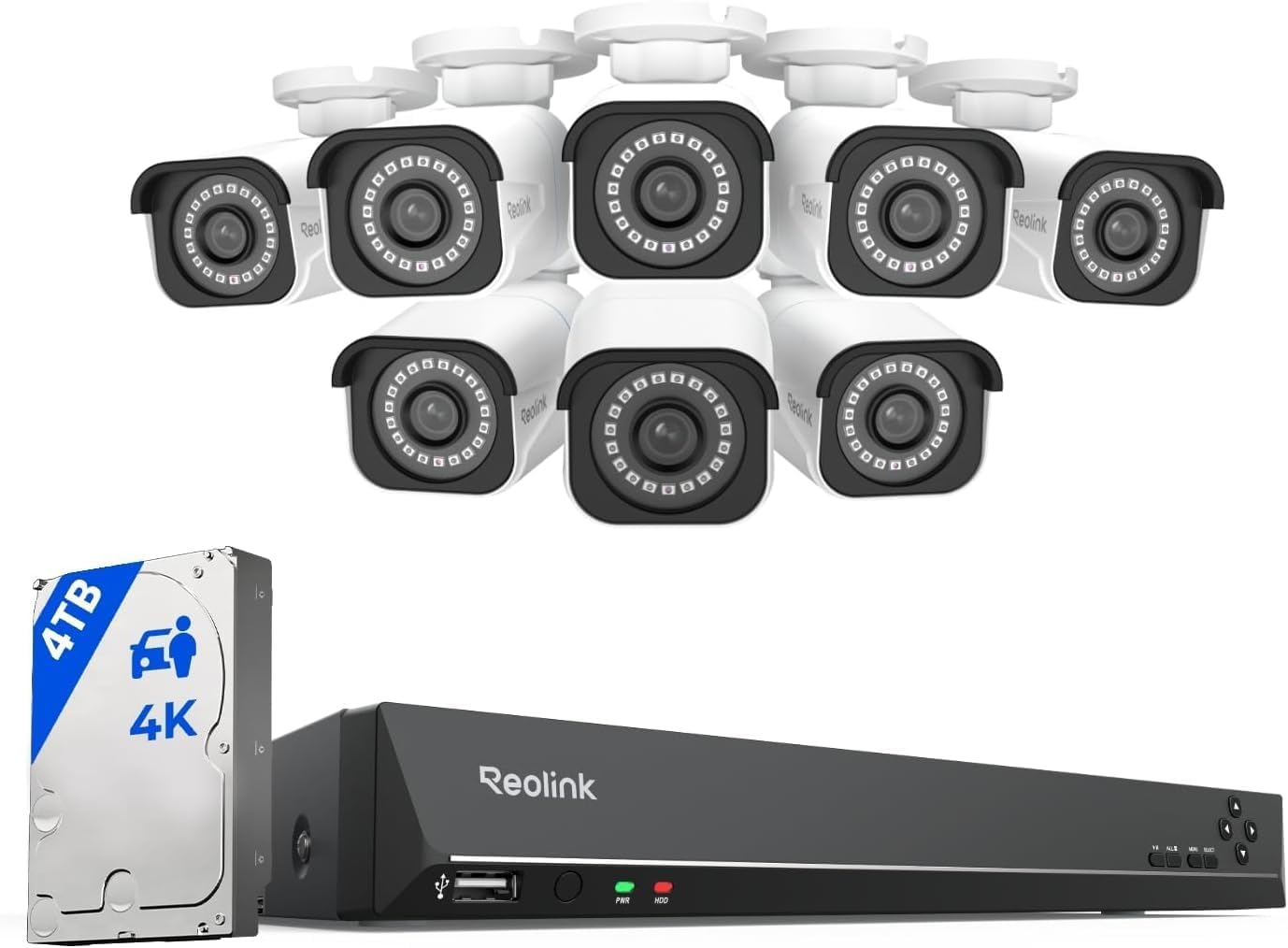
Why Does My Reolink Camera Send False Motion Alerts From Rain and Wind
- Pixel-based motion detection triggered by any visual change
- Person and vehicle detection AI sensitivity too high
- IR night vision LEDs attracting insects near lens
Problem Description
Your Reolink camera sends dozens of false motion alerts during rain, wind, or at night when insects fly past the lens. Your phone buzzes constantly with notifications that show nothing but rain droplets, swaying branches, or bugs attracted to the IR LEDs. The motion detection cannot distinguish between a person approaching your door and a leaf blowing across the camera view. This makes the alerts useless because you start ignoring all of them including real ones.
Why This Happens in Real Homes
Your Reolink camera sends dozens of false motion alerts during rain, wind, or at night when insects fly past the lens. Your phone buzzes constantly with notifications that show nothing but rain droplets, swaying branches, or bugs attracted to the IR LEDs. The.. In real usage this appears as Dozens of alerts during rain storms, Wind blowing trees triggers constant notifications, and Insects and spiders cause alerts at night
The pattern in this case points to Pixel-based motion detection triggered by any visual change, Person and vehicle detection AI sensitivity too high, and IR night vision LEDs attracting insects near lens. The repair usually holds when done in order: Enable AI Detection Only, then Adjust AI Sensitivity, then Set Detection Zones. After applying the fix, validate behavior with repeated command tests and at least one full automation cycle to confirm stability.
Symptoms
- Dozens of alerts during rain storms
- Wind blowing trees triggers constant notifications
- Insects and spiders cause alerts at night
- Motion clips show only rain or shadows
- Person detection still triggers on non-human motion
- Alert fatigue causing you to ignore all notifications
Recognize these? Here's what usually causes it.
Common Causes
- Pixel-based motion detection triggered by any visual change
- Person and vehicle detection AI sensitivity too high
- IR night vision LEDs attracting insects near lens
- Camera FOV includes trees or bushes that move in wind
- Rain drops on lens creating motion artifacts
- Shadow movement from sun or passing clouds
Most fixes happen in the first 3 steps.
Never spray insect repellent or any chemical directly on the camera lens. Only spray the housing and mounting surface around the camera. Chemicals on the lens will blur your video permanently.
Step-by-Step Solution
Tune motion sensitivity and object size
Reduce sensitivity and raise minimum object size to ignore rain streaks and foliage movement. Default settings are often too aggressive for outdoor weather.
Enable person/vehicle AI filtering
Use smart detection filters so alerts prioritize meaningful targets over environmental noise. AI classification dramatically reduces weather-triggered false positives.
Adjust activity zones away from trees and roads
Redraw detection zones to exclude swaying branches, reflective surfaces, and traffic edges. Zone cleanup removes the highest-noise regions from trigger logic.
Check camera angle and IR reflections
Reposition camera to minimize direct rain glare and night IR bounce from nearby surfaces. Poor angle and reflection can inflate false motion events.
Review event samples and iterate settings
Test during rain and wind, then refine thresholds using recorded clips. Iterative tuning is the fastest path to reliable alert quality.
Quick Solutions
Still having issues? This is usually the deeper cause below.
If the sensor still misses events after repositioning, check whether a scheduled 'home' or 'away' mode is overriding the sensitivity setting silently.
Reolink cameras with the AI chip process person and vehicle detection locally on the camera. This is more accurate than cloud-based detection and works even without internet. Make sure your camera model has AI detection capability. Models with A in the name like RLC-810A include the AI chip.
Notification delays over 2 minutes are almost never the device's fault — background app restrictions quietly re-enable themselves after every OS update.
- Pixel-based motion detection triggered by any visual change
- Person and vehicle detection AI sensitivity too high
- IR night vision LEDs attracting insects near lens
- Camera FOV includes trees or bushes
- Rain drops on lens creating motion artifacts
Before you go — try one of these (they fix most cases).
Most popular upgrades chosen by Reolink Security Camera owners.

REOLINK 4K Dual-Lens Solar Security Cameras Wireless Outd...
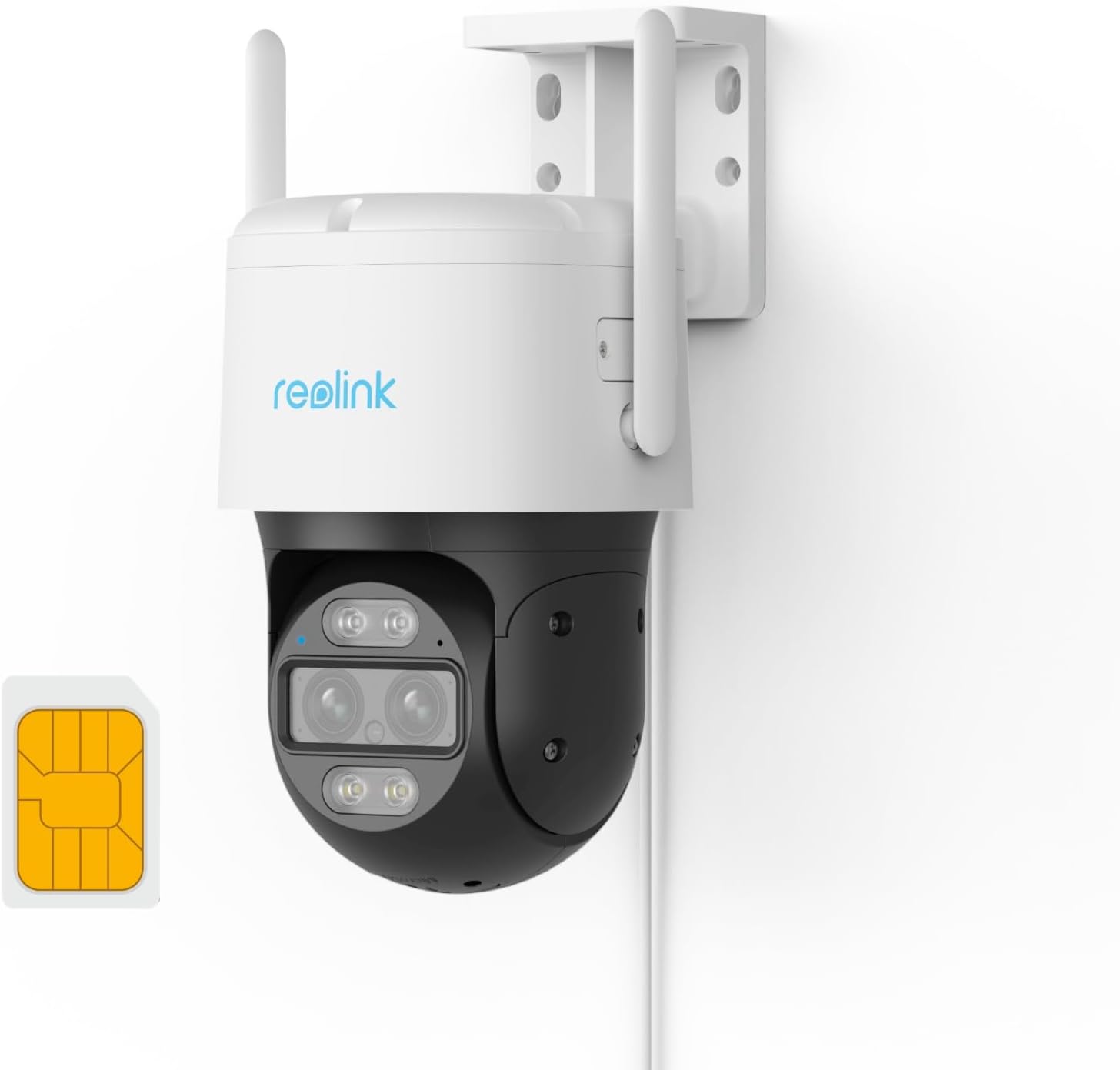
REOLINK Wired 4G LTE Cellular Security Camera Outdoor, PT...

REOLINK Solar Floodlight Cam, 2K 150° Security Cameras Wi...
As an Amazon Associate we earn from qualifying purchases.
Official Manufacturer Manual
Reolink provides official product documentation through their online manual rather than downloadable PDF. Access setup guides, troubleshooting steps, and product specifications for your Reolink Security Camera.
Source: reolink.com
Need More Help? Reolink Support
Note: The contact information below connects you directly to Reolink's official customer support team, not Trunetto. They can help with warranty claims, device replacements, and advanced technical issues.