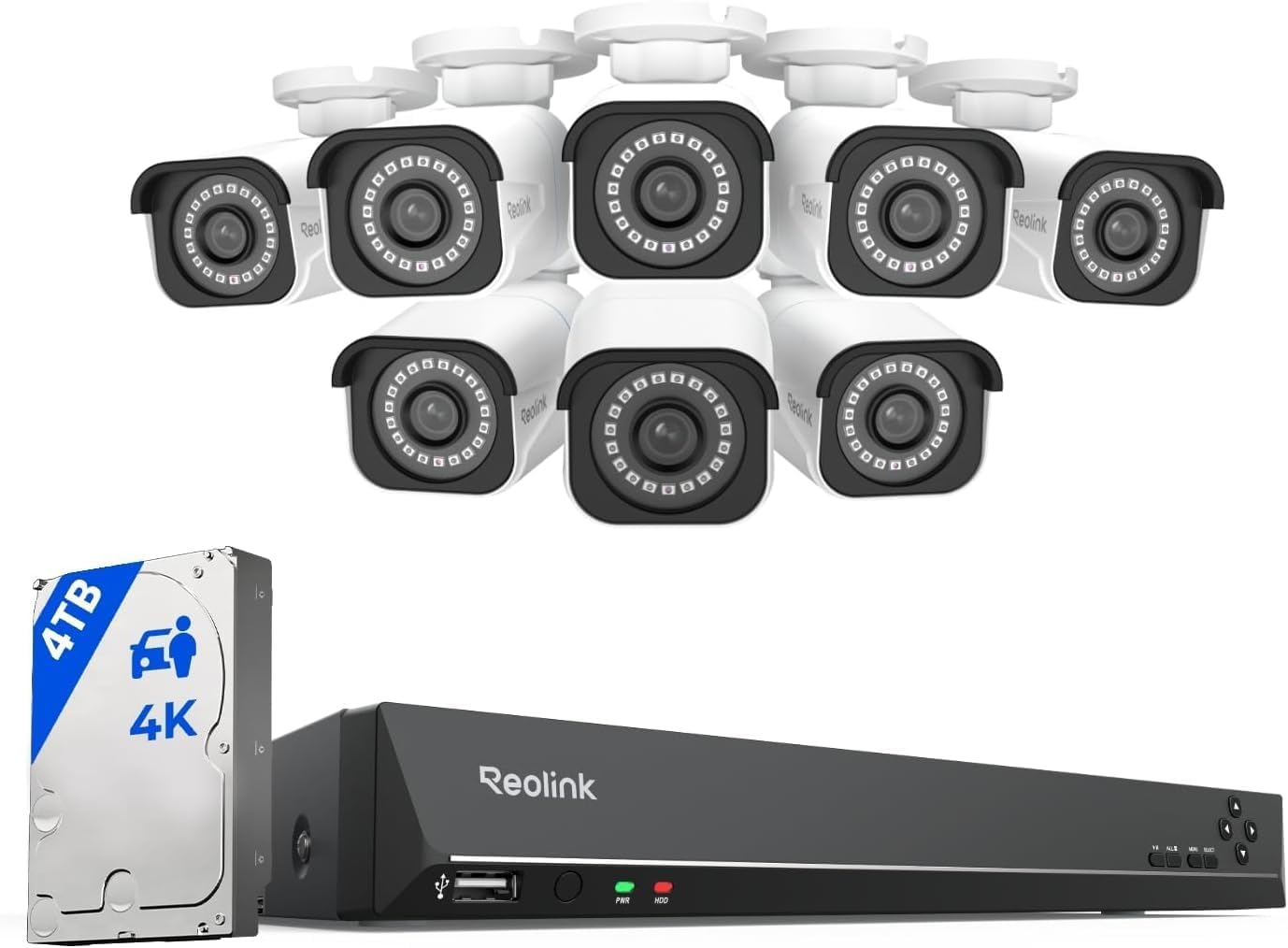
Why Is My Reolink Camera Night Vision Blurry with IR Glare?
- Camera mounted too close to wall reflecting IR light
- Lens dome has moisture or fingerprints
- Camera pointed at window causing IR reflection from glass
Problem Description
Your Reolink camera night vision image is blurry washed out or has bright white IR glare spots. Instead of clear black and white night footage you see a hazy picture with hotspots or completely white-washed image. This is typically caused by IR reflection from nearby surfaces lens contamination or incorrect positioning relative to windows and walls.
Symptoms
- Night vision image completely white or overexposed
- Bright glare spots in corners or center of night image
- Night vision blurry while daytime image is sharp
- IR lights reflect off nearby wall or surface
- Night image has hazy foggy appearance
- Camera switches to night mode but image is unusable
Recognize these? Here's what usually causes it.
Common Causes
- Camera mounted too close to wall reflecting IR light
- Lens dome has moisture or fingerprints
- Camera pointed at window causing IR reflection from glass
- IR LED power too high for viewing area
- Spider webs or insects in front of IR LEDs
- Camera focus ring shifted
Most fixes happen in the first 3 steps.
Do not touch the camera lens directly with fingers. Skin oils leave residue that is invisible in daytime but creates a noticeable haze under IR illumination at night. Always use a clean microfiber cloth.
Tools & Requirements
These tools will help you complete this fix.
As an Amazon Associate we earn from qualifying purchases.
Step-by-Step Solution
Identify reflective surfaces near lens view
Check for walls, soffits, windows, or housings reflecting IR light back into the lens. Reflection is the main cause of night blur and glare.
Adjust camera angle and mounting offset
Reposition camera to avoid close reflective objects in the IR beam path. Small angle changes can dramatically improve nighttime clarity.
Clean lens and verify focus settings
Remove dust or moisture on lens cover and confirm focus is correct for scene distance. Dirty optics amplify IR bloom artifacts.

Needed for this step
MR.SIGA Microfiber Cleaning Cloth,Pack of 12,Si...
This helps complete the fix you are currently reading.
$13.99Reduce IR intensity or add external lighting
Use lower IR strength if supported or add low-level ambient light to reduce overexposure. Balanced illumination improves detail retention.
Test recorded footage at multiple distances
Validate clarity using known distance targets after each change. Distance-based testing ensures improvements are real, not monitor artifacts.
Quick Solutions
Still having issues? This is usually the deeper cause below.
Camera issues that start suddenly almost always trace back to an upload bandwidth drop — run a speed test before assuming hardware failure.
If your Reolink model supports color night vision with a built-in spotlight try enabling it as an alternative to IR. Spotlight mode provides full color footage at night without any IR reflection issues.
Live view problems that start suddenly usually trace back to an upload speed drop — the camera itself is fine, the bandwidth path to the cloud isn't.
- Camera mounted too close to wall reflecting IR light
- Lens dome has moisture or fingerprints
- Camera pointed at window causing IR reflection from glass
- IR LED power too high for viewing area
- Spider webs or insects in front of IR LEDs
Before you go — try one of these (they fix most cases).
Most popular upgrades chosen by Reolink Security Camera owners.

REOLINK 4K Dual-Lens Solar Security Cameras Wireless Outd...
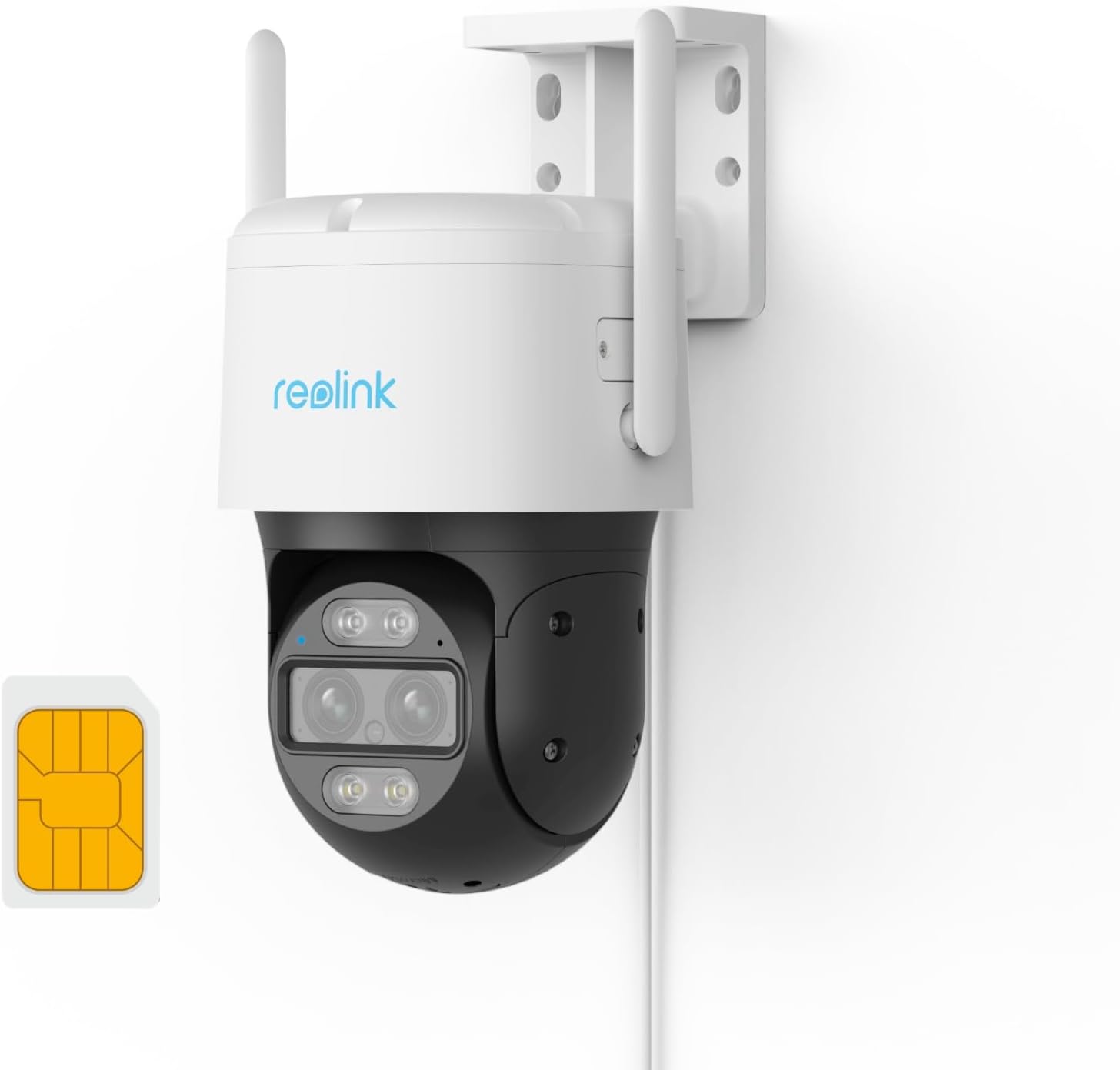
REOLINK Wired 4G LTE Cellular Security Camera Outdoor, PT...

REOLINK Solar Floodlight Cam, 2K 150° Security Cameras Wi...
As an Amazon Associate we earn from qualifying purchases.
Official Manufacturer Manual
Reolink provides official product documentation through their online manual rather than downloadable PDF. Access setup guides, troubleshooting steps, and product specifications for your Reolink Security Camera.
Source: reolink.com
Need More Help? Reolink Support
Note: The contact information below connects you directly to Reolink's official customer support team, not Trunetto. They can help with warranty claims, device replacements, and advanced technical issues.