

How to Install Tapo C530WS Wire-Free Camera
- Battery Preparation
- Wire-Free Mounting
- Wireless Connection Setup
- Power Management Setup
- Motion Detection Optimization
- Low Battery Alerts
Most users complete this in under 30 minutes
Overview
Tapo Tapo C530WS Wire-Free Camera setup takes under 15 minutes for most users — if you're stuck, the steps below target the specific points where installs stall.
This guide covers the installation of the TP-Link Tapo C530WS wire-free outdoor camera, including solar panel mounting, battery installation, magnetic base attachment, and Tapo app setup for color night vision, motion alerts, and local or cloud recording. The C530WS runs entirely on solar-recharged battery power with no outdoor wiring required.
Why This Happens in Real Homes
The C530WS is a wire-free outdoor camera that runs on a rechargeable battery with solar top-up, and it is dual-band, so it can use 2.4GHz or 5GHz WiFi. Once it is paired, battery life is what makes or breaks the install, and battery life is really a motion-tuning problem: every wake-up to record and stream over WiFi costs power, so a camera pointed at a busy street with sensitivity on high drains in days instead of weeks. Set a tight activity zone over just the area you care about and drop sensitivity to match. The solar panel only trickle-charges, so it needs genuine direct sun for a few hours a day; a shaded or wrongly angled panel will not keep up with an active camera. Pair it indoors on a full charge with your phone on the band the camera will use, then confirm it holds a solid signal at the eave before you commit the mount, since the outdoor spot is usually the weakest WiFi in the house.
What's Included
- C530WS will not pair during Tapo app setup
- Battery drains far faster than expected
- Solar panel is not charging the camera
- Weak or dropping signal at the outdoor mount
- Spotlight does not trigger or color night vision stays black-and-white
- Too many false motion alerts after mounting
- Water or condensation inside the housing after rain
- Camera does not appear in Alexa or Google Home
Got your materials ready? Here's what to check first.
Before You Start
- Battery not fully charged before first pairing, or phone on the wrong WiFi band
- Very high motion traffic or sensitivity keeping the camera awake constantly
- Solar panel shaded or angled away from the sun, or the cable not seated
- Camera mounted beyond usable WiFi range from the router
- Night vision left in black-and-white or the spotlight not enabled
- PIR aimed at a street or trees, triggering on cars and branches
- Cable or seals not weatherproofed at the mount
- Tapo account not linked in the Alexa or Google skill
Don't skip this step — it breaks everything if you do
Battery requires periodic recharging every 2-4 months. Plan access for battery maintenance. Cold weather reduces battery life.
Tools & Requirements
These tools will help you complete this fix.

Drill optional
DEWALT 20V MAX Cordless Drill and Impact Driver, Pow...

Level
9 Inch Torpedo Level Magnetic, Shock-Proof Small Lev...

Screwdriver
STREBITO 155 in 1 Electric Screwdriver Set, Small El...
As an Amazon Associate we earn from qualifying purchases.
Installation Steps
Battery Preparation
Charge C530WS internal battery fully before installation. Battery should provide 2-4 months operation depending on usage.
Wire-Free Mounting
Mount C530WS using magnetic mount or screw mount without need for power cables. Choose location considering battery access for recharging.
Wireless Connection Setup
Configure Wi-Fi connection without power constraints. Make sure strong signal as battery cameras rely entirely on wireless connectivity.
Power Management Setup
Configure power saving settings in app to maximize battery life. Adjust recording frequency and detection sensitivity for battery optimization.
Motion Detection Optimization
Set up motion detection to minimize unnecessary recordings and extend battery life. Use activity zones to focus on important areas.
Low Battery Alerts
Enable low battery notifications in app. Set up charging schedule reminders to maintain continuous operation.
Weather Resistance Check
Verify weatherproof battery compartment seal. C530WS is weather-resistant but battery area must be properly sealed.
Battery Performance Test
Monitor initial battery performance and adjust settings as needed. Test battery life under normal usage conditions.
Installation Tips
Still stuck? This is usually the deeper cause below.
C530WS is completely wire-free with rechargeable battery. Magnetic mounting option for easy installation. Battery life depends on usage frequency.
Before you go — these Tapo guides fix most remaining issues.
Most popular upgrades chosen by Tapo C530WS Wire-Free Camera owners.
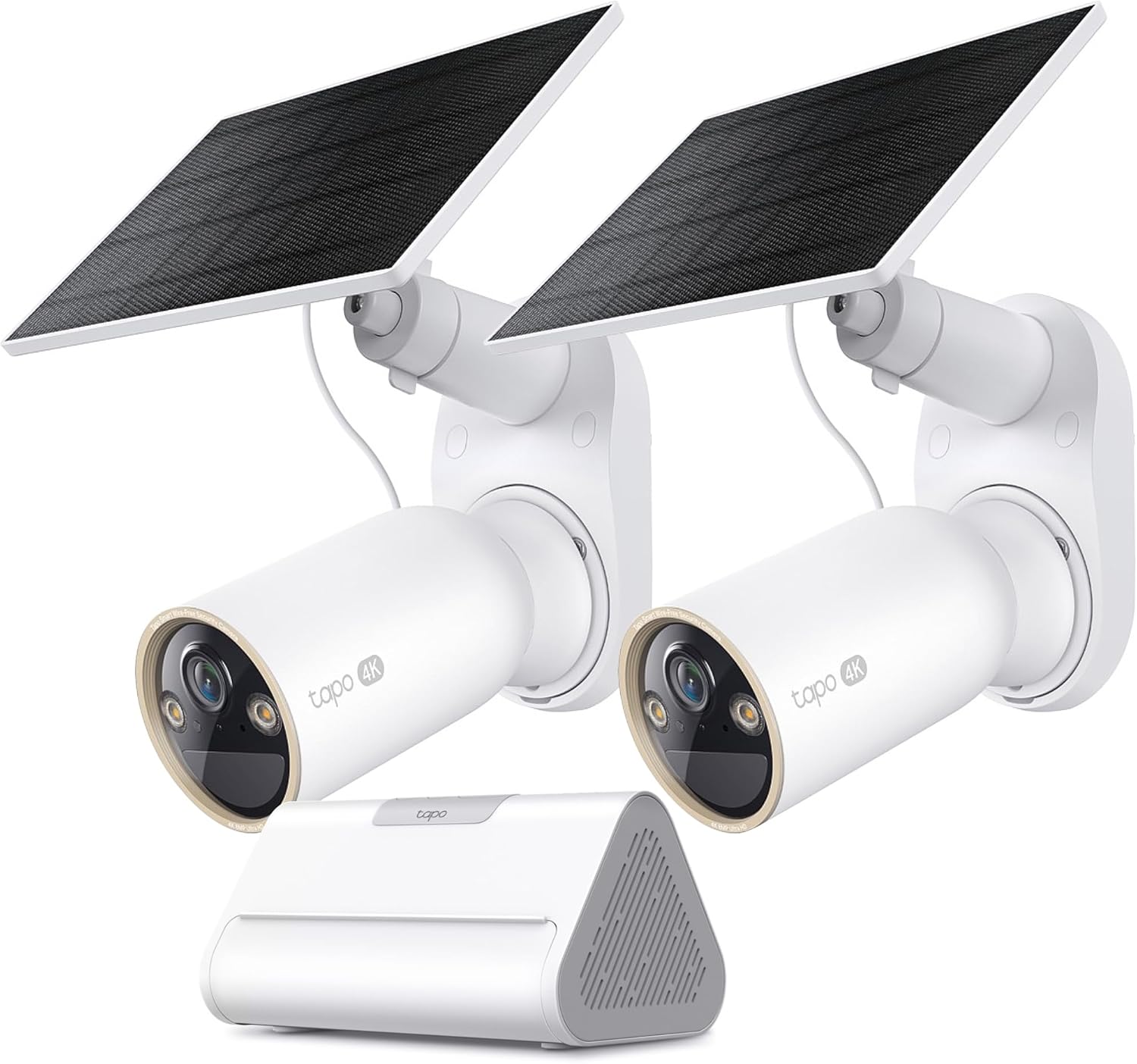
Tapo 4K Outdoor Solar-Powered Cameras C460 KIT x 2-Camera...

Tapo TP-Link 2K Pan/Tilt Security Camera for Baby Monitor...
As an Amazon Associate we earn from qualifying purchases.
Official Manufacturer Manual
Tapo provides official product documentation through their online manual rather than downloadable PDF. Access setup guides, troubleshooting steps, and product specifications for your Tapo C530WS Wire-Free Camera.
Source: tapo.com
Need More Help? Tapo Support
Note: The contact information below connects you directly to Tapo's official customer support team, not Trunetto. They can help with warranty claims, device replacements, and advanced technical issues.


