Why Is My Lutron Caseta Dimmer Buzzing?
- Incompatible/non-dimmable LED bulbs
- Bulbs not on Lutron's compatibility list
- Buzzing worst at certain dim levels
Problem Description
Your Lutron Caseta dimmer is buzzing or humming. The noise almost always comes from the bulbs (or occasionally the dimmer) reacting to the dimmer's phase-cut waveform — incompatible or non-dimmable-rated LEDs are the usual source, worst at certain brightness levels.
Why This Happens in Real Homes
A buzzing Caseta dimmer is nearly always the bulbs, not the switch — cheap or non-dimmable-rated LEDs resonate with the dimmer's phase-cut waveform, and it's usually loudest at certain brightness levels. The quick test is to listen at the switch versus at the fixture: the noise is usually the bulbs.
Start by moving to dimmable LEDs on Lutron's compatibility list and setting the dimmer's low-end trim so it doesn't drive them into the buzzing range, and don't overload the dimmer's wattage. If the noise truly comes from the switch itself even with good bulbs, contact Lutron — but that's rare.
Symptoms
- Dimmer or bulbs buzzing
- Hum when dimmed
- Noise at certain levels
- Buzz from the switch
- Buzz from the bulbs
- Worse at low brightness
- New bulbs buzz
- Buzz with some bulbs only
Recognize these? Here's what usually causes it.
Common Causes
- Incompatible/non-dimmable LED bulbs
- Bulbs not on Lutron's compatibility list
- Buzzing worst at certain dim levels
- Overloaded dimmer (too much wattage)
- Bulb drivers resonating
- Low-end trim not set
- Mixed bulb brands
- Cheap bulb electronics
Most fixes happen in the first 3 steps.
Do not attempt to open or modify the light hardware. Smart lights contain electronic components that can be damaged by moisture or physical tampering. Always power off at the wall switch before removing or repositioning a smart light.
Tools & Requirements
Step-by-Step Solution
Determine if the buzzing is from the dimmer or the bulbs
Put your ear close to the wall switch, then close to the light fixture. Lutron Caseta dimmers can buzz at the switch, and LED bulbs can buzz at the fixture — these are different problems with different fixes. Switch buzzing is caused by the internal relay vibrating. Bulb buzzing is caused by incompatible dimming waveforms exciting the bulb driver electronics.
Adjust the low-end trim to eliminate buzzing
Most buzzing happens at low brightness levels where the dimmer is chopping the power wave aggressively. The Caseta dimmer has a programmable low-end trim that sets the minimum brightness. To adjust it: tap the dimmer down to the lowest level, then press and hold the OFF button for about 6 seconds until the LED bar blinks. Now use the up arrow to raise the minimum until the buzzing stops. Tap OFF to save.
Check bulb compatibility
Not all LED bulbs dim cleanly with the Caseta. Lutron publishes a bulb compatibility tool on their website that lists tested bulbs and their performance ratings. Cheap or off-brand LEDs are the most common cause of dimmer buzzing. If your bulbs are not on the Lutron compatibility list, try swapping in a known-compatible bulb (Philips, Cree, or GE are usually safe choices) and check if the buzzing stops.
Check the total wattage on the dimmer
The Caseta dimmer is rated for up to 150W of LED load. If you have multiple fixtures on one dimmer totaling more than 150W, the dimmer runs hot and can buzz. Count your bulbs and add up the wattage. Six 15W LED bulbs equal 90W, which is fine. Ten 20W bulbs equal 200W, which overloads the dimmer. Reduce the number of fixtures or switch to lower-wattage bulbs.
Replace the dimmer if buzzing persists at all levels
If the buzzing is clearly coming from inside the wall switch and happens at all brightness levels regardless of which bulbs you use, the dimmer relay may be defective. Caseta dimmers occasionally develop buzzing from a loose internal component. Contact Lutron support — they have a strong warranty program and typically replace defective dimmers without trouble if you provide the serial number.
Quick Solutions
Still having issues? This is usually the deeper cause below.
If flickering only happens on dimming, the issue is almost always the dimmer's minimum-load setting, not the bulb — it's drawing less current than the dimmer expects.
Group your smart lights by room in the app and assign clear names like Kitchen Ceiling and Bedroom Lamp. This makes voice commands more reliable and lets you create scenes that control multiple lights at once with a single command. **Product Intelligence:** - Requires Caseta Smart Bridge - Clear Connect RF (not WiFi) - HomeKit/Alexa/Google compatible
This issue almost always looks more complex than it is — the majority of cases trace back to a single setting, a stale credential, or a default that shipped wrong.
- Incompatible/non-dimmable LED bulbs
- Bulbs not on Lutron's compatibility list
- Buzzing worst at certain dim levels
- Overloaded dimmer (too much wattage)
- Bulb drivers resonating
Before you go — try one of these (they fix most cases).
Most popular upgrades chosen by Lutron Caseta Dimmer owners.
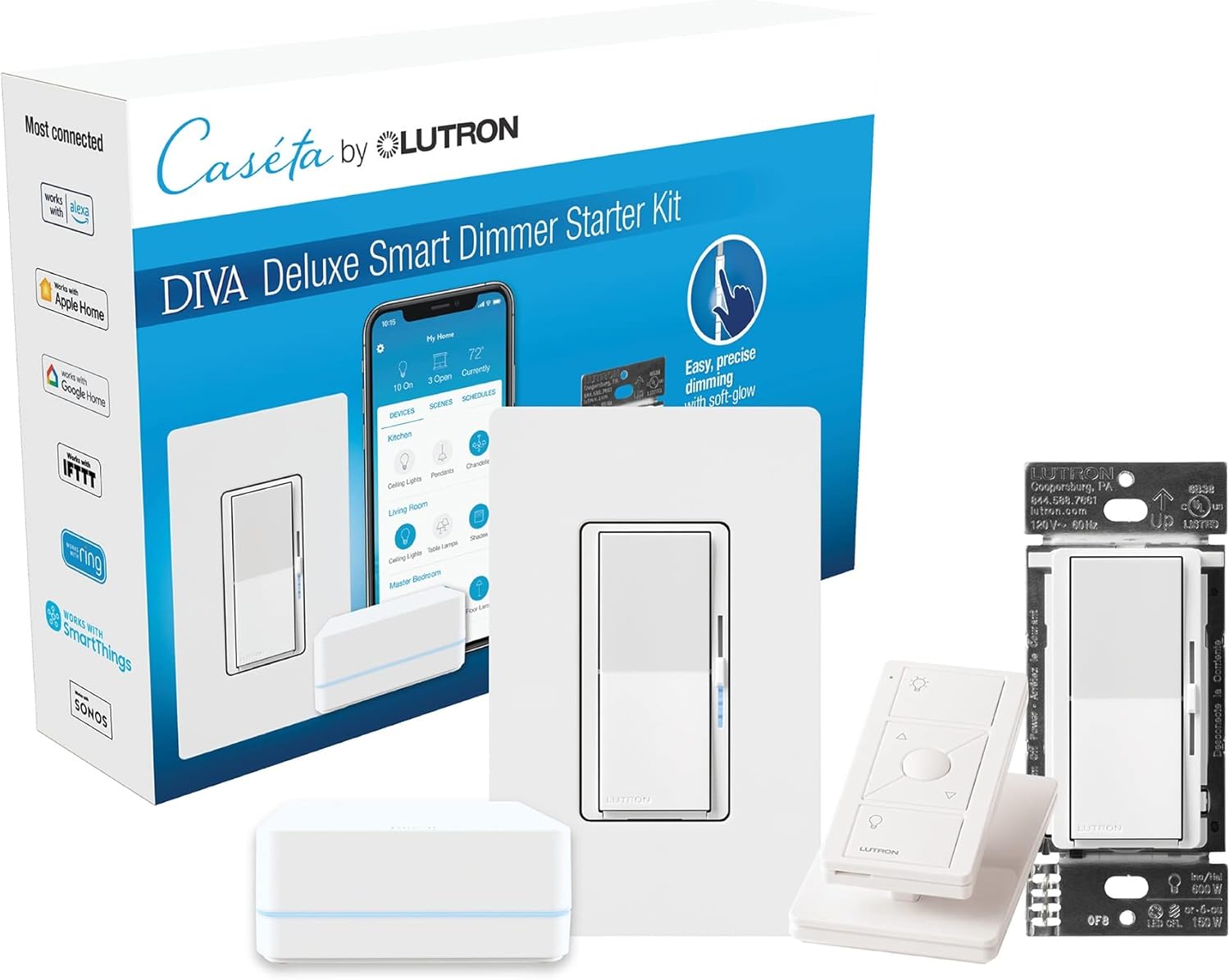
Lutron Deluxe Diva Smart Dimmer Kit for Caseta Lighting w...

Lutron Diva Smart Dimmer Switch with Wallplate and Pico S...

Lutron Caseta Deluxe Smart Dimmer Switch Kit, Compatible ...
As an Amazon Associate we earn from qualifying purchases.
Official Manufacturer Manual
If you need the complete manufacturer documentation for advanced setup, wiring diagrams, or detailed specifications, you can download the official manual below. The manual includes full technical instructions directly from the manufacturer and may help if your issue requires deeper troubleshooting.
Download the Official Lutron Caseta Dimmer ManualSource: lutron.com
Need More Help? Lutron Support
Note: The contact information below connects you directly to Lutron's official customer support team, not Trunetto. They can help with warranty claims, device replacements, and advanced technical issues.
Accessories owners commonly pair with Lutron Caseta Dimmer.

Lutron Caseta Smart Lighting Smart Hub Repeater, Expands ...

Lutron Pico Remote for Audio, Works with Sonos (Caseta Sm...

LXLO Remote Wallplate Bracket, Perfectly Compatible with ...
As an Amazon Associate we earn from qualifying purchases.