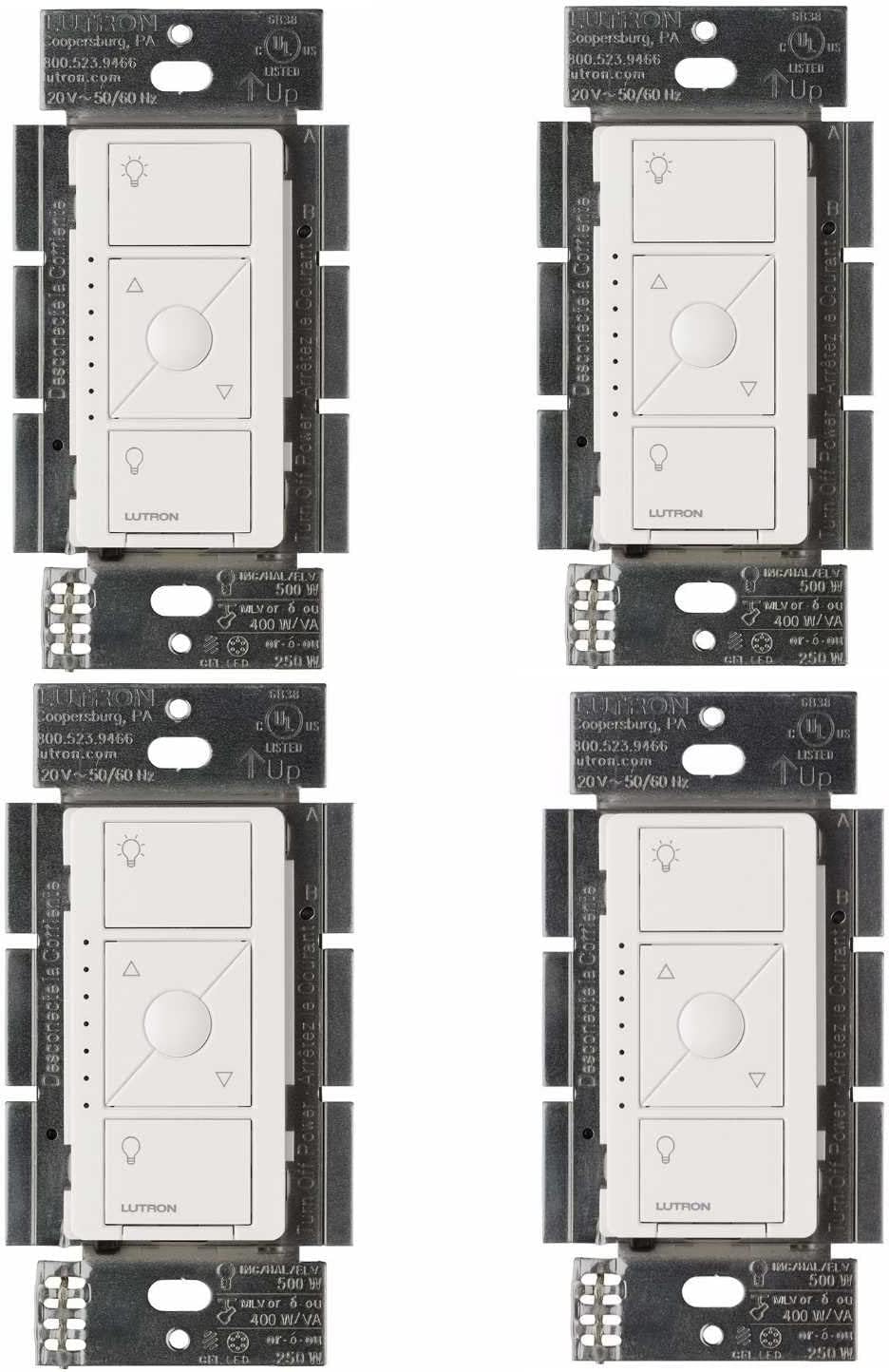
How Do I Fix LED Flickering with My Lutron Caseta?
- WiFi connection unstable or device too far from router
- Device firmware or app needs updating
- Device not properly set up during initial pairing
Problem Description
Your LED bulbs flicker when controlled by a Lutron Caseta dimmer. Verify the LED bulbs are dimmable — non-dimmable LEDs flicker on any dimmer. Even dimmable LEDs may need the dimmer's low-end trim adjusted. The low-end trim sets the minimum brightness before the light turns off and prevents flickering at low levels.
Why This Happens in Real Homes
Caseta LED flicker is a compatibility and low-end-trim issue. LEDs vary widely in how they respond to a dimmer, so an incompatible bulb flickers, and the flicker is worst at the bottom of the range.
Start by confirming compatible, dimmable LEDs and adjusting the dimmer's minimum brightness (low-end trim) upward until the flicker stops. A very small LED load can also flicker; adding bulbs or a Lutron load module fixes it. The dimmer itself is rarely at fault.
Symptoms
- Device shows as offline in the app
- Device does not respond to commands
- App cannot connect to device
- Features not working as expected
- Device disconnects frequently
- Automations fail to trigger
- Voice commands not recognized
Recognize these? Here's what usually causes it.
Common Causes
- WiFi connection unstable or device too far from router
- Device firmware or app needs updating
- Device not properly set up during initial pairing
- Power supply issue or loose connection
- Account not linked correctly
- Too many devices causing network congestion
- Interference from other wireless devices
Most fixes happen in the first 3 steps.
Always turn off the circuit breaker before working on any electrical wiring. Smart switch installation involves line voltage that can cause serious injury or death. If you are not comfortable working with electrical wiring hire a licensed electrician. Never exceed the switch maximum load rating with your connected fixtures.
Tools & Requirements
Step-by-Step Solution
Verify the LED bulbs are dimmable
Non-dimmable LED bulbs flicker, buzz, or turn off when connected to a dimmer. Check the bulb packaging — it must say 'dimmable.' Non-dimmable LEDs have a fixed-output driver that cannot handle the reduced power from a dimmer. Replace non-dimmable bulbs with dimmable versions. Lutron maintains a compatibility list on their website — search your specific bulb brand and model for confirmed compatibility with Caseta dimmers.
Adjust the low-end trim
In the Lutron app, go to the dimmer > Settings > Advanced > Low End Trim. Increase the low-end trim until the flickering stops at low brightness levels. Many LED bulbs flicker below 10-15% brightness because the LED driver cannot maintain a stable output at very low power. Setting the low end trim to 15-25% eliminates the unstable range. The bulb dims smoothly from the new minimum to full brightness.
Adjust the high-end trim
If the bulb flickers at high brightness: set the high-end trim to 95% instead of 100%. Some LED drivers become unstable at their absolute maximum. In the Lutron app, go to the dimmer > Settings > Advanced > High End Trim. Reduce by 5% increments until flickering stops. You lose minimal brightness while eliminating the instability.
Check the total load on the dimmer
The Caseta dimmer is rated for 150W of dimmable LED load. If you have multiple LED bulbs on one dimmer circuit that exceed 150W total: the dimmer struggles to supply clean power to all bulbs, causing flickering. Count the wattage of all bulbs on the circuit. If above 150W: replace some bulbs with lower-wattage LEDs or split the circuit across two dimmers.
Try different LED bulb brands
Not all dimmable LED bulbs work equally well with the Caseta dimmer. Some LED drivers are more compatible with Lutron's phase-dimming technology than others. If adjusting trims does not fix the flickering: try a different bulb brand. Philips, Cree, and Sylvania generally have good Caseta compatibility. Check Lutron's online compatibility tool for verified bulb models. Sometimes a simple bulb swap eliminates all flickering.
Quick Solutions
Still having issues? This is usually the deeper cause below.
If flickering only happens on dimming, the issue is almost always the dimmer's minimum-load setting, not the bulb — it's drawing less current than the dimmer expects.
["Check Lutron bulb compatibility tool", "Higher quality LEDs work better", "CFL bulbs often incompatible"] **Product Intelligence:** - Requires Caseta Smart Bridge - Clear Connect RF (not WiFi) - HomeKit/Alexa/Google compatible
LED flicker with smart dimmers is the #1 unfixed complaint — most people swap the bulb when the dimmer's low-end trim is the actual problem.
- WiFi connection unstable or device too far from router
- Device firmware or app needs updating
- Device not properly set up during initial pairing
- Power supply issue or loose connection
- Account not linked correctly
Before you go — try one of these (they fix most cases).
Most popular upgrades chosen by Lutron Caseta owners.

Lutron Caseta Deluxe Smart Dimmer Switch Kit, Compatible ...

Lutron Diva Smart Dimmer Switch with Wallplate and Pico S...

Lutron Pico Remote for Caseta Smart Switch, 2-Button Cont...
As an Amazon Associate we earn from qualifying purchases.
Official Manufacturer Manual
If you need the complete manufacturer documentation for advanced setup, wiring diagrams, or detailed specifications, you can download the official manual below. The manual includes full technical instructions directly from the manufacturer and may help if your issue requires deeper troubleshooting.
Download the Official Lutron Caseta ManualSource: lutron.com
Need More Help? Lutron Support
Note: The contact information below connects you directly to Lutron's official customer support team, not Trunetto. They can help with warranty claims, device replacements, and advanced technical issues.
Accessories owners commonly pair with Lutron Caseta.

Lutron Caseta Smart Lighting Smart Hub Repeater, Expands ...

Lutron Caseta Smart Fan Speed Control Switch (Smart Hub R...

Lutron Caseta Smart Fan Speed Control Switch (Smart Hub R...
As an Amazon Associate we earn from qualifying purchases.