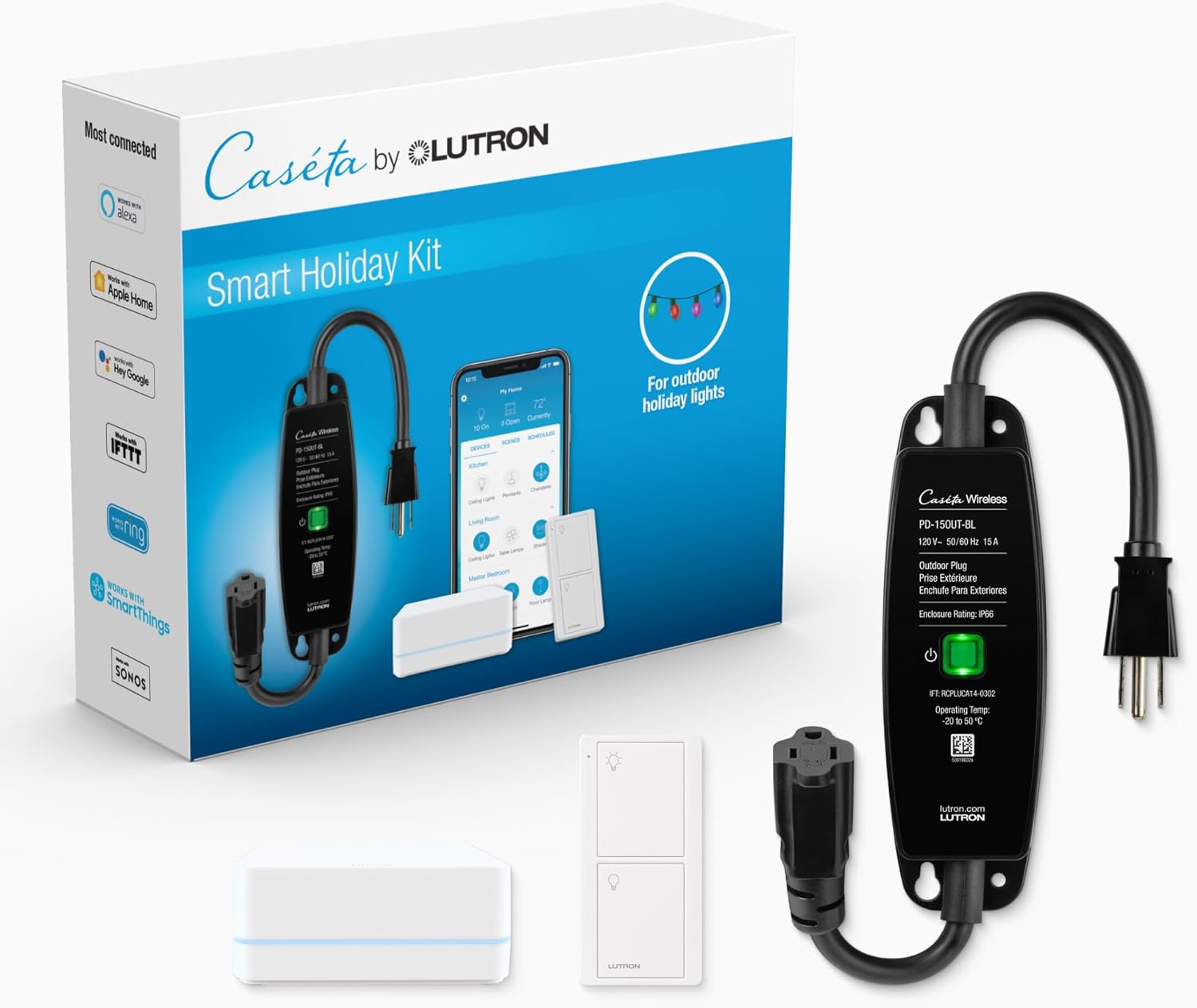
How Do I Set Up the Lutron Caseta Outdoor Plug?
- Not paired to the Smart Bridge
- Out of RF range at the outdoor location
- Outdoor outlet/GFCI not powered
Problem Description
You are setting up the Lutron Caseta outdoor smart plug for controlling outdoor lights or devices. The plug is weather-resistant and installs in a covered outdoor location. It connects to your Caseta Smart Bridge using Clear Connect RF (not WiFi). This guide covers installation location, pairing with the Smart Bridge, and scheduling.
Why This Happens in Real Homes
The Caseta Outdoor Smart Plug (PD-15OUT) is a weather-resistant on/off plug for outdoor lights and decor — note it switches, it doesn't dim. It talks to the Smart Bridge over Clear Connect RF, so range from the Bridge to the outdoor location is the main practical limit.
Start by pairing it to the Smart Bridge and confirming it's within RF range outdoors (a wall between the Bridge and the yard cuts range), and that the outdoor outlet is live (reset a tripped GFCI). Keep the weatherproof covers closed and stay within its load rating; it's built for outdoor on/off control, not dimming.
Symptoms
- Outdoor plug will not respond
- Will not pair
- No power to the light
- Weather-seal question
- Will not turn on/off
- Out of range
- On/off only (no dimming)
- Setup unclear
Recognize these? Here's what usually causes it.
Common Causes
- Not paired to the Smart Bridge
- Out of RF range at the outdoor location
- Outdoor outlet/GFCI not powered
- Expecting dimming (it's on/off only)
- Weatherproofing not closed
- Load exceeds the plug's rating
- Firmware issue
- Tripped GFCI
Most fixes happen in the first 3 steps.
Never exceed the smart plug maximum wattage rating listed on the device or packaging. Do not use smart plugs with space heaters, high-wattage appliances, or devices that must not be interrupted like medical equipment. Smart plugs are not designed for outdoor use unless specifically rated for it.
Step-by-Step Solution
Install the Caseta outdoor smart plug
The Lutron Caseta Outdoor Smart Plug (PD-15OUT) is a weather-resistant plug that connects to the Caseta Smart Bridge. It plugs into a standard outdoor GFCI outlet and provides one switched outlet. The plug is rated for outdoor use but should be installed under a weatherproof in-use cover for maximum protection. It handles resistive loads up to 15A (1800W) — suitable for landscape lighting, fountain pumps, and holiday decorations.
Pair with the Caseta Smart Bridge
In the Lutron app, tap + > Add Device > Outdoor Plug. Press the pairing button on the plug (small button on the side). The plug communicates via Clear Connect RF (not WiFi) with the Smart Bridge — range is approximately 30 feet indoors and up to 60 feet outdoors. After pairing, the plug appears in the app with on/off control, scheduling, and integration with Pico remotes.
Set up landscape lighting schedules
In the Lutron app, create a schedule for the outdoor plug. Set it to turn on at sunset and off at a specific time (e.g., 11PM) or at sunrise. The app uses astronomical timing based on your location — sunset/sunrise times adjust automatically with the seasons. You can also set random variation (±15 minutes) to simulate a lived-in appearance when away from home.
Control with a Pico remote
Pair a Pico remote with the outdoor plug for physical control without opening the app. Mount the Pico inside the house near a door or window — press the button to toggle outdoor lights. The Pico communicates wirelessly with the Smart Bridge, which sends the command to the outdoor plug. This is convenient for quickly turning on patio lights when entertaining.
Integrate with Alexa, Google, or HomeKit
The Caseta Smart Bridge connects to Alexa, Google Home, and Apple HomeKit. After linking, control the outdoor plug with voice: 'Alexa, turn on the patio lights,' 'Hey Siri, turn off the garden fountain.' Include the plug in smart home scenes: a 'Good Night' scene can turn off outdoor lights along with indoor lights and lock the doors. HomeKit support is built into the Caseta Smart Bridge Pro; the standard bridge supports Alexa and Google.
Quick Solutions
Still having issues? This is usually the deeper cause below.
If this comes back after following these steps, check whether a recent app or firmware update reset a default setting — the fix works, but the setting gets reverted silently.
Use smart plugs with energy monitoring to track exactly how much electricity each appliance uses. Set up Away Mode schedules that randomly toggle lamps on and off to make your home look occupied when you are traveling. **Product Intelligence:** - Requires Caseta Smart Bridge - Clear Connect RF (not WiFi) - HomeKit/Alexa/Google compatible
Battery-related failures are almost always flagged too late — the device degrades silently for days before the app catches up to what's actually happening.
- Not paired to the Smart Bridge
- Out of RF range at the outdoor location
- Outdoor outlet/GFCI not powered
- Expecting dimming (it's on/off only)
- Weatherproofing not closed
Before you go — try one of these (they fix most cases).
Official Manufacturer Manual
Lutron provides official product documentation through their online manual rather than downloadable PDF. Access setup guides, troubleshooting steps, and product specifications for your Lutron Caseta Outdoor Plug.
Source: support.lutron.com
Need More Help? Lutron Support
Note: The contact information below connects you directly to Lutron's official customer support team, not Trunetto. They can help with warranty claims, device replacements, and advanced technical issues.
Accessories owners commonly pair with Lutron Caseta Outdoor Plug.

Lutron Caseta 3 Way Smart Dimmer Light Switch Kit, Includ...
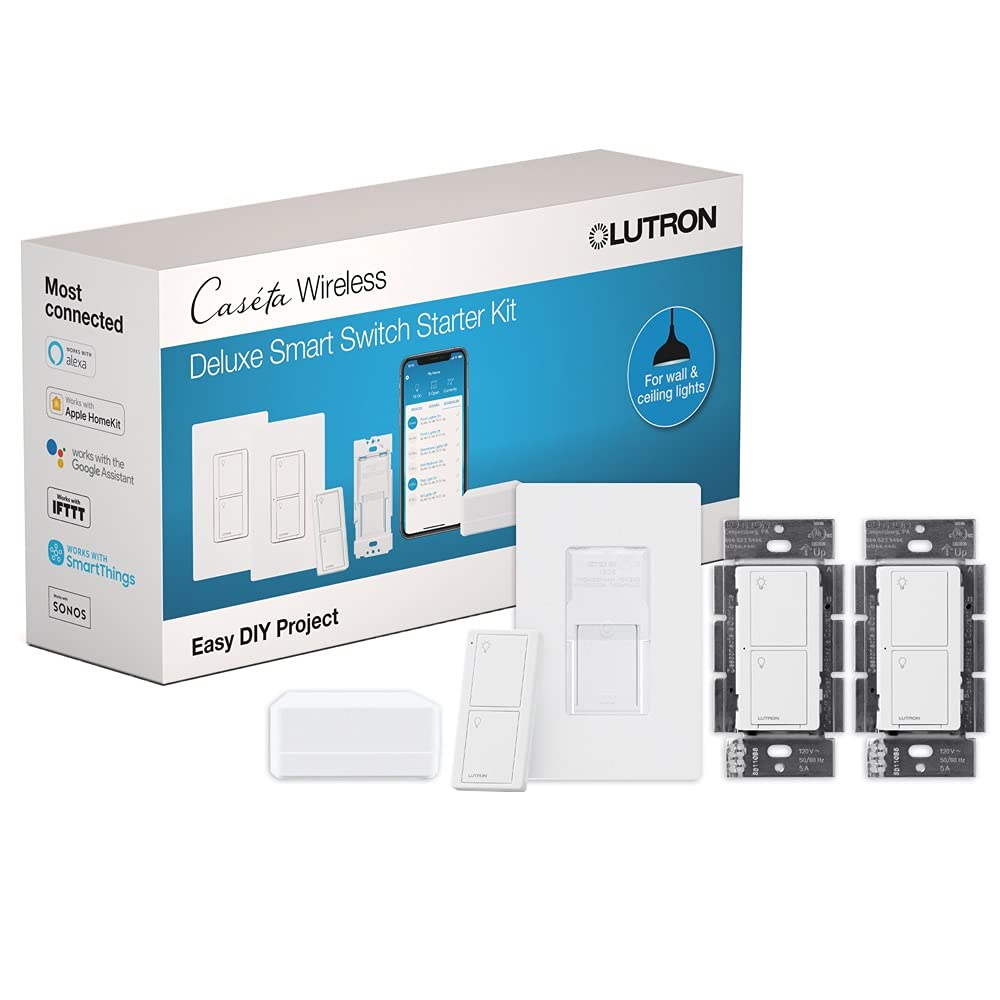
Lutron Caseta Deluxe Smart Light Switch Kit w/ Wall Plate...

Lutron Caseta Smart Light Switch 3-Way Kit, with Pico Rem...
As an Amazon Associate we earn from qualifying purchases.