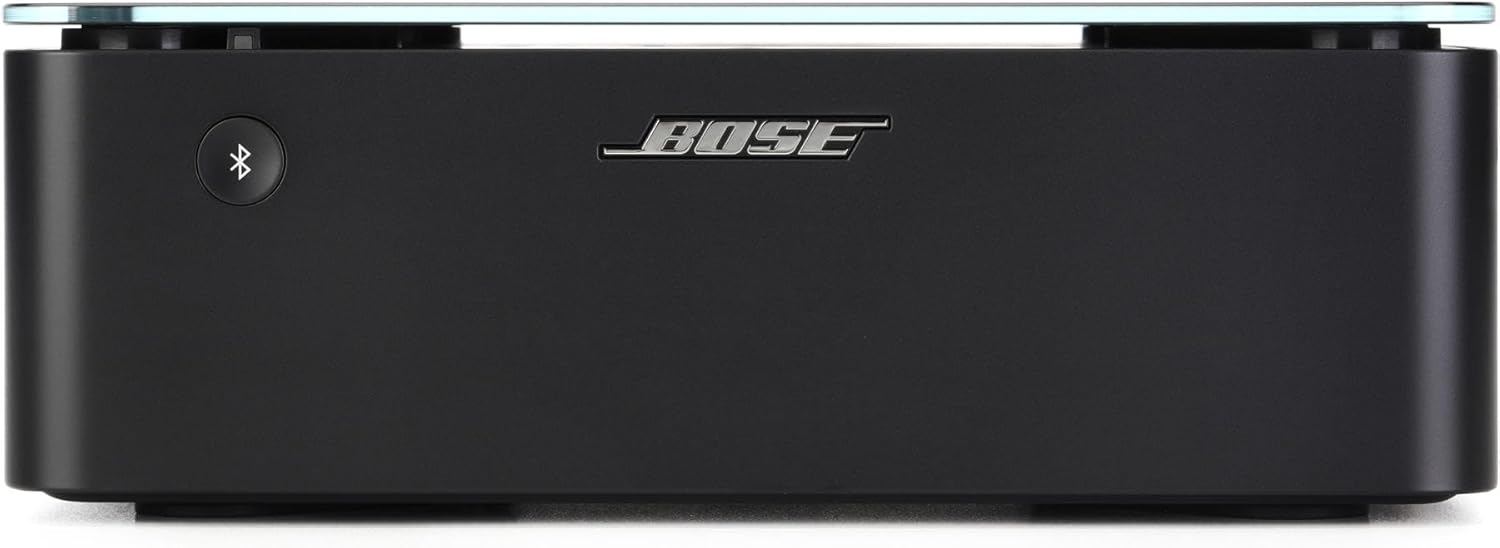
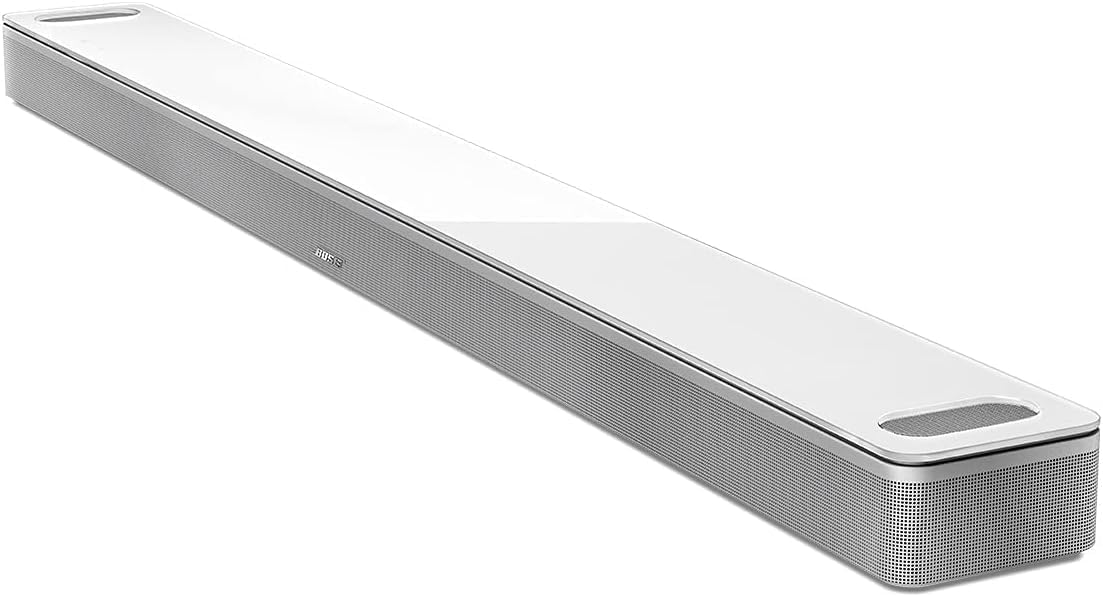
Why Won't My Bose Bass Module Connect?
- Bass module not paired via the app or connect button
- Module unpowered or not plugged in
- Placed beyond ~30 ft or without clear line of sight
Problem Description
Your Bose bass module (subwoofer) won't connect or pair with your Bose soundbar. The bass module communicates wirelessly with the soundbar and must be placed within 30 feet with a clear line of sight. Pairing is done through the Bose app or by using the connect button on the back of the bass module. This guide covers placement, pairing, and connection troubleshooting.
Why This Happens in Real Homes
The Bose bass module is a wireless subwoofer that connects to your soundbar over a wireless link, so it needs its own power (plug it into an outlet) but no audio cable to the soundbar. Pairing is done either through the Bose Music app's home-theater setup or with the connect button on the back of the module. The most common reasons it 'won't connect' are that the pairing step wasn't completed, or the module simply isn't powered - so confirm it's plugged in and on, then pair it in the app.
Placement is the other key factor, because the connection is wireless. Bose specifies keeping the bass module within about 30 feet of the soundbar with a clear line of sight; pushing it into a closed cabinet, behind a lot of furniture, or across the room with walls between it and the soundbar causes dropouts or a failed pairing. Clear the wireless path and reduce nearby 2.4GHz interference. If the module connects but you're not hearing much bass, raise the bass level in the app rather than assuming it's disconnected. Keep the soundbar firmware current, and make sure the bass module is a Bose model compatible with your specific soundbar.
Symptoms
- Bass module won't pair with the soundbar
- No bass / subwoofer silent
- Bass module drops out intermittently
- Not detected in the Bose Music app
- Bass module LED not indicating a connection
- Bass too low even when connected
- Connection lost after moving the module
- Module connects then disconnects
Recognize these? Here's what usually causes it.
Common Causes
- Bass module not paired via the app or connect button
- Module unpowered or not plugged in
- Placed beyond ~30 ft or without clear line of sight
- Obstructions/interference in the wireless path
- Bass level set too low in the app
- Soundbar firmware out of date
- Incompatible bass module for the soundbar
- Wireless congestion from other 2.4GHz devices
Most fixes happen in the first 3 steps.
Smart speakers are always listening for the wake word when unmuted. Review and delete your voice history regularly in the app privacy settings. Never place the speaker in bathrooms or near water sources as moisture can permanently damage internal components.
Tools & Requirements
Step-by-Step Solution
Place the bass module within range
Bose wireless bass modules (for the Soundbar 700, Soundbar 900, Soundbar 600, and Smart Soundbar 300) connect wirelessly using a proprietary signal, not Bluetooth or WiFi. Place the bass module within 30 feet of the soundbar with a clear line of sight. Avoid placing it behind furniture, inside cabinets, or behind thick walls. The bass module connects on a frequency similar to 5GHz WiFi, so thick concrete and metal surfaces block the signal more than drywall.
Pair the bass module through the Bose app
Open the Bose Music app. Tap your soundbar in the My Products list. Go to Settings > Accessories > Bass Module > Add. Unplug the bass module from power, wait 5 seconds, plug it back in. The bass module enters pairing mode (the LED on the front blinks). The app searches for the bass module and connects it. Pairing takes 30-60 seconds. Once connected, the app shows the bass module as Connected.
Adjust bass level after connection
After pairing, the bass module produces low frequencies that complement the soundbar. In the Bose Music app, go to your soundbar settings and adjust the Bass level (typically a slider from -10 to +10). For movies, +2 to +4 adds impact to explosions and music scores. For late-night viewing, keep bass at 0 or lower to avoid disturbing neighbors. You can also adjust bass directly on the Soundbar 700/900 using the touch controls — swipe to change bass level.
Fix bass module not connecting
If the app does not find the bass module: unplug the bass module, hold down the pairing button (if present) or just replug it, and try again. If it paired before and disconnected, check both the soundbar and bass module for firmware updates in the Bose Music app — a firmware mismatch can break the wireless link. Also try power cycling the soundbar (unplug for 30 seconds). If the bass module LED blinks continuously without ever going solid, the wireless radio may have failed — contact Bose support.
Fix bass module audio cutting out intermittently
Intermittent dropouts usually indicate wireless interference. Common sources: the soundbar or bass module is very close to a WiFi router (move them at least 3 feet apart), a microwave oven operates on the same frequency, or multiple wireless devices compete for spectrum in the same area. Try moving the bass module to a different position — even 2-3 feet can make a difference. If dropouts persist, the bass module may need a factory reset: unplug it, hold the pairing button for 10 seconds while plugging it back in, then re-pair through the Bose app.
Quick Solutions
Still having issues? This is usually the deeper cause below.
If this comes back after following these steps, check whether a recent app or firmware update reset a default setting — the fix works, but the setting gets reverted silently.
Place your speaker in a central location at ear height for best voice pickup. Avoid corners and bookshelves which muffle the microphones. If you have multiple speakers, set up multi-room audio groups so music plays in sync across rooms.
Battery-related failures are almost always flagged too late — the device degrades silently for days before the app catches up to what's actually happening.
- Bass module not paired via the app or connect
- Module unpowered or not plugged in
- Placed beyond ~30 ft or without clear line of
- Obstructions/interference in the wireless path
- Bass level set too low in the app
Before you go — try one of these (they fix most cases).
Most popular upgrades chosen by Bose Bass Module owners.

Bose Portable Smart Speaker — Wireless Bluetooth Speaker ...
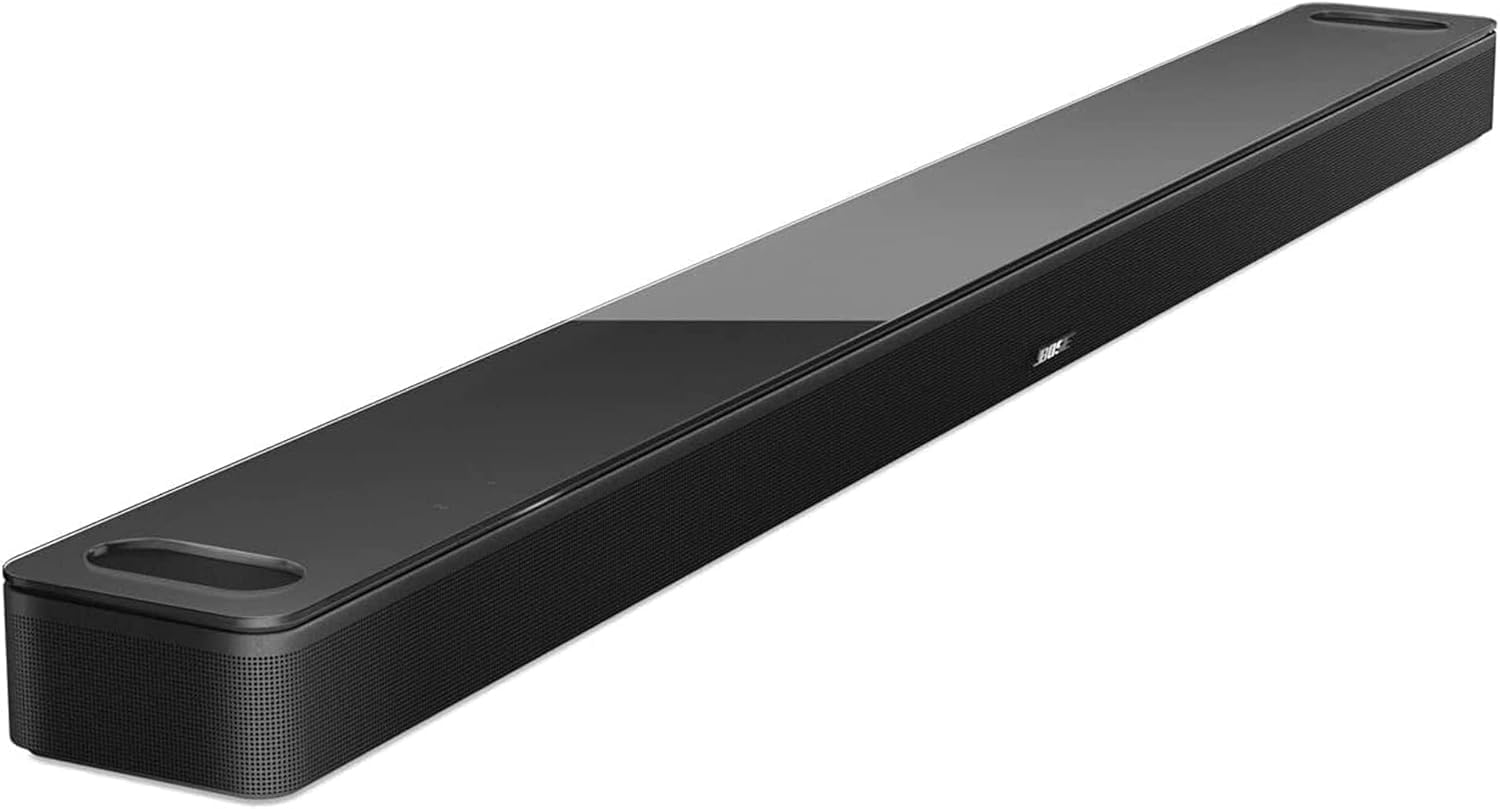
Bose Smart Soundbar 900 Dolby Atmos with Alexa Built-In, ...

Bose Portable Smart Speaker — Wireless Bluetooth Speaker ...
As an Amazon Associate we earn from qualifying purchases.
Official Manufacturer Manual
Bose provides official product documentation through their online manual rather than downloadable PDF. Access setup guides, troubleshooting steps, and product specifications for your Bose Bass Module.
Source: support.bose.com
Need More Help? Bose Support
Note: The contact information below connects you directly to Bose's official customer support team, not Trunetto. They can help with warranty claims, device replacements, and advanced technical issues.