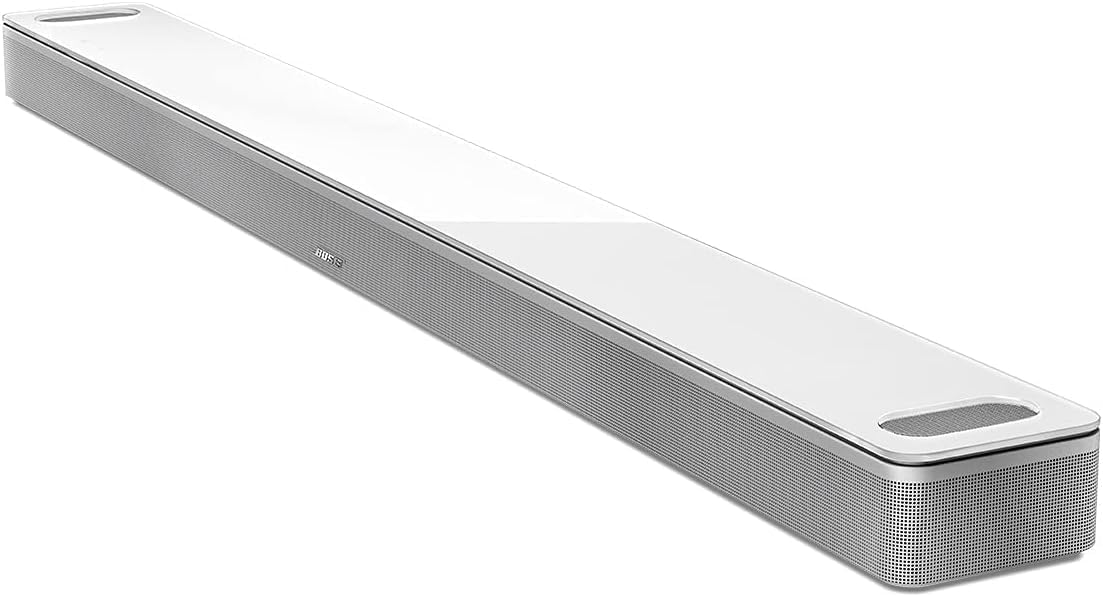
Why Is Dialogue Unclear on My Bose Smart Soundbar?
- Dialogue Mode not enabled
- Dialogue level set too low
- EQ/bass too high, masking speech
Problem Description
Dialogue is hard to hear on your Bose Smart Soundbar while music and sound effects are too loud. Bose soundbars have a Dialogue Mode that boosts the center channel frequencies where human speech sits. This guide covers enabling Dialogue Mode in the Bose Music app and adjusting EQ settings for clearer voices.
Why This Happens in Real Homes
Muddy dialogue - where you can hear the music and explosions fine but not what people are saying - is one of the most common soundbar complaints, and Bose soundbars have a built-in fix for it: Dialogue Mode. It boosts the center-channel frequencies where human speech lives, lifting voices out of the mix without you having to crank the overall volume (which just makes the effects louder too). Enabling Dialogue Mode in the Bose Music app, and raising the dialogue level, resolves the large majority of 'can't hear the voices' cases.
A few settings and setup factors make it better or worse. Heavy bass or an aggressive EQ can mask speech, so dialing those back helps clarity. If you've added a bass module or surround speakers, levels set too high relative to the center bury the dialogue, so balance them. Running ADAPTiQ room calibration matters too, because a soundbar tuned to your room reproduces the vocal range more accurately. And some content is simply mixed with quiet dialogue and loud effects - Dialogue Mode is exactly what that content needs. Keeping the TV's audio format set to something the soundbar handles cleanly, and the firmware current, rounds out the fixes.
Symptoms
- Dialogue hard to hear; music/effects too loud
- Have to keep turning volume up for speech
- Voices muddy in action scenes
- Dialogue better with Dialogue Mode off/on inconsistently
- Speech clearer on some content than others
- Center-channel speech buried
- Turning volume up makes effects too loud
- Dialogue unclear with surrounds/bass connected
Recognize these? Here's what usually causes it.
Common Causes
- Dialogue Mode not enabled
- Dialogue level set too low
- EQ/bass too high, masking speech
- Content mixed with quiet dialogue vs loud effects
- TV audio format not passing cleanly
- Room acoustics not calibrated (ADAPTiQ)
- Surround/bass levels overpowering the center
- Soundbar firmware out of date
Most fixes happen in the first 3 steps.
Smart speakers are always listening for the wake word when unmuted. Review and delete your voice history regularly in the app privacy settings. Never place the speaker in bathrooms or near water sources as moisture can permanently damage internal components.
Tools & Requirements
Step-by-Step Solution
Turn on Dialogue Mode
Open the Bose Music app, select your soundbar, and go to Settings > Dialogue Mode. Turn it on. This boosts the frequency range of human speech (1-4 kHz) so voices stand out from background music and sound effects. The improvement is immediately noticeable — try toggling Dialogue Mode on and off during a dialogue-heavy scene to hear the difference.
Check the HDMI or optical connection
A poor audio connection can cause thin, hollow, or unclear dialogue. If connected via HDMI: make sure the cable is firmly seated in the ARC/eARC port on both the TV and soundbar. Try a different HDMI cable — cheap or damaged cables can cause audio dropouts. If connected via optical: check that the optical cable is fully inserted (you should hear/feel a click). Optical cables can degrade if bent sharply — replace if the cable has kinks.
Disable TV speakers
If both the TV speakers and soundbar play simultaneously, the audio overlaps and creates an echo effect that makes dialogue hard to understand. On your TV, go to Sound settings and set Speaker Output to External Speaker or HDMI ARC. On Samsung TVs: Sound > Sound Output > Receiver. On LG: Sound > Sound Out > HDMI ARC. The TV internal speakers should be completely off — any overlap degrades clarity.
Adjust lip sync if dialogue sounds delayed
If the dialogue audio does not match the lip movements on screen, a sync delay makes speech harder to follow. In the Bose Music app, go to Settings > Audio > Audio Sync. Adjust the delay slider until the audio matches the video. Most TVs also have an audio delay setting — check TV Settings > Sound > Audio Delay. The delay is usually 0-200ms. Start at 0 and increase in 20ms increments until lips and audio sync.
Lower the volume of night mode or dynamic range compression
Some Bose soundbars have a Night Mode that compresses the dynamic range — loud sounds get quieter and quiet sounds (dialogue) get louder. If Night Mode is on and dialogue is still unclear, the compression may be too aggressive on your content. Try turning Night Mode off and using Dialogue Mode instead. Night Mode is designed for late-night viewing at low volumes — during normal viewing hours at normal volume, Dialogue Mode alone gives better clarity.
Quick Solutions
Still having issues? This is usually the deeper cause below.
If this comes back after following these steps, check whether a recent app or firmware update reset a default setting — the fix works, but the setting gets reverted silently.
Place your speaker in a central location at ear height for best voice pickup. Avoid corners and bookshelves which muffle the microphones. If you have multiple speakers, set up multi-room audio groups so music plays in sync across rooms.
This issue almost always looks more complex than it is — the majority of cases trace back to a single setting, a stale credential, or a default that shipped wrong.
- Dialogue Mode not enabled
- Dialogue level set too low
- EQ/bass too high, masking speech
- Content mixed with quiet dialogue vs loud effects
- TV audio format not passing cleanly
Before you go — try one of these (they fix most cases).
Most popular upgrades chosen by Bose Smart Soundbar 600 owners.

Bose Portable Smart Speaker — Wireless Bluetooth Speaker ...
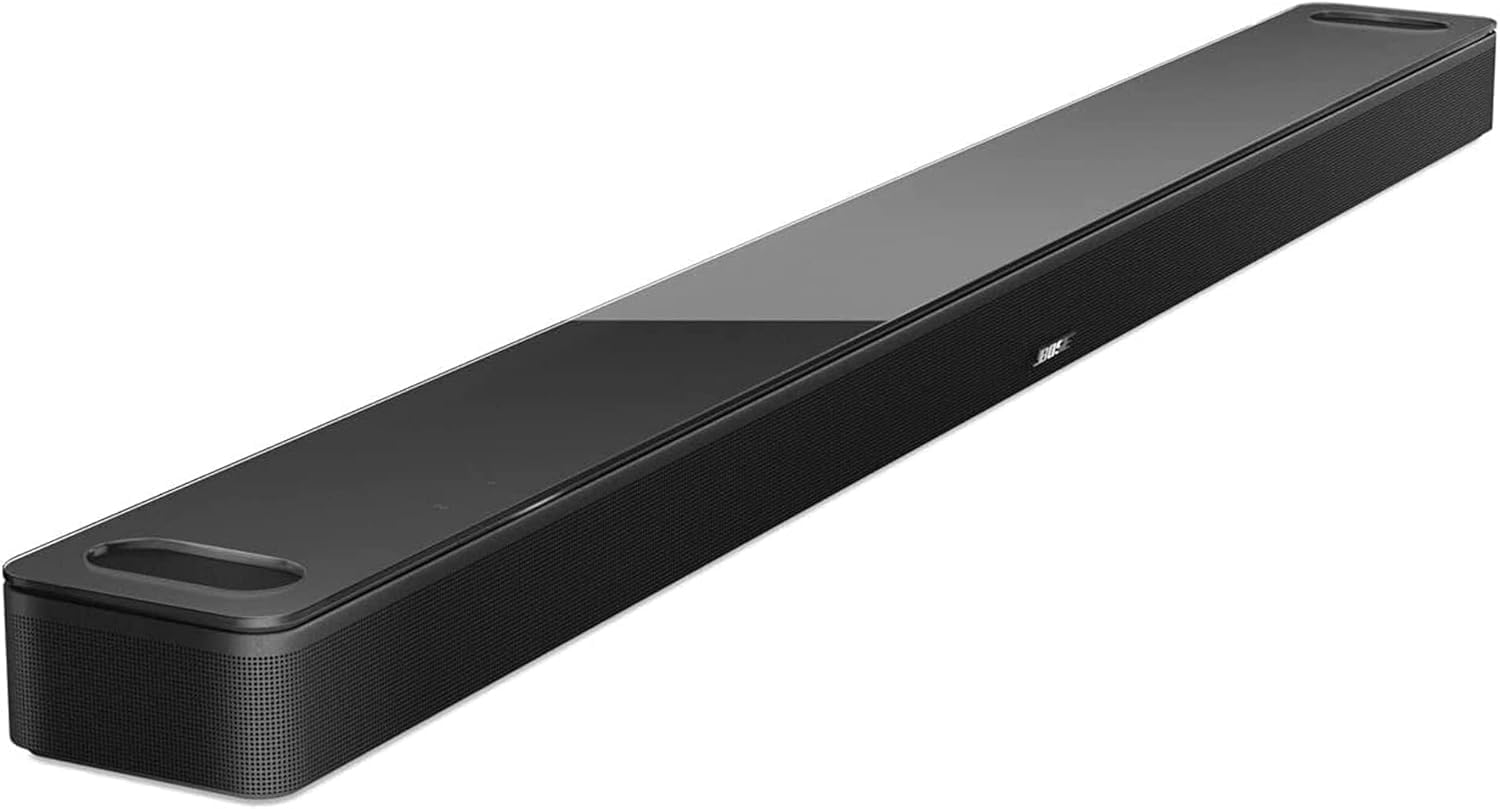
Bose Smart Soundbar 900 Dolby Atmos with Alexa Built-In, ...

Bose Portable Smart Speaker — Wireless Bluetooth Speaker ...
As an Amazon Associate we earn from qualifying purchases.
Official Manufacturer Manual
Bose provides official product documentation through their online manual rather than downloadable PDF. Access setup guides, troubleshooting steps, and product specifications for your Bose Smart Soundbar 600.
Source: support.bose.com
Need More Help? Bose Support
Note: The contact information below connects you directly to Bose's official customer support team, not Trunetto. They can help with warranty claims, device replacements, and advanced technical issues.