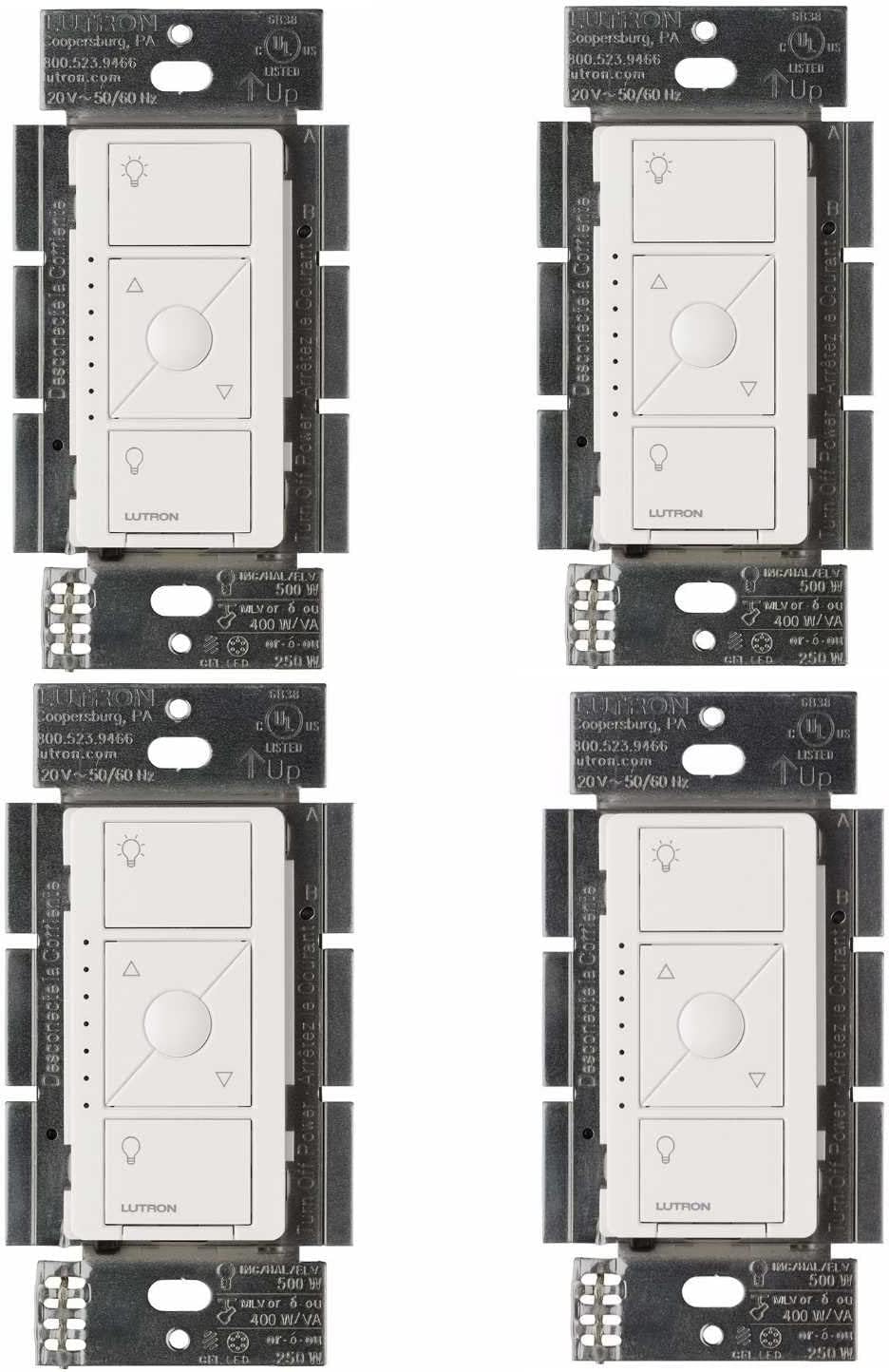
Why My Lutron Caseta Pico Remote Is Not Controlling Lights
- Battery low
- Remote unpaired
- Bridge offline
Problem Description
Pico remotes stop working when the battery is low or the remote loses pairing. This guide restores pairing and range.
Why This Happens in Real Homes
Pico remotes stop working when the battery is low or the remote loses pairing. This guide restores pairing and range. In day-to-day use, this usually looks like Remote buttons do nothing; LED flashes briefly; Dimmer works in app.
Most cases trace back to Battery low; Remote unpaired; Bridge offline. The fix works best when you go step by step instead of changing multiple settings at once.
A practical order for this issue is: Replace Battery -> Re-Pair -> Check Range -> Restart Bridge. After each step, test the exact behavior that was failing so you can confirm what actually solved it.
Symptoms
- Remote buttons do nothing
- LED flashes briefly
- Dimmer works in app
- Bridge online
- Remote moved rooms
- Battery old
Recognize these? Here's what usually causes it.
Common Causes
- Battery low
- Remote unpaired
- Bridge offline
- Dimmer out of range
- Button stuck
- Firmware outdated
Most fixes happen in the first 3 steps.
Avoid pairing inside metal enclosures or behind appliances.
Tools & Requirements
Step-by-Step Solution
Re-pair the Pico Remote to the Caseta Bridge
In the Lutron app, go to the room where the Pico remote is assigned. Tap the Pico remote device and check its status. If it shows as unresponsive, remove it from the app and re-pair. To pair, tap the plus icon in the Lutron app, select Pico Remote, and follow the prompts. Press any button on the Pico when the app asks to detect it. The Pico communicates via Lutron Clear Connect radio, not Zigbee or WiFi.
Replace the Pico Remote Battery
The Pico remote uses a CR2032 coin cell battery. Slide the battery cover off the back of the Pico (press the tab and slide). Replace with a fresh CR2032 battery with the positive (+) side facing up. A low battery causes intermittent or no response. Battery life is typically 5-10 years under normal use, but a defective battery can die early.
Check Light Assignment in Lutron App
The Pico remote must be assigned to control specific lights or scenes in the Lutron app. Go to the Pico device settings and verify which lights or devices are assigned to each button. If the assignment was accidentally removed or changed, the buttons will not control the expected lights. Reassign the lights to the correct Pico buttons.
Move the Caseta Bridge Closer
The Lutron Caseta bridge needs to be within radio range of both the Pico remote and the dimmer/switch it controls. If the bridge is in a closet or behind a TV, the signal may be too weak. Move the bridge to a more central location. The Caseta system uses a proprietary 434MHz radio that has good range through walls, but metal-framed walls and concrete floors significantly reduce it.
Factory Reset the Pico Remote
If the Pico still does not control lights after re-pairing and battery replacement, factory reset it. Press and hold the top button and the bottom button on the Pico simultaneously for 10 seconds until the LED on the Pico flashes. Then re-pair it in the Lutron app from scratch.
Quick Solutions
Still having issues? This is usually the deeper cause below.
If flickering only happens on dimming, the issue is almost always the dimmer's minimum-load setting, not the bulb — it's drawing less current than the dimmer expects.
Keep Pico remotes within 30 feet of the bridge for best response.
Battery-related failures are almost always flagged too late — the device degrades silently for days before the app catches up to what's actually happening.
- Battery low
- Remote unpaired
- Bridge offline
- Dimmer out of range
- Button stuck
Before you go — try one of these (they fix most cases).
Most popular upgrades chosen by Lutron Caseta Pico Remote owners.
As an Amazon Associate we earn from qualifying purchases.
Official Manufacturer Manual
Lutron provides official product documentation through their online manual rather than downloadable PDF. Access setup guides, troubleshooting steps, and product specifications for your Lutron Caseta Pico Remote.
Source: support.lutron.com
Need More Help? Lutron Support
Note: The contact information below connects you directly to Lutron's official customer support team, not Trunetto. They can help with warranty claims, device replacements, and advanced technical issues.
Accessories owners commonly pair with Lutron Caseta Pico Remote.

Lutron Caseta Smart Lighting Smart Hub Repeater, Expands ...

Lutron Pico Remote for Audio, Works with Sonos (Caseta Sm...

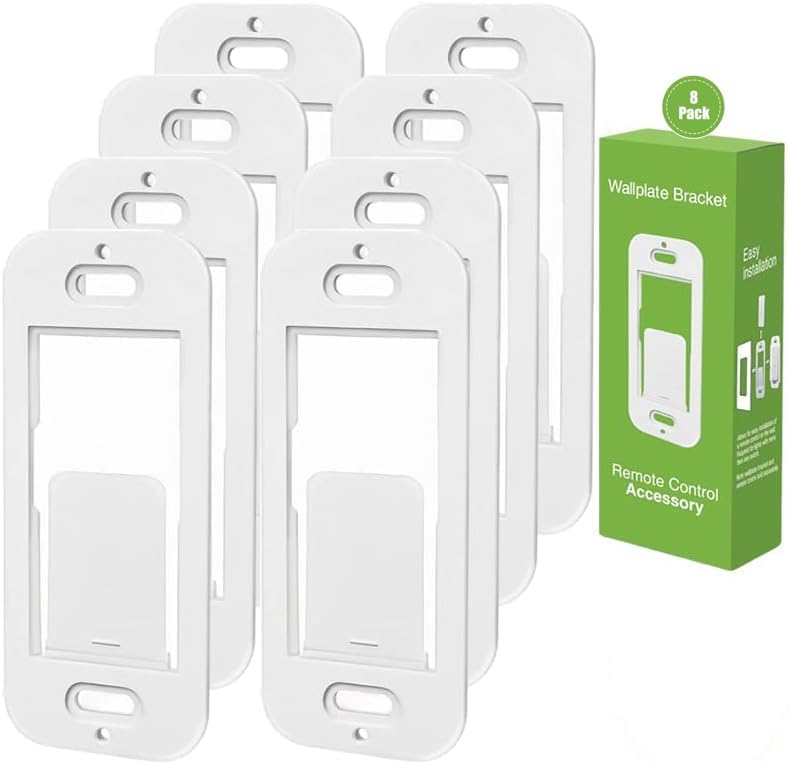
LXLO Remote Wallplate Bracket, Perfectly Compatible with ...
As an Amazon Associate we earn from qualifying purchases.