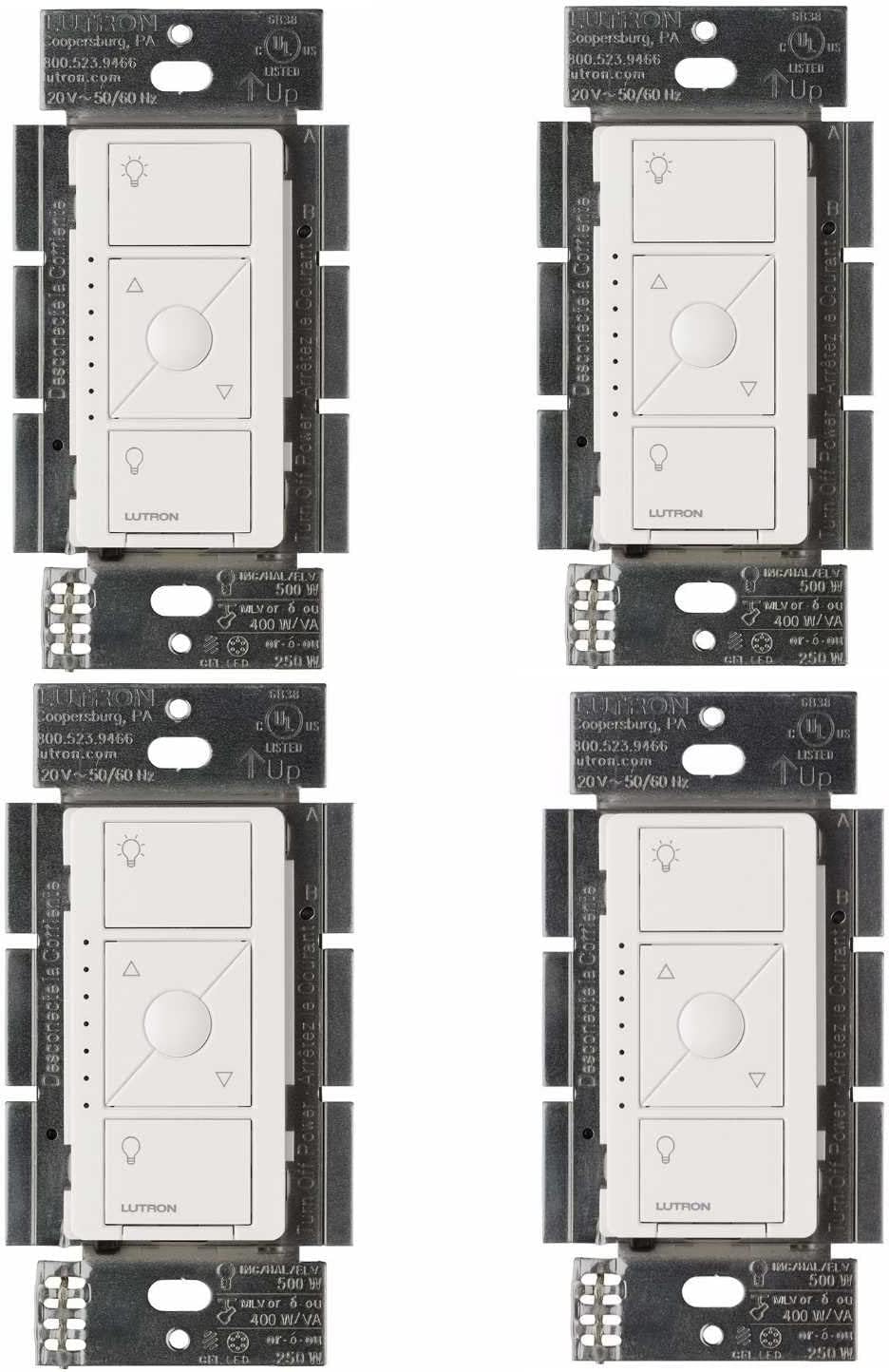
Why Does My Lutron Caseta Switch Have a Dim Glow When Lights Are Off
- LED bulb incompatible with Caseta dimmer
- No neutral wire causing current leak through bulb
- Bulb minimum load below dimmer threshold
Problem Description
LED lights connected to a Lutron Caseta dimmer glow faintly or flicker when the switch is turned fully off. The ghost light is visible in dark rooms and is more pronounced with certain LED bulb brands. This happens because the Caseta dimmer draws a tiny trickle current to power its wireless radio and status LED, and that current passes through the LED bulbs rather than returning via the neutral, causing a dim glow.
Why This Happens in Real Homes
"Ghosting" — LEDs faintly glowing when off — happens on no-neutral Caseta dimmers because a tiny leakage current passes through to power the dimmer, and some sensitive LEDs glow on it. It's a bulb/no-neutral interaction, not a fault.
Start by swapping to bulbs less prone to ghosting (Lutron's compatibility list flags this), and note that Lutron sells a small in-line accessory (the LUT-MLC load module) that absorbs the leakage so the bulbs stay fully off. Since standard Caseta dimmers work without a neutral, that trickle current is inherent; the load module or different bulbs cure the glow.
Symptoms
- Faint glow from LED bulbs when switch off
- Visible ghost light in dark rooms
- Some bulbs glow others do not
- Flickering at very low dim levels
- Glow worse with certain LED brands
- Light never fully turns off
Recognize these? Here's what usually causes it.
Common Causes
- LED bulb incompatible with Caseta dimmer
- No neutral wire causing current leak through bulb
- Bulb minimum load below dimmer threshold
- Electromagnetic interference in wiring
- Bulb driver design allowing trickle current
- Too few bulbs on circuit for dimmer minimum
Most fixes happen in the first 3 steps.
Turn off breaker before checking dimmer wiring. Even with switch off the hot wire in the box carries 120V.
Tools & Requirements
These tools will help you complete this fix.
As an Amazon Associate we earn from qualifying purchases.
Step-by-Step Solution
Install LUT-MLC Capacitor
The Lutron LUT-MLC plugs into any outlet on the same circuit as the dimmer. It provides minimum load to prevent trickle current through LEDs. Costs about 15 dollars. This fixes ghost glow in 90 percent of cases.
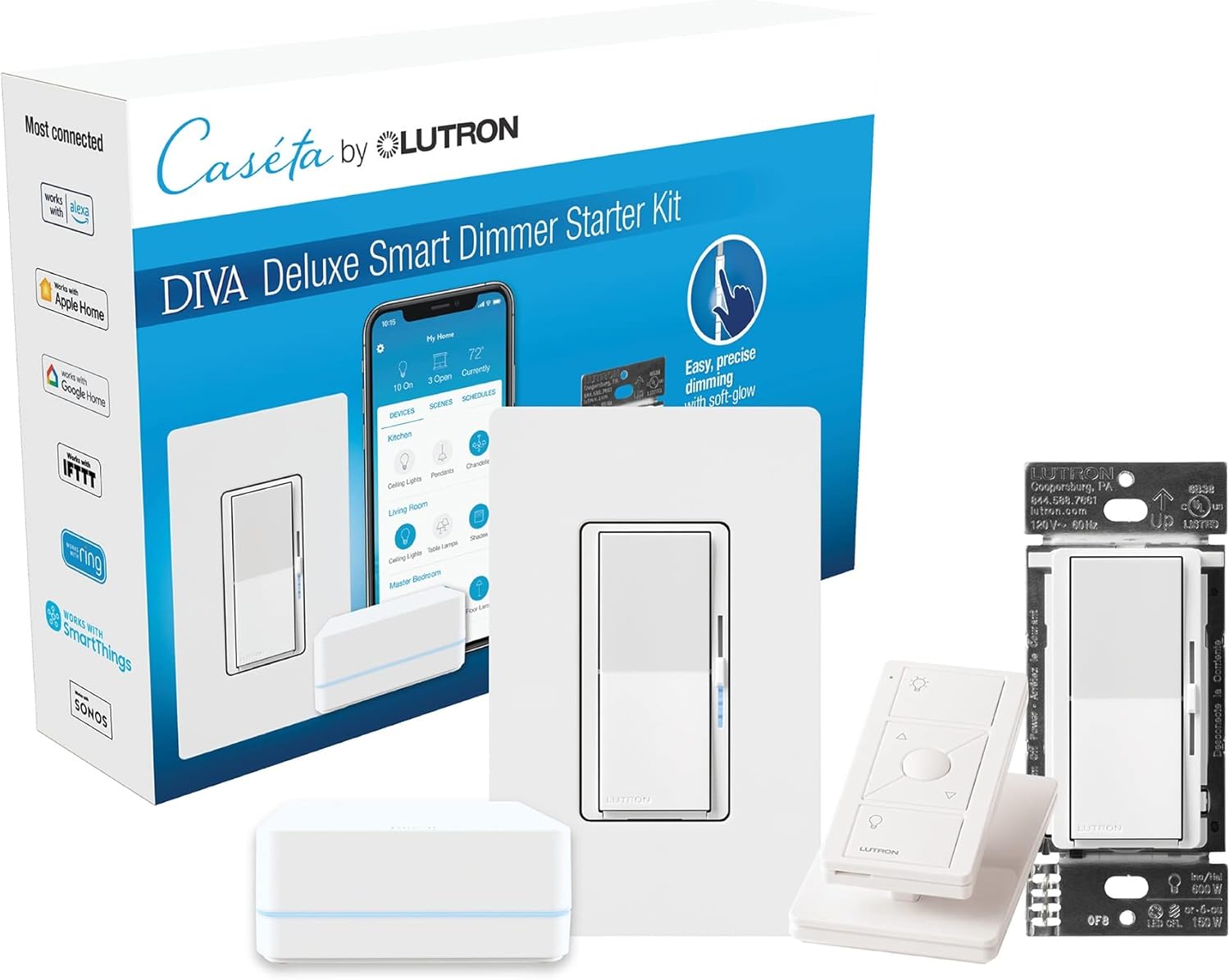
Needed for this step
Lutron Deluxe Diva Smart Dimmer Kit for Caseta ...
This helps complete the fix you are currently reading.
$199.15Check Bulb Compatibility
Visit lutron.com/bulblist and search your LED bulb model. Incompatible bulbs glow because their driver circuit allows small current. Switch to a bulb on the compatible list.
Add Load to Circuit
If only one or two LED bulbs on the circuit the total wattage may be below dimmer minimum. Add bulbs or mix one incandescent bulb which provides enough load to absorb trickle current.
Check Wiring
In boxes without neutral wire the dimmer returns current through the bulb causing glow. The LUT-MLC solves this. If you have neutral wire verify it is connected properly to the dimmer.
Try ELV Dimmer
For persistent issues the Caseta ELV dimmer PD-5NE handles LED loads better than the standard CL dimmer. ELV dimming cuts voltage cleaner preventing ghost glow.
Quick Solutions
Still having issues? This is usually the deeper cause below.
If flickering only happens on dimming, the issue is almost always the dimmer's minimum-load setting, not the bulb — it's drawing less current than the dimmer expects.
The LUT-MLC installs in seconds. Plug into closest outlet on same circuit as problem lights. No wiring needed. **Product Intelligence:** - Requires Caseta Smart Bridge - Clear Connect RF (not WiFi) - HomeKit/Alexa/Google compatible
This issue almost always looks more complex than it is — the majority of cases trace back to a single setting, a stale credential, or a default that shipped wrong.
- LED bulb incompatible with Caseta dimmer
- No neutral wire causing current leak through bulb
- Bulb minimum load below dimmer threshold
- Electromagnetic interference in wiring
- Bulb driver design allowing trickle current
Before you go — try one of these (they fix most cases).
Most popular upgrades chosen by Lutron Caseta Dimmer owners.

Lutron Diva Smart Dimmer Switch with Wallplate and Pico S...

Lutron Caseta Deluxe Smart Dimmer Switch Kit, Compatible ...

Lutron Caséta Motion Sensor, Occupancy/Multi-Location, wi...
As an Amazon Associate we earn from qualifying purchases.
Official Manufacturer Manual
If you need the complete manufacturer documentation for advanced setup, wiring diagrams, or detailed specifications, you can download the official manual below. The manual includes full technical instructions directly from the manufacturer and may help if your issue requires deeper troubleshooting.
Download the Official Lutron Caseta Dimmer ManualSource: lutron.com
Need More Help? Lutron Support
Note: The contact information below connects you directly to Lutron's official customer support team, not Trunetto. They can help with warranty claims, device replacements, and advanced technical issues.
Accessories owners commonly pair with Lutron Caseta Dimmer.

Lutron Caseta Smart Lighting Smart Hub Repeater, Expands ...

Lutron Pico Remote for Audio, Works with Sonos (Caseta Sm...

LXLO Remote Wallplate Bracket, Perfectly Compatible with ...
As an Amazon Associate we earn from qualifying purchases.