

What Does Roborock Error 3 Mean and How Do I Fix a Stuck Wheel?
- A wheel is tangled in a cable or rug fringe
- The robot is high-centered so a wheel hangs in the air
- Debris is jammed in a wheel
Problem Description
Your Roborock is showing Error 3, which means a wheel is stuck, tangled, or hanging in the air. The robot stops because it cannot drive normally, usually because a wheel is caught on a cord, rug fringe, or a threshold - a quick physical fix.
Why This Happens in Real Homes
Roborock Error 3 is a wheel fault: the robot cannot drive because a drive wheel is tangled, jammed, or suspended in the air. The usual culprits are a charging or lamp cord wrapped around the wheel, rug fringe caught in the axle, or the robot high-centered on a threshold so a wheel hangs off the floor. Flip it over, clear anything wound around the wheel, confirm each wheel springs down and spins freely, and set the robot on open flat floor before restarting. No-go zones around thresholds and tidy cords stop it recurring; only a wheel that is clean but still errors points to a motor or sensor fault for support.
Symptoms
- The robot announces Error 3
- It stops and will not drive
- One wheel is not turning
- It is high-centered on a threshold or rug
- It reports being picked up or suspended
- It spins or goes in circles
- A cord is wrapped around a wheel
- It gets stuck in the same spot repeatedly
Recognize these? Here's what usually causes it.
Common Causes
- A wheel is tangled in a cable or rug fringe
- The robot is high-centered so a wheel hangs in the air
- Debris is jammed in a wheel
- A thick rug edge lifted a drive wheel
- A cord wrapped around the axle
- The wheel is not springing down to the floor
- The robot climbed onto an obstacle
- A wheel motor or sensor fault
Most fixes happen in the first 3 steps.
Routine physical fix, no safety risk. Power the robot off before untangling a wheel, and never force a jammed wheel - clear the debris instead.
Tools & Requirements
Step-by-Step Solution
Free the wheel of tangles
Turn the robot over and remove any cable, rug fringe, string, or debris wrapped around the affected drive wheel and its axle. A tangled wheel is the most common cause of Error 3.
Lift it off any high-center point
If the robot is stranded on a threshold, a thick rug edge, or an object so a wheel hangs in the air, lift it off and set it on flat floor. A suspended wheel reads as stuck.
Check the wheel moves freely
Press each drive wheel up into the body and let it go - it should spring back down and spin freely. If one is jammed, work the debris out until it moves smoothly.
Place it on open, flat floor
Set the robot in the middle of the room away from thresholds, cords, and rug edges before restarting, so it starts from a clean position.
Restart the robot
Power it off and on, or restart from the app, so it clears the Error 3 state and re-checks the wheels.
Block off problem areas
In the app, add no-go zones or virtual walls around thresholds, cord-heavy spots, or high rug edges where the robot repeatedly catches a wheel.
Tidy cords before each clean
Loose charging and lamp cords are the classic wheel-tangle culprit. Route them up off the floor before the robot runs.
Contact support if it persists
If the wheel is clean and springs freely but Error 3 keeps returning, a wheel motor or sensor may be faulty. Contact Roborock with your model name and the error number.
Quick Solutions
Still having issues? This is usually the deeper cause below.
If this comes back after following these steps, check whether a recent app or firmware update reset a default setting — the fix works, but the setting gets reverted silently.
Do you work with smart-home systems?
Create a Trunetto business profile, list the brands and services you support, and make it easier for customers to find your business.
List Your BusinessError 3 is a wheel problem, not a mapping bug - check for a cord or rug fringe wrapped around the drive wheel first, then make sure the robot is not high-centered on a threshold with a wheel hanging in the air.
This issue almost always looks more complex than it is — the majority of cases trace back to a single setting, a stale credential, or a default that shipped wrong.
- A wheel is tangled in a cable or rug
- The robot is high-centered so a wheel hangs in
- Debris is jammed in a wheel
- A thick rug edge lifted a drive wheel
- A cord wrapped around the axle
Before you go — try one of these (they fix most cases).
Official Manufacturer Manual
Roborock provides official product documentation through their online manual rather than downloadable PDF. Access setup guides, troubleshooting steps, and product specifications for your Roborock Robot Vacuum.
Source: support.roborock.com
Need More Help? Roborock Support
Note: The contact information below connects you directly to Roborock's official customer support team, not Trunetto. They can help with warranty claims, device replacements, and advanced technical issues.
How Does Roborock Compare?
Before replacing your Roborock device, see how it stacks up against alternatives in our full comparison guides.
Compatible accessories that support the setup in this guide, not random checkout recommendations.

roborock 4 Pack Microfiber Mop Cloths for QV 35A/QV 35S/Q...
Useful add-on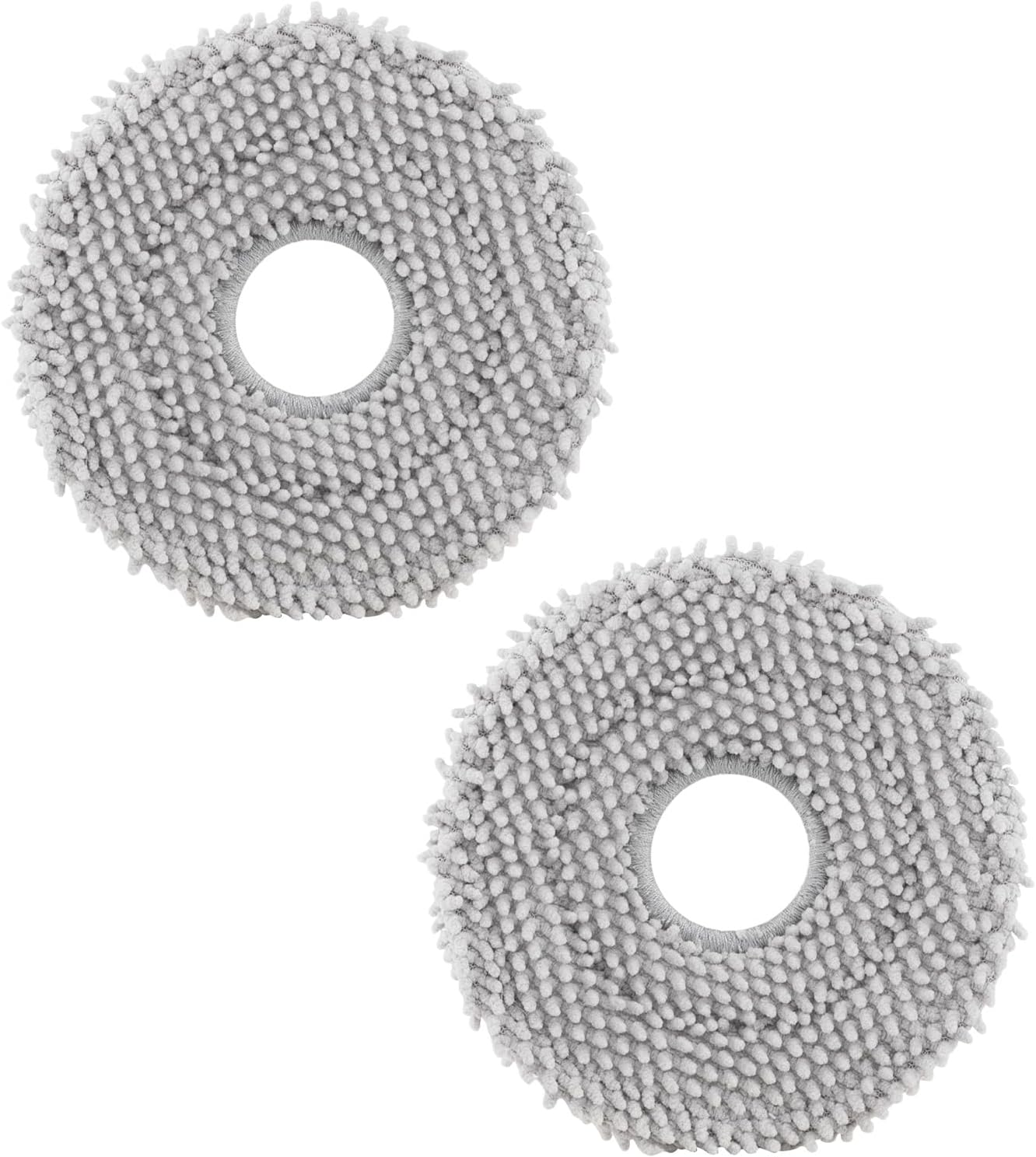
roborock 4 Pack Microfiber Mop Cloths for Q Revo, Qrevo M...
Useful add-onAs an Amazon Associate we earn from qualifying purchases.


