

What Does Roborock Error 6 Mean and How Do I Fix a Tangled Side Brush?
- Hair or string is wound around the side brush
- Debris packed under the side brush base
- The retaining post or bearing is clogged
Problem Description
Your Roborock is reporting Error 6, which means the side brush is tangled or jammed. The little spinning brush cannot turn freely, so the robot stops - almost always because hair or string is wound around it, which is a quick cleaning fix.
Why This Happens in Real Homes
Roborock Error 6 points at the side brush - the small spinning arm at the front corner of the underside. When hair or string winds around its base and post, the brush cannot turn and the robot stops. The fix is quick: pop the brush off (it pulls off the post or comes free with one small screw), cut away the wound hair, and clean the shaft underneath so it spins freely. Splayed or heat-bent brush arms can also drag, so reshape or replace a deformed brush. Regular cleaning and no-go zones around tasseled rugs keep it from recurring.
Symptoms
- The robot announces Error 6
- The side brush is not spinning
- The robot stops shortly after starting
- Hair is visibly wrapped around the side brush
- The side brush spins slowly or jerks
- It errors more in rooms with long hair or rugs
- The brush arm is bent or splayed
- The error returns after a clean
Recognize these? Here's what usually causes it.
Common Causes
- Hair or string is wound around the side brush
- Debris packed under the side brush base
- The retaining post or bearing is clogged
- A splayed or bent brush arm dragging
- The brush is not clipped on correctly
- Carpet fringe caught in the brush
- Dust jamming the brush motor shaft
- A worn side brush
Most fixes happen in the first 3 steps.
Routine cleaning, no safety risk. Power the robot off before removing the brush, and use scissors carefully when cutting away tightly-wound hair.
Tools & Requirements
These are for the steps in this guide, prioritized by fit, rating, availability, and current value.
As an Amazon Associate we earn from qualifying purchases.
Step-by-Step Solution
Locate the side brush
Turn the robot over. The side brush is the small three- or five-armed spinning brush at the front corner of the underside (front-right on most models). This is the part Error 6 is about.
Remove the side brush
Most side brushes pull straight off the post, or are held by a single small screw. Unclip or unscrew it and lift it off so you can see the post underneath.
Cut away wound hair
Hair and string wind tightly around the base of the brush and the post beneath it. Use scissors to cut through the wrap and pull it all off - this is the cause of Error 6 the large majority of the time.

Needed for this step
Miller KS-1 Yellow Fiber Optic Kevlar Scissors,...
This helps complete the fix you are currently reading.
$23.37Clean the post and shaft
Wipe the post the brush sits on and clear any dust or debris packed around the shaft, so the brush can spin freely without drag.
Still stuck? Ask Trunetto about this exact issue.
Check the brush arms
If the brush arms are splayed out or bent from heat, they drag and can trip the error. Soak them briefly in warm water to reshape, or replace the brush if it stays deformed.
Reseat the brush
Press or screw the side brush firmly back onto its post until it is secure and spins freely by hand. A loose brush wobbles and jams.
Restart the robot
Power the robot off and on, or restart from the app, so it clears the Error 6 state and re-tests the side brush.
Prevent it recurring
Long hair and rug fringe are the usual culprits. Clean the side brush regularly, and use no-go zones around tasseled rugs where it keeps tangling.
Quick Solutions
Still having issues? This is usually the deeper cause below.
If this comes back after following these steps, check whether a recent app or firmware update reset a default setting — the fix works, but the setting gets reverted silently.
Do you work with smart-home systems?
Create a Trunetto business profile, list the brands and services you support, and make it easier for customers to find your business.
List Your BusinessError 6 is nearly always hair wound around the side brush and its post - pop the brush off the front corner of the underside, cut the wrap away, and clear the shaft so it spins freely again.
This issue almost always looks more complex than it is — the majority of cases trace back to a single setting, a stale credential, or a default that shipped wrong.
- Hair or string is wound around the side brush
- Debris packed under the side brush base
- The retaining post or bearing is clogged
- A splayed or bent brush arm dragging
- The brush is not clipped on correctly
Before you go — try one of these (they fix most cases).
Official Manufacturer Manual
Roborock provides official product documentation through their online manual rather than downloadable PDF. Access setup guides, troubleshooting steps, and product specifications for your Roborock Robot Vacuum.
Source: support.roborock.com
Need More Help? Roborock Support
Note: The contact information below connects you directly to Roborock's official customer support team, not Trunetto. They can help with warranty claims, device replacements, and advanced technical issues.
How Does Roborock Compare?
Before replacing your Roborock device, see how it stacks up against alternatives in our full comparison guides.
Compatible accessories that support the setup in this guide, not random checkout recommendations.

roborock 4 Pack Microfiber Mop Cloths for QV 35A/QV 35S/Q...
Useful add-on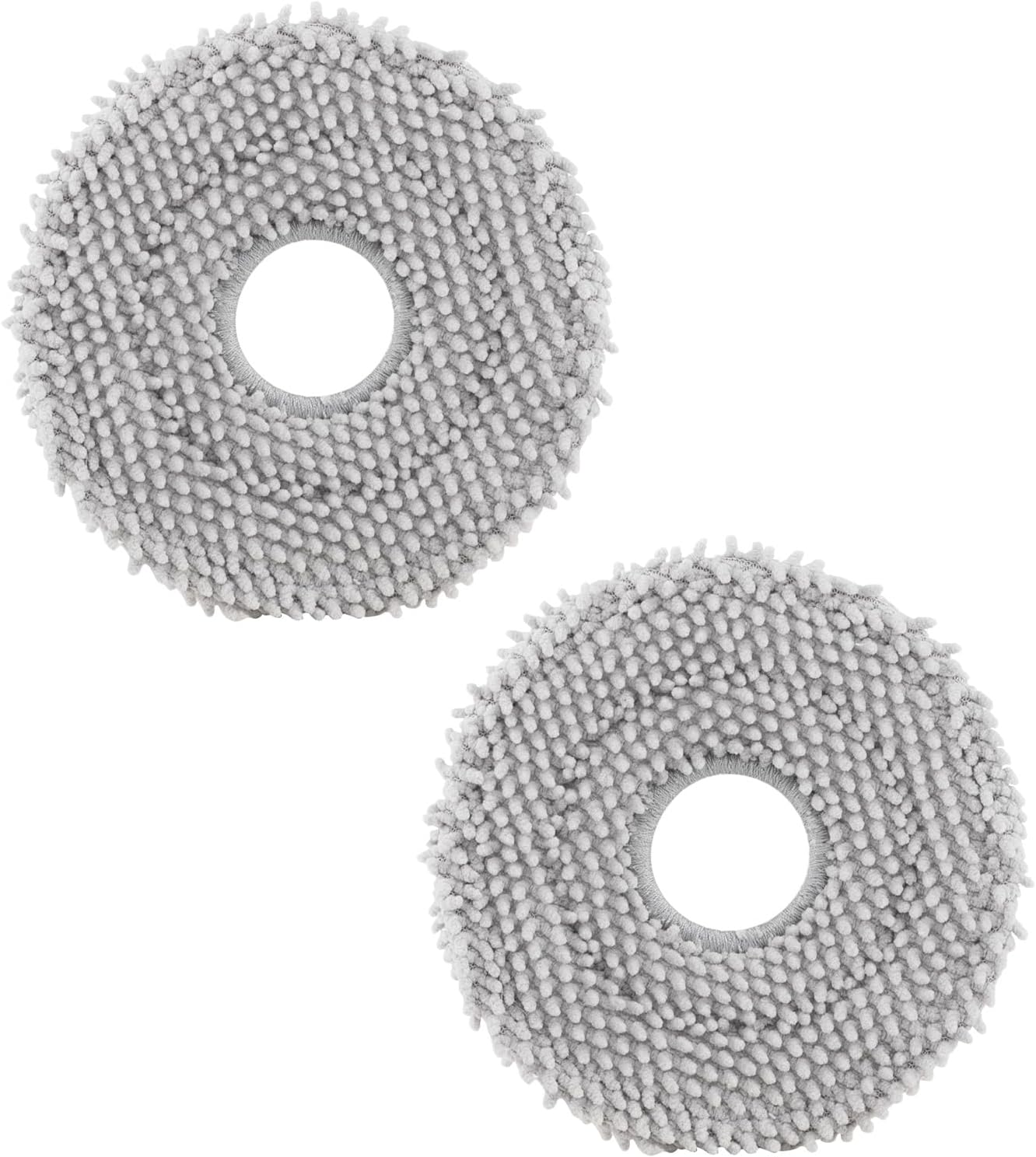
roborock 4 Pack Microfiber Mop Cloths for Q Revo, Qrevo M...
Useful add-onAs an Amazon Associate we earn from qualifying purchases.


